The Complete Guide to Live Streaming Your Church Service to Your Website (2026)
The full walkthrough for getting your Sunday service from the camera all the way onto your own church website, where the people at home actually look. Platform, gear, going live, and the last mile everyone gets stuck on.
If you run the live stream at your church, this guide gets you from the camera all the way to the moment your service is playing on your own website, where the members at home actually look for it.
Most churches solved "how do we go live" years ago. The camera points at the stage, the service streams to Facebook or YouTube, and that part mostly works. The problem is quieter and more frustrating: the people who can't make it into the building, the ones who aren't on Facebook and never will be, open the church website on Sunday morning and find nothing, or worse, last week's dead player. That last mile, from the platform to your own site, is where churches get stuck.
Here's the whole journey in order: pick a platform, get the gear you actually need (which is less than you think), go live, and then get that stream onto your website so it stays current on its own. This guide walks each step, points you to the deeper how-tos where you need them, and is honest about what you can skip.
Why your church website is where the people at home actually look
Nearly 30% of U.S. adults are not on Facebook, according to the Pew Research Center, and the share is higher among older adults, who are often the exact members most likely to watch a service from home. A stream that lives only on Facebook is invisible to them. Your website is the one place they already trust and know how to find. We keep the full set of sourced numbers, on who watches online and where, in our church live streaming statistics roundup.
Think about who your online congregation actually is. It's the member recovering from surgery, the young family with a sick kid, the snowbird three states away, the person who's curious about your church but not ready to walk in the door yet. When they think "I'll watch this week," their instinct is to type your church name into a browser, not to hunt through a social feed.
If the service isn't right there on the homepage, most of them give up. They won't create a Facebook account to find you, and they shouldn't have to. The website is the last mile of your live stream, and it's the mile most worth getting right. We'll cover reaching members who aren't on Facebook in more depth, but the short version is: meet people where they already look.
There's a second payoff too. A stream that lives on your website also becomes your sermon archive. The shut-in who missed Sunday can watch Monday, the visitor deciding whether to come this week can watch last week, and every one of those views happens on your site, under your name, next to your giving page and your service times, instead of inside a social feed that's busy pulling attention somewhere else.
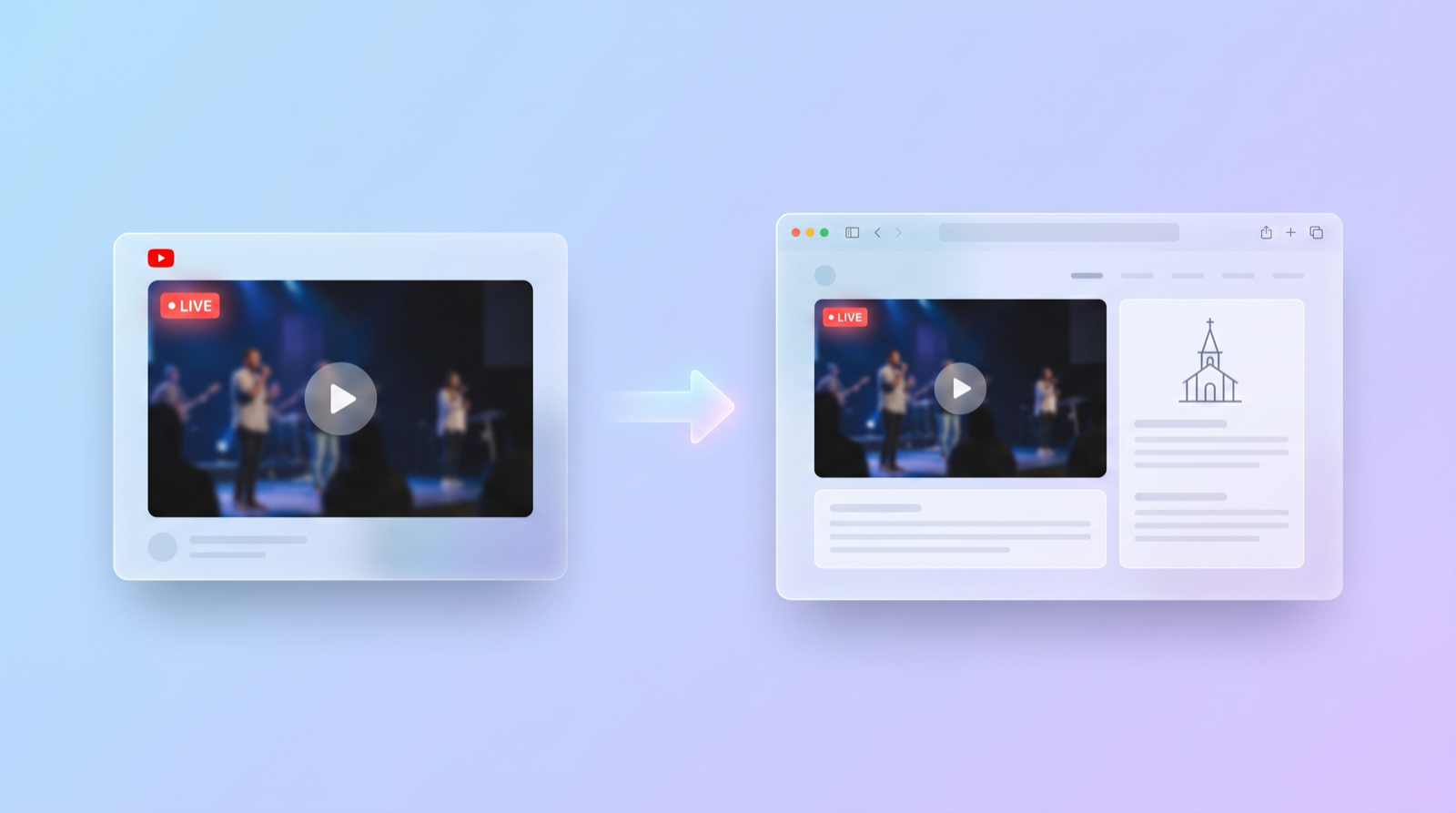
Facebook vs YouTube vs Vimeo vs Resi for a church service
For most churches, the honest answer is YouTube or Facebook, and both are free. YouTube wins for a permanent sermon archive and for embedding cleanly on your website. Facebook wins if your congregation already gathers there. Vimeo and Resi are paid platforms that add polish, reliability, and support, but you do not need them to start well.
The trap is thinking the platform choice is the big decision. It isn't. All four can get a good-looking service in front of people. What actually matters for a church is three things: is it free or affordable, is it reliable on a Sunday morning, and does it embed on your own site without a fight.
On those terms, YouTube is the safe default. It's free, it handles unlimited viewers, past streams become an instant video library, and it embeds anywhere. Facebook is a close second and genuinely better if most of your members are already scrolling there, since the stream can surface in their feed. Vimeo and Resi are worth it later if you want ad-free playback, dedicated support, or hardware-grade reliability for a large multi-site operation.
Whichever you pick, you are not locked in forever. For a full breakdown of the trade-offs for a church specifically, see the best platform for church streaming, and if budget is the deciding factor, how to live stream church services for free walks the zero-cost path end to end.
The camera, audio, and encoder you actually need at every budget
You do not need $2,000 of hardware to stream a Sunday service. A modern phone on a tripod and a clean audio feed will beat a fancy camera with bad sound every time. The single biggest quality jump for a church stream is not the picture, it's pulling audio straight from your sound board instead of the room.
Here's the honest hierarchy. At $0, a recent smartphone or a laptop webcam streams fine, especially if the room has decent light. In the low hundreds, a dedicated camera (or a decent webcam) plus a cable from your audio mixer to the streaming device transforms the result. Above that, you're buying convenience and reliability: a capture card, a switcher for multiple camera angles, a proper encoder.
The word "encoder" scares people off, so let's be plain about it. An encoder is just the thing that takes your camera and audio and sends it to the platform. On a phone, the platform's own app is the encoder and you don't think about it. On a computer, free software like OBS Studio does the job. You only need dedicated encoder hardware once you've outgrown software, which most single-location churches never do.
Spend on audio first, camera second, and everything else only when a real limitation forces it. For specific gear picks at each budget tier, we broke it all down in the church live streaming equipment guide.
Going live: the broadcast is the easy part
Going live is a solved, five-minute task. On a phone, you open the platform's app, hit "Go Live," give the stream a title, and start. On a computer, you point OBS (or similar) at your platform using a stream key the platform gives you, then click start. That's genuinely the whole broadcast step, and it's the part that already works at most churches.
Because this piece is easy and well documented, we won't belabor it. Set a consistent title format ("Sunday Service, [date]") so past streams are easy to find later. Start the broadcast five minutes early with a welcome slide so latecomers don't miss the opening. Do one test stream mid-week before you rely on it live.
The reason this section is short is the point of the whole guide: the broadcast is not where churches struggle. The struggle is everything after "you're live," when that video needs to show up somewhere your congregation can actually reach it. That's the next section, and it's the one worth your attention.
Putting the stream on your website without the weekly code swap
Getting the stream onto your website means embedding it: the video keeps broadcasting on YouTube or Facebook, and an embed code shows it inside a page on your own site. The catch that trips up churches is that a plain manual embed can break every week, because some platforms generate a new video and a new code for each broadcast. An auto-embed tool fixes that with one permanent code.
Picture the manual version, which is where most churches start. Every Sunday: go live, open the platform, find this week's new video, copy its embed code, log in to the website, replace last week's code, publish, and hope you did it before anyone showed up to a dead player. Every single week, usually during the busiest ten minutes of your morning. It works, but it's a chore that lands on one stressed volunteer.
This is the exact problem we built EmbedVidio to solve. You paste one embed code into your website once. It detects when you go live, usually within about 10 seconds, and shows the stream automatically. When the service ends, it switches back to your recent videos or a friendly "we're offline" message on its own. No weekly code swap, no dead players, nothing for a volunteer to remember. You could wire up something similar by hand with a platform's API. It just takes a lot more of your Sunday morning.
The offline state matters more than churches expect. Most of the week, nobody is live, so most visits to your live page happen when there's no service running. If that page shows a broken player or a "video unavailable" error six days out of seven, it quietly tells people the stream doesn't work. Showing recent services or a warm "we're offline, join us Sunday at 10" instead keeps the page useful every day, not just during the broadcast. Better still, count down to the next one: a service countdown on your website turns the quiet six days into a standing invitation.
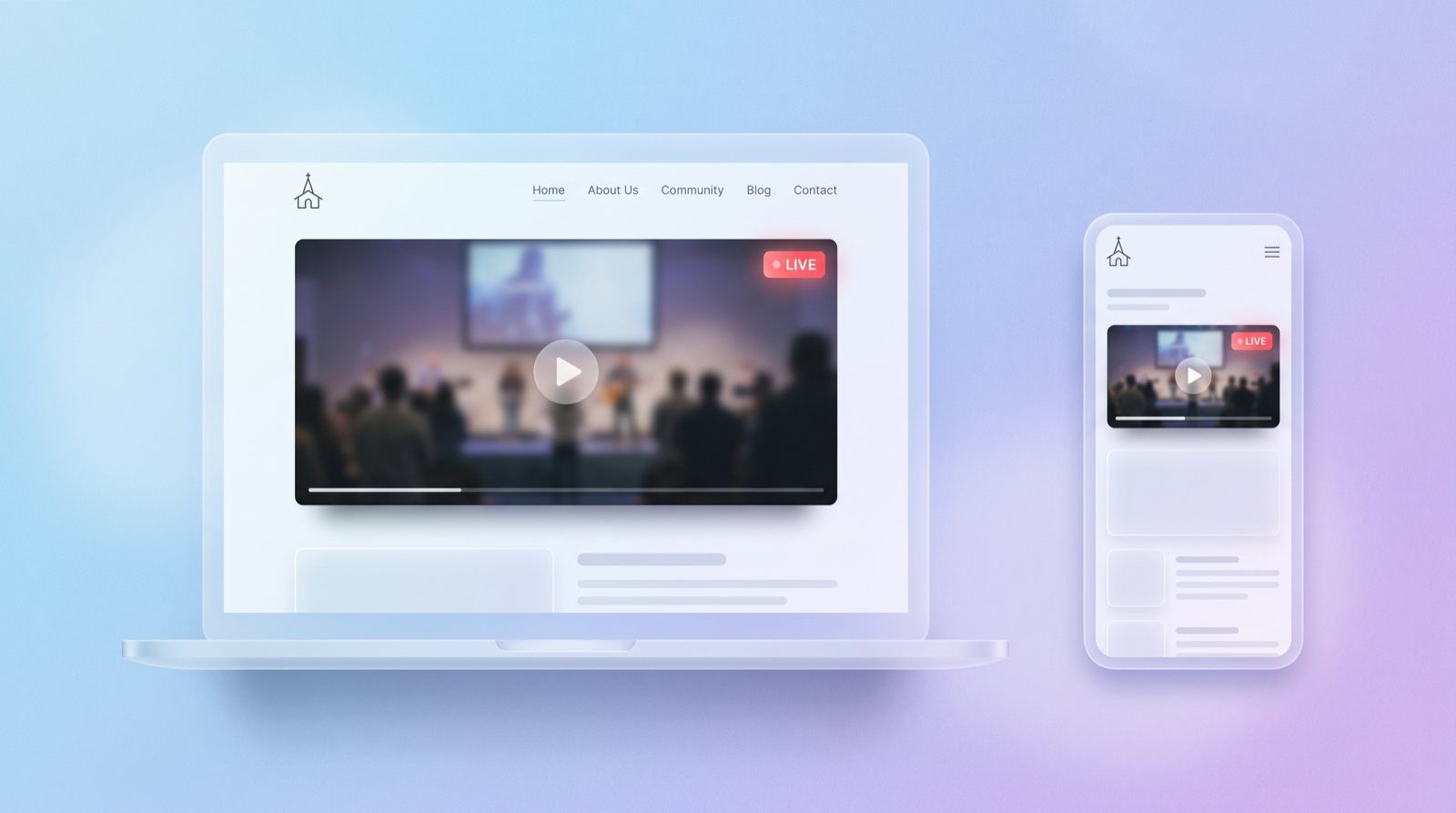
Pasting the code is builder-specific but genuinely simple. Your site has a spot for it, whether that's a Custom HTML block in WordPress, a Code block in Squarespace, or the Embed element in Wix. If you want the plain-English version of what embedding even means first, start with what it means to embed a live stream, then the full church setup walkthrough. Facebook-based streams have their own quirk worth reading: how to embed Facebook Live. And if you want the stream to look like part of your site rather than a bare video, the best church live stream widget covers the display side.
Getting more people to actually watch online
The stream being live is not the same as people knowing it's live. The single most effective habit is a simple weekly rhythm: the same service time, a link in the same place on your homepage, and a short reminder to your list before the service starts. Consistency beats any one clever tactic, because people watch out of routine, not surprise.
A few concrete moves that reliably help. Put the live section at the top of your homepage, not buried on a "Media" page nobody visits. Email or text the direct link an hour before you go live. Keep past services visible so a first-time visitor can watch last week right now instead of waiting. Ask a couple of regulars who watch from home to share the link once; a personal share travels further than a church post. And if you stream to YouTube, put YouTube's live chat beside the player so the people watching on your site aren't sitting in a silent room.
Here's the pattern that actually compounds. A church puts the live section at the top of the homepage, sends one text with the direct link at 9:30 for a 10:00 service, and keeps the last four weeks of services one click away. Nothing clever, just the same three moves every week. Within a couple of months the at-home number stops being random and starts looking like a real, repeat congregation, because people now know exactly where and when to find you.
None of this requires a marketing budget or a social strategy. It requires showing up in the same place at the same time so your online congregation can build the same habit your in-person one has. We'll go deeper on this in a dedicated post on getting more people to watch online, but the routine above is 80% of it.
What church live streaming really costs (and where the money goes)
A church live stream can cost $0 to start and rarely needs to top a few hundred dollars in one-time gear plus a small monthly software cost. The expensive-looking options (all-in-one hardware platforms like Resi or BoxCast) are built for large multi-site operations, not for a single church trying to reach its members at home.
Here's where the money actually goes. Platform: free on YouTube and Facebook. Gear: $0 with a phone, or a few hundred dollars once for a camera and a sound-board audio feed. Software to embed and auto-update the stream on your site: starting around $9 a month for a tool that handles the weekly switch for you. That's the realistic total for most churches, and most of it is a one-time purchase, not a recurring bill.
| Setup | One-time gear | Platform | Website embed | Realistic total |
|---|---|---|---|---|
| Starter (phone) | $0 | Free | ~$9/mo | Free to start |
| Solid (camera + board audio) | ~$300-600 once | Free | ~$9/mo | A few hundred, once |
| Large multi-site (hardware platform) | $1,000s | $100s/mo | included | Enterprise pricing |
The gap between the middle row and the bottom row is the whole point. A single church reaching its members at home lives comfortably in the first two rows.
The pricey encoder-and-platform bundles solve problems most churches don't have: guaranteed uplink reliability across many campuses, dedicated hardware, white-glove support. If you're one location streaming one service, you're paying for headroom you'll never use. For a full breakdown, including an honest look at when a paid platform is worth it, see how the DIY-plus-embed approach compares to Resi, and a dedicated costs post is on the way.
Streaming multiple services or campuses
Multi-site streaming is the same building blocks repeated, not a different system. Each campus or service is its own broadcast and its own embed on the relevant page. The only new decision is organizational: keeping each location's stream pointed at the right spot on the right page, without a volunteer at each site babysitting embed codes.
If your church runs two services, or three campuses, or a main service plus a midweek gathering, you don't need enterprise software to manage it. You need each stream to land reliably on its own page and update itself. An auto-embed setup handles this cleanly, because each page has its own permanent code tied to its own channel, and each updates on its own when that location goes live.
The failure mode to avoid is central-volunteer bottleneck: one person manually updating five embed codes across five pages every Sunday. That doesn't scale and it breaks the first time that person is on vacation. Set each location up to run itself. A deeper multi-site playbook is coming as its own post; the principle is to remove the human from the weekly loop.
Your church live stream readiness checklist
Use this as a pre-launch and weekly gut-check. Everything here is covered above; this is the shortlist to act on.
- Platform picked and tested. YouTube or Facebook for most churches. Run one test stream mid-week.
- Audio from the source. A cable from your sound board beats any room mic. Fix this first.
- Camera on a tripod. A phone is fine to start. Stable and well-lit beats fancy and shaky.
- A consistent home. One spot on your homepage where the stream always appears.
- The website embed set up once. Paste the code, and use an auto-embed tool so nobody swaps it weekly.
- An offline state. When you're not live, the page should show recent services or a warm "we're offline" message, not an error.
- A reminder habit. Same service time, a link sent before you go live, past services kept visible.
- A backup person. At least two people who know how to start the stream, so it never depends on one volunteer.
Get those eight in place and your church is reaching the people at home reliably, week after week, with almost nothing to remember on Sunday morning. Start with the platform and the audio feed today, then set up the website embed once so it runs itself from there.
Frequently Asked Questions
How do I put my church live stream on our own website?
You embed it. Your service still broadcasts on Facebook, YouTube, or another platform, and a small piece of code (an embed code) shows that video inside a page on your site. Most website builders have a block made exactly for pasting this. An auto-embed tool can keep it updated so you never swap the code again.
Do I need a special plugin to live stream a church service to my website?
No. You do not need a heavy plugin. The platform gives you an embed code, and your website builder has a spot to paste it. The one thing worth adding is something that detects when you go live and switches the page automatically, so a volunteer is not editing the site every Sunday morning.
What is the best platform to live stream a church service?
For most churches, YouTube or Facebook. Both are free, reliable, and easy to embed. YouTube is better for a permanent sermon archive and website embedding; Facebook is better if your congregation already lives there. Vimeo and Resi are paid options that add polish and support but are not necessary to start.
How much does it cost to live stream church services?
You can start for $0 using a phone or webcam and a free platform. A solid mid-range setup (a decent camera, an audio feed from the sound board, and a simple encoder) runs a few hundred dollars once. Ongoing software to embed and auto-update the stream on your site starts around $9 a month.
How do I reach church members who are not on Facebook?
Put the stream where they already go: your church website. Nearly 30% of U.S. adults are not on Facebook, and the share is higher among older members. A public stream embedded on your own site plays for anyone with the link, no account and no app required.
Do I have to update the embed code every week?
With a plain manual embed on some platforms, yes, because each broadcast can generate a new video and a new code. That weekly swap is the most common church-streaming headache. An auto-embed widget removes it: you paste one code once, and it detects each new broadcast and shows it on its own.
Written by
EmbedVidio Team
EmbedVidio puts your live streams and videos from Facebook, YouTube, Twitch, and more on any website with a one-time embed code.
Related Articles
 Church Streaming
Best Church Live Streaming Software in 2026
A no-hype guide to the best church streaming software in 2026. Covers free platforms, full streaming solutions, multistreaming tools, and embed tools with real pricing and honest recommendations.
11 min read Church Streaming
How to Embed Your Church Live Stream on Your Website
Three ways to get your church live stream onto your own website: manual embed codes, church platform widgets, and a one-time embed that detects when you go live. What each one costs you every Sunday, where to paste it, and what to do when the stream does not show.
11 min read Church Streaming
Church Live Streaming Equipment Guide: What to Buy at Every Budget
Church live streaming equipment at three real budgets, $0 to $100, $200 to $600, and $1,000 to $2,500, with specific products and prices. Plus the upgrade order that matters more than the total: audio first, internet second, camera third.
10 min readPut your Sunday service on your church website
EmbedVidio detects when you go live on Facebook or YouTube and shows the stream on your website automatically. One embed code, set up once, in about 5 minutes.
Start Free Trial