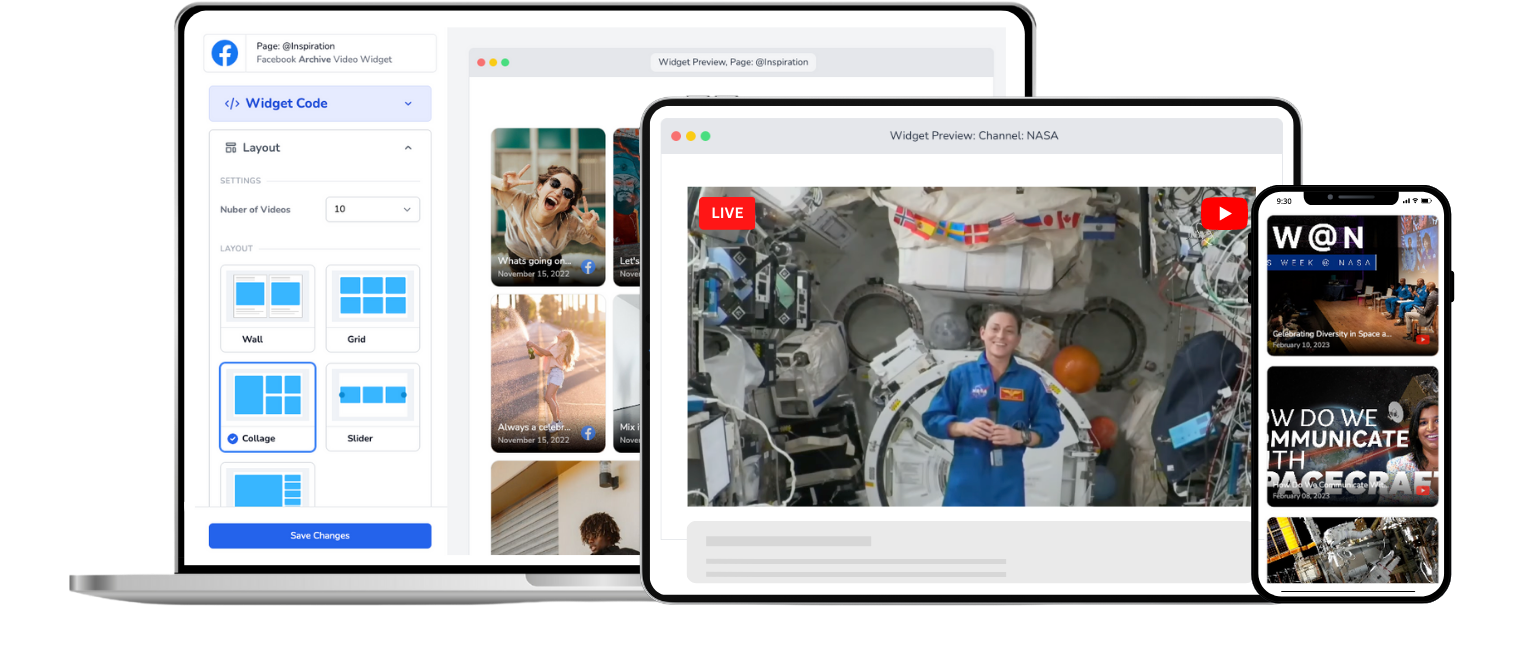
Embed YouTube Live On Website
Easy to use one-time embed. Set it once, and forget it.
Trusted by 1000's of websites
Create a YouTube Live Widget for Your Website in Minutes
Here's the problem with embedding YouTube Live the normal way: YouTube gives every live stream its own embed code and URL. So every single time you go live, someone has to grab the new code and update your website. Miss that step and your visitors see a dead player instead of your broadcast.
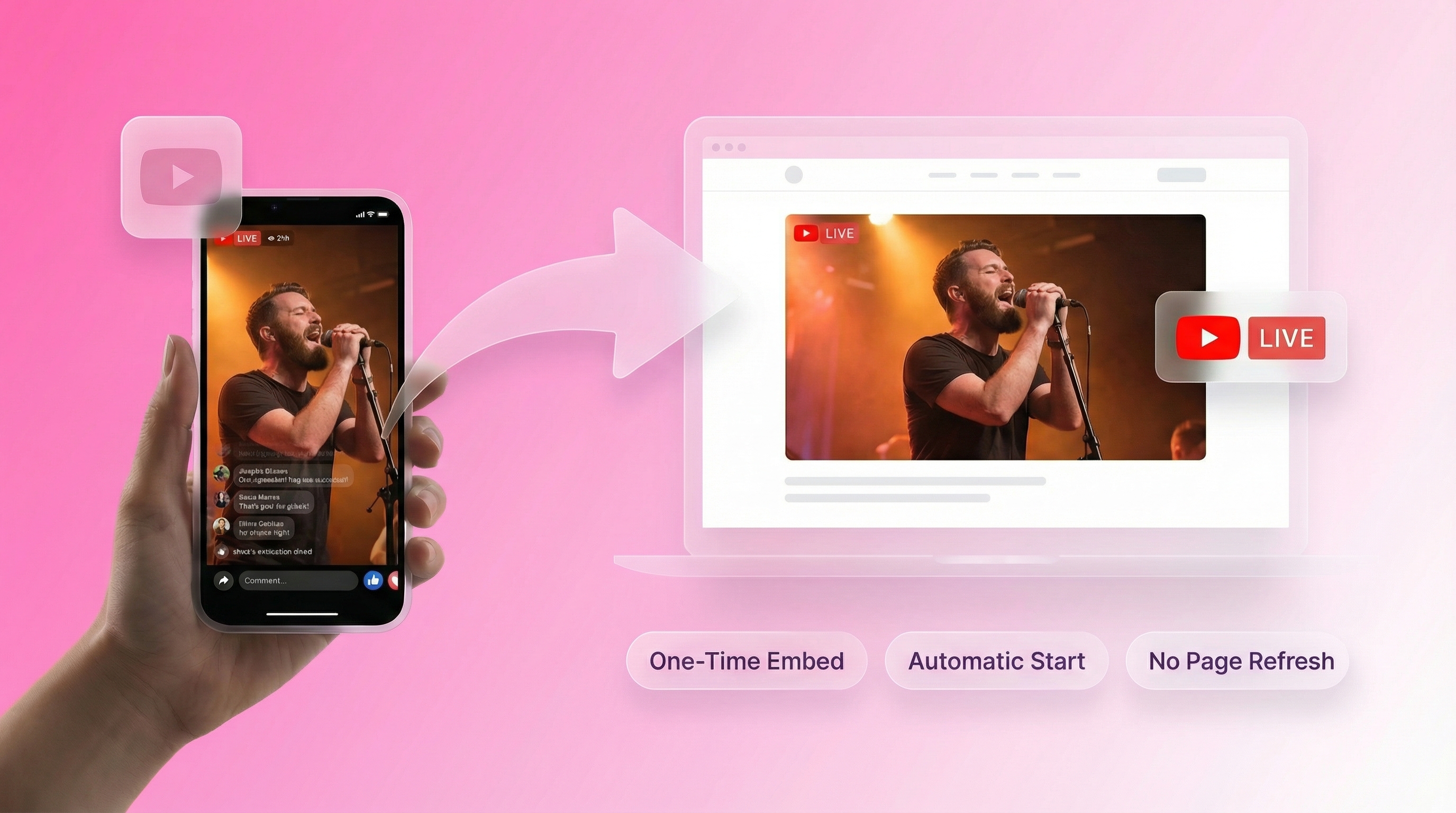
EmbedVidio fixes this. You connect your YouTube channel once and add a single embed code to your site. From then on, EmbedVidio detects the moment you go live and starts playing your YouTube live stream on your website automatically, usually within ten seconds, with no page refresh and no code swapping. When you're not live, the same widget shows your recent videos so your page never sits empty.
It works on any website, including WordPress, Squarespace, Wix, and Shopify. Set it once and forget it, and never touch a YouTube embed code again.
How to embed YouTube Live on your website?
Start live streaming YouTube Live on your website in 3 easy steps
Step 1
1. Connect
Use your YouTube Channel ID to create a EmbedVidio embeddable widget.
Step 2
2. Embed
Simply add your one time embed code to the webpage you want to stream live to. Works with virtually any website or CMS.
Step 3
3. Go Live
Go Live from your YouTube Channel... watch your YouTube live video stream automatically on your webpage.
Live stream on your website with YouTube Live.
Do you live stream from YouTube? Would you like be able to embed YouTube Live on your website? Well, you’ve come to the right place!
Live on your website
With EmbedVidio, you can embed YouTube Live directly on your website. Get started right away!
Placeholder Image or Video
Want to show a custom image or your last video when you are not live on YouTube? No problem, you can do that.
Automatic Start
There is no page refresh required, your live stream starts automatically in less than 10 seconds after you go live.
One Time Embed
No more wasting time updating embed codes every time you want to go live. Embed once and stream live every time.
Previous Video Templates
Use one of our beautifully designed video templates to show all of your YouTube videos when you are not live.
Distraction Free
There are a lot of distractions on YouTube. Keep your audience focused on your website and YouTube Live video.
Your website visitors shouldn't have to leave to watch you
Sending people to YouTube to watch your live stream means losing them to recommended videos, ads, and competitor content. When you embed YouTube Live on your website, viewers stay on your site. They watch your stream, browse your content, and take action, all without leaving.

One embed code that works for every future live stream
YouTube's default embed code only works for a single video. Next time you go live, you get a different URL and a different embed code. EmbedVidio detects your YouTube Live stream automatically and displays it on your website. No manual updates, no code swapping, no missed broadcasts.

A cleaner viewing experience without YouTube's distractions
YouTube's player shows recommended videos, subscribe prompts, and links to other channels. Your viewers end up watching someone else's content instead of yours. EmbedVidio's player is distraction-free. Your stream, your branding, your website. Nothing else.

What they say about EmbedVidio
Before EmbedVidio... after starting a live stream, I had to manually add the embed code to our website every time.
This was too much work in a short time before the event began. Now I don't have to worry about it. Fantastic!
Silvio Miranda
Catholic Church of The Holy Trinity
People can go to our website to watch our live or latest video without the confusion of facebook
Jeff Goin
Redeemer Lutheran Green Bay
People can go to our website to watch our live or latest video without the confusion of facebook.
Steven Antonio
Mary Queen of the Apostles Parish - Salem MA
Frequently Asked Questions
Everything you need to know about embedding live streams on your website.
Connect your YouTube channel to EmbedVidio, pick a widget layout, and paste the embed code into your website. Setup takes under 5 minutes and works on any website platform.
After that, every time you go live on YouTube, your website detects the stream and starts playing it automatically. The embed code never needs updating.
Yes. EmbedVidio detects your YouTube live stream within seconds of going live and starts playing it on your website. Visitors already on the page see it appear in real time, no refresh needed.
This is a major improvement over manually embedding YouTube streams, where you have to grab a new embed code each time and viewers must reload the page.
When you're offline, the widget switches to showing your recent YouTube videos. You can choose from six layout templates including wall, grid, collage, slider, carousel, and single video. Visitors can browse and watch your past streams anytime.
You can also set a custom placeholder image if you prefer that over the video library.
EmbedVidio works with any website that supports HTML. That includes:
- WordPress using a Custom HTML block
- Squarespace using a Code block
- Wix using an HTML iframe element
- Shopify using a Custom Liquid section
- Weebly, Webflow, and custom HTML sites
For step-by-step instructions, check out our guide on how to embed live video on any website.
EmbedVidio embeds your YouTube live video as a clean, distraction-free player. It does not pull in YouTube's live chat, and that is on purpose. A chat window adds clutter and pulls attention away from your stream and the rest of your site.
If you do want chat next to the video, YouTube offers a separate live-chat embed you can place beside the EmbedVidio widget. Plenty of churches and creators skip it on their own site and let viewers chat over on YouTube, keeping their page focused on the broadcast.
Plans start at $9/month (or $7/month billed yearly) for up to 3 widgets. All plans include automatic live detection, every layout option, and support for YouTube, Facebook, and Twitch.
We offer a free 7-day trial with no credit card required. Set up your YouTube Live embed and test it with a real stream before deciding.
Related Resources
Explore more guides and comparisons
EmbedVidio vs Church Online Platform
Embed Fitness Livestream on Website
How to Embed Live Video on Shopify
EmbedVidio vs Manual Embeds
Embed Online Class Livestream
Church Live Stream for Squarespace
More than just YouTube Live
EmbedVidio's social video widgets allow you to do much more than embedding YouTube Live. Our templates allow you to create video widgets for business and marketing purposes, while embedding live streams from Facebook, Twitch, and other providers. Join many churches, gamers, instructors, musicians, and more who use EmbedVidio for embedding social media videos on their websites. Start your Free Trial today!