Best Church Live Streaming Software in 2026
A no-hype guide to the best church streaming software in 2026. Covers free platforms, full streaming solutions, multistreaming tools, and embed tools with real pricing and honest recommendations.
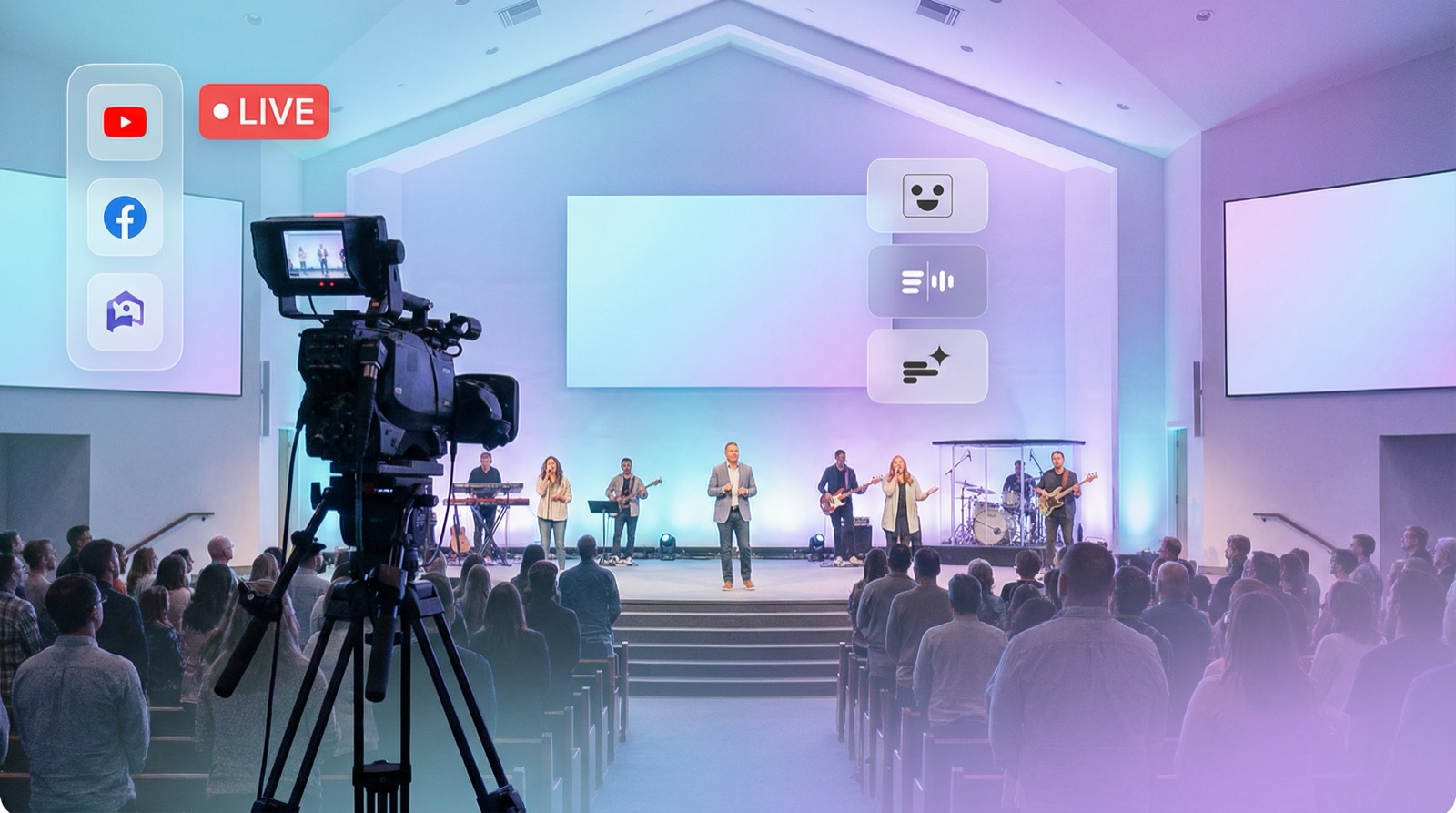
Most "best church streaming software" lists recommend platforms that cost $100 to $800 per month. That's a tough sell when your church already streams for free on Facebook or YouTube.
The truth is, most churches don't need a new streaming platform. They need the right tool for their specific situation. Maybe that's a free option you're already using. Maybe it's a full production suite. Or maybe it's a simple way to get your existing streams onto your church website.
This guide covers all three categories honestly, with real pricing and clear recommendations based on what your church actually needs.
What to Look for in Church Streaming Software
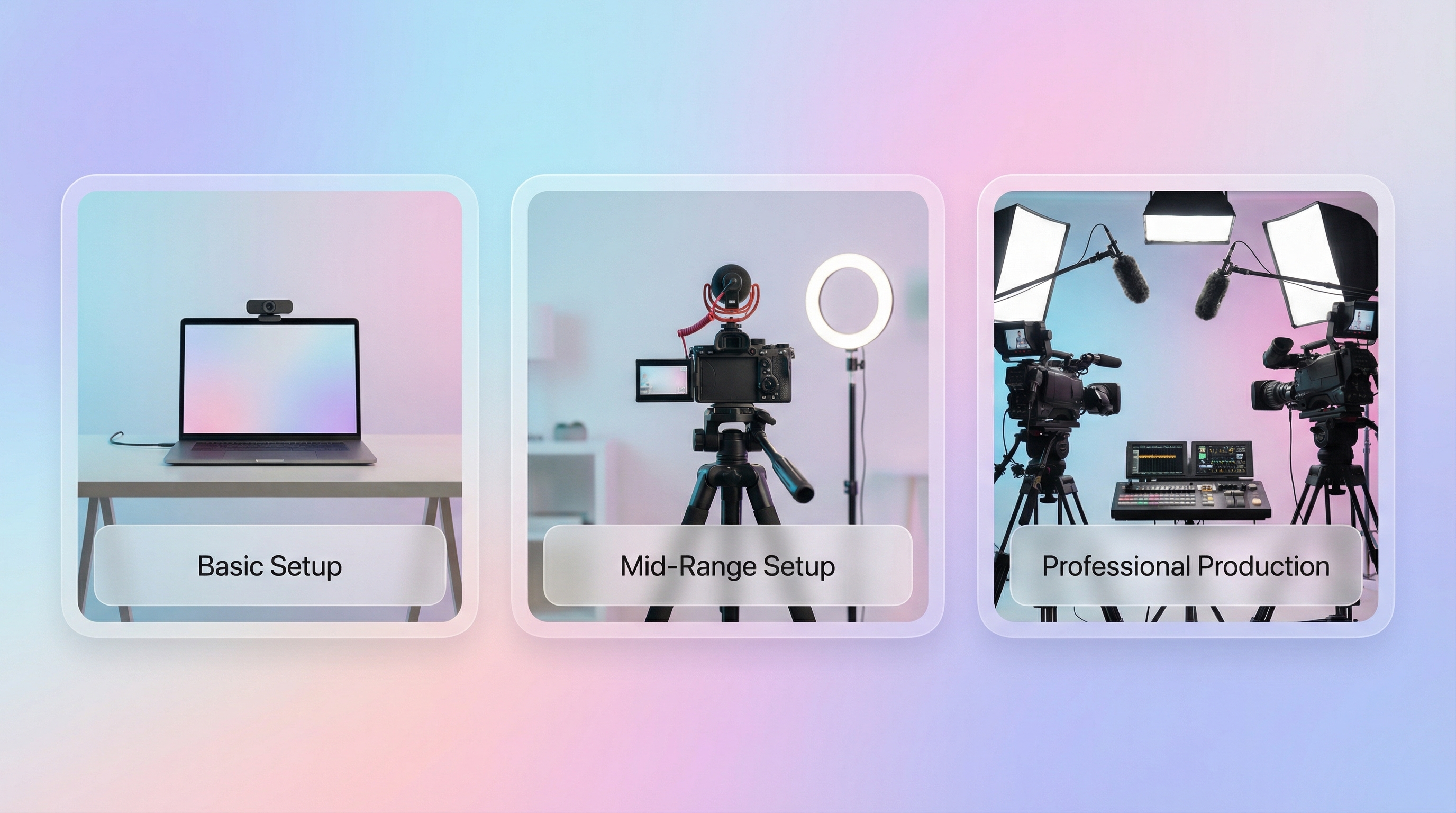
Before comparing tools, figure out what your church actually needs. A 50-person congregation with a volunteer running a phone camera has very different requirements than a 2,000-member church with a production team.
Here's what matters most:
- Ease of use. Church tech teams are usually volunteers, not professionals. The software should be simple enough that someone can learn it in an afternoon.
- Reliability. Sunday morning is not the time for troubleshooting. Your streaming setup needs to work consistently, every single week.
- Platform support. Where does your congregation watch? Facebook, YouTube, or your church website? The best tool connects all three.
- Budget. Be honest about what your church can spend monthly. Free tools exist, and they're genuinely good for many situations.
- Website integration. If members visit your church website expecting to watch live, your stream needs to show up there automatically.
Quick note: If your church already streams on Facebook or YouTube and just wants that stream on your website, skip straight to the Embed Tools section. You probably don't need a full streaming platform.
The Best Church Streaming Software in 2026
We've organized these into four categories based on what they actually do. Each serves a different need.
Free Streaming Platforms
These are where most churches start, and many never need to leave.
1. Facebook Live
Price: Free Best for: Churches with congregations active on Facebook
Facebook Live is still the most popular streaming platform for churches. The setup is straightforward: go to your Facebook Page, click "Live Video," and start streaming. Your congregation gets notified automatically if they follow your Page.
Strengths:
- Zero cost
- Built-in audience (your Page followers get notifications)
- Live comments and reactions create community interaction
- Saves recordings automatically
Limitations:
- Viewers need a Facebook account (roughly 30% of adults don't have one)
- Distractions everywhere: notifications, ads, suggested content
- No way to embed the live stream on your website automatically
- Video quality maxes out at 1080p
Facebook Live works well as your streaming origin point. The challenge comes when you want that stream accessible beyond Facebook itself. For getting your Facebook stream onto your church website, you'll need an embed tool (covered below).
2. YouTube Live
Price: Free (requires 50+ subscribers for mobile streaming) Best for: Churches wanting public discoverability and high video quality
YouTube Live offers better video quality than Facebook and doesn't require viewers to have an account. Anyone with the link can watch. Recordings stay on your channel permanently as a searchable library of past sermons.
Strengths:
- No account needed to watch
- Superior video quality (up to 4K)
- Recordings are searchable and discoverable
- Built-in analytics
- Live chat with moderation tools
Limitations:
- Needs 50 subscribers to stream from a phone
- Scheduled streams require setup in YouTube Studio
- The standard YouTube embed URL (
/live) doesn't auto-update on external websites - Pre-roll ads may play before your stream (on monetized channels)
YouTube is an excellent long-term choice because your sermon library grows over time and becomes searchable. Combined with an embed tool, it's a powerful setup for churches of any size.
Full Streaming Platforms
These are dedicated church streaming solutions. They handle everything from camera to viewer, but they come with a price tag.
3. BoxCast
Price: Starting at $99/month Best for: Large churches with production teams and budget
BoxCast is built specifically for houses of worship. It handles encoding, streaming to multiple destinations, and hosting recordings. The hardware encoder (BoxCaster) plugs directly into your camera setup and handles everything automatically.
Strengths:
- Church-focused features (sermon archives, member portals)
- Hardware encoder simplifies setup
- Streams to Facebook, YouTube, and your website simultaneously
- Dedicated support team that understands churches
Limitations:
- $99/month minimum is steep for smaller congregations
- Requires their hardware or specific encoder setup
- You're locked into their ecosystem
- Overkill if you already stream on Facebook/YouTube and just need website embedding
BoxCast makes sense for churches with $1,200+ per year in streaming budget and a need for professional-grade reliability. For a detailed breakdown of how it compares to simpler alternatives, see our BoxCast comparison.
4. Subsplash
Price: Custom pricing (typically $100+/month) Best for: Churches wanting an all-in-one platform (app, giving, streaming, website)
Subsplash is more than streaming software. It's a full church engagement platform that includes a custom mobile app, online giving, media hosting, and live streaming. If your church wants everything under one roof, Subsplash delivers.
Strengths:
- All-in-one: app, giving, streaming, and website
- Custom-branded church app
- Built-in sermon library with search
- Engagement analytics across all channels
Limitations:
- Expensive (custom pricing, usually $100+/month)
- Long-term contracts are common
- You're migrating your entire digital presence to their platform
- Streaming is just one piece of a larger package
Subsplash is the right fit for churches that want to consolidate everything into a single platform and have the budget to support it.
5. Dacast
Price: Starting at $39/month (Starter plan) Best for: Churches needing monetization, privacy controls, or white-label streaming
Dacast is a professional streaming platform used by businesses, media companies, and larger churches. It offers features like password-protected streams, pay-per-view, and GDPR compliance that most church-focused tools don't include.
Strengths:
- White-label video player (no third-party branding)
- Password protection and privacy controls
- Monetization options (pay-per-view, subscriptions)
- API access for custom integrations
Limitations:
- $39/month minimum, scales to $188+ for higher tiers
- More complex than church-specific tools
- Interface is designed for media professionals, not volunteers
- Bandwidth-based pricing can get expensive with large audiences
Dacast fits churches that need enterprise features. For the average congregation streaming a Sunday service, it's more tool than you need.
Multistreaming Tools
These tools let you stream to multiple platforms at once. They don't replace Facebook or YouTube. They send your stream to both simultaneously.
6. Restream
Price: Free (1 channel), $16/month (Standard), $41/month (Professional) Best for: Churches streaming to Facebook AND YouTube at the same time
Restream takes your single video feed and broadcasts it to 30+ platforms simultaneously. Instead of choosing between Facebook and YouTube, you stream to both. For a deeper look at how it compares to embedding tools, check our Restream comparison.
Strengths:
- Stream to Facebook, YouTube, and 30+ platforms at once
- Free plan supports 1 destination
- Browser-based (no software to install for basic use)
- Unified chat from all platforms
Limitations:
- Doesn't solve the website embedding problem
- Free plan is very limited
- Adds complexity to your streaming workflow
- You still need a separate solution to show the stream on your website
7. OBS Studio
Price: Free (open source) Best for: Churches with a tech-savvy volunteer who wants full control
OBS Studio is free, open-source broadcasting software. It's the most powerful free option available, used by everyone from Twitch streamers to professional broadcasters. OBS handles scene switching, overlays, multi-camera setups, and streaming to any platform.
Strengths:
- Completely free, no feature limitations
- Multi-camera support with scene switching
- Custom overlays, lower thirds, and graphics
- Streams to any RTMP destination
Limitations:
- Steep learning curve
- Requires a dedicated computer
- No built-in website embedding
- When something breaks, you're on your own (community support only)
OBS is the right choice if you have a volunteer who enjoys the technical side of production. Pair it with Facebook Live or YouTube Live as your destination, and you have a professional streaming setup for $0.
Best Encoders for Church Live Streaming
An encoder packages your camera's video into a stream that Facebook, YouTube, or a streaming platform can broadcast. If you stream from a phone or webcam, the encoder is built in and you never think about it. Once you add a dedicated camera, multiple cameras, or an audio mixer, you'll need a separate encoder, either software or hardware.
Software encoders (cheapest, most flexible):
- OBS Studio (free) is the most popular choice for churches with a tech-savvy volunteer, covered in detail above. It handles multiple cameras, overlays, and scene switching, and streams to any platform.
- vMix (from $60 one-time, Windows only) is a more polished step up for multi-camera production, with instant replay and graphics.
- Wirecast (paid desktop software) offers professional production features with a friendlier interface than OBS.
Hardware encoders (most reliable, plug-and-play):
- BoxCaster (from BoxCast) is purpose-built for houses of worship and streams automatically, though it ties you to the BoxCast platform.
- Teradek VidiU Go and AJA HELO ($300 to $1,500) are standalone units that take an HDMI or SDI camera feed and stream to any destination, including Facebook and YouTube. They're rock-solid for a "turn it on Sunday and it just works" setup.
- Blackmagic Web Presenter is an affordable hardware encoder that makes a professional camera show up as a simple webcam, ideal for single-camera setups.
How to choose: if a volunteer is comfortable with software, OBS Studio is free and more than capable. If you want hardware you can switch on and forget, a standalone encoder like the VidiU Go or AJA HELO is worth the cost. Either way, the encoder only gets your service to Facebook or YouTube. To put that stream on your church website automatically, you still pair it with an embed tool like EmbedVidio.
Embed Tools: Get Your Existing Streams on Your Website
This category solves a specific problem: you already stream on Facebook or YouTube, and you want that stream to show up on your church website automatically.
These aren't streaming platforms. They're the bridge between where you stream and where your members go to watch.
8. EmbedVidio
Price: $9/month ($7/month billed yearly) Best for: Churches that stream on Facebook or YouTube and want it on their website automatically
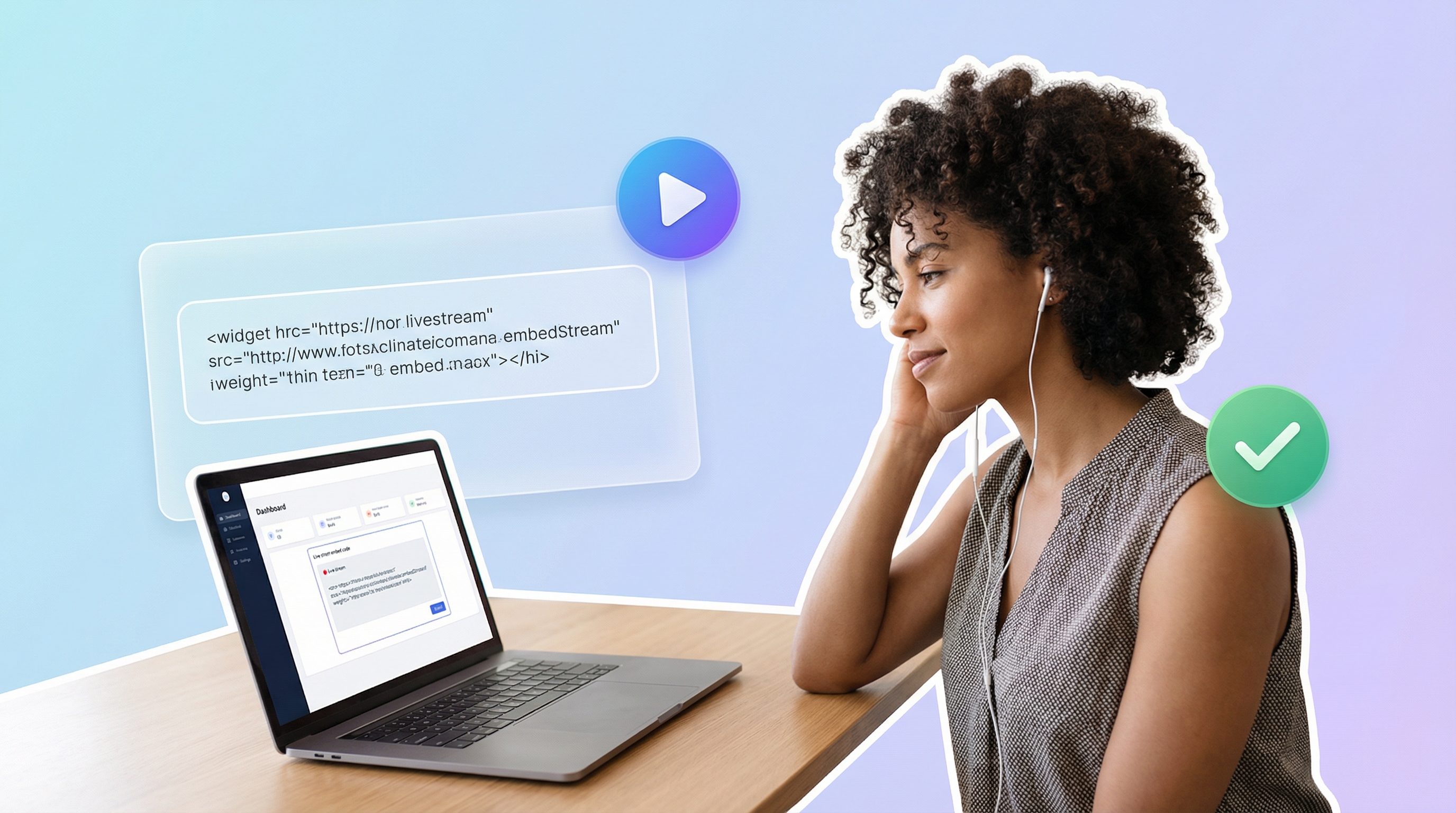
EmbedVidio detects when you go live on Facebook or YouTube and starts playing that stream on your website automatically. No page refresh. No manual updates. No Sunday morning scramble to swap embed codes.
You paste one embed code onto your church website once. From that point forward, every live stream shows up automatically. When you're not live, the widget displays your recent recordings so members can catch up on sermons they missed.
Strengths:
- Automatic live detection (seconds on Facebook, minutes on YouTube)
- One-time setup, works forever
- Supports both Facebook and YouTube in a single widget
- Works on WordPress, Squarespace, Wix, Shopify, and any website
- Multiple layout options (wall, grid, carousel, slider, collage)
- 7-day free trial, no credit card required
Limitations:
- Not a streaming platform (you still need Facebook or YouTube to stream)
- Doesn't handle encoding, cameras, or production
- YouTube live detection takes a few minutes (Facebook is near-instant)
EmbedVidio is purpose-built for churches. Over 800 churches use it to bridge their social media streams to their websites. For a step-by-step setup guide, see how to embed your church live stream on your website.
Pro tip: Most churches need just one widget (one embed code for one page). That means the $9/month Standard plan covers everything. Compare that to $100+/month for a full streaming platform when you're already streaming for free on Facebook.
9. SociableKIT
Price: Free (limited), $29/month (Pro) Best for: Churches that want social media feed widgets beyond just video
SociableKIT is a broader social media widget tool that includes live stream embedding among its features. It supports Facebook, YouTube, Instagram, TikTok, and other social feeds. For a detailed feature comparison, see our SociableKIT comparison.
Strengths:
- Free tier available
- Supports many social platforms beyond video
- Customizable widget appearance
Limitations:
- Requires separate widgets for Facebook and YouTube (no combined widget)
- Free plan has SociableKIT branding and limited features
- Pro plan at $29/month is 3x the cost of EmbedVidio
- Less focused on live stream detection specifically
Quick Comparison Table
| Tool | Price | Best For | Streams to Website? | Live Detection? |
|---|---|---|---|---|
| Facebook Live | Free | Streaming origin | No (manual embed only) | N/A |
| YouTube Live | Free | Streaming origin | No (URL changes each time) | N/A |
| BoxCast | $99+/mo | Large churches, full production | Yes (their player) | Yes |
| Subsplash | $100+/mo | All-in-one church platform | Yes (their platform) | Yes |
| Dacast | $39+/mo | Enterprise, monetization | Yes (their player) | Yes |
| Restream | Free-$41/mo | Multistreaming to multiple platforms | No | N/A |
| OBS Studio | Free | Full production control | No | N/A |
| EmbedVidio | $9/mo | Embed existing streams on website | Yes | Yes |
| SociableKIT | Free-$29/mo | Social feed widgets | Yes | Partial |
Which Option Is Right for Your Church?
The right tool depends on where you are today.
If you're just getting started with streaming: Start with Facebook Live or YouTube Live. Both are free and get you streaming today. Facebook is easier for reaching your existing congregation. YouTube is better for long-term discoverability. You can always add more tools later.
If you already stream but your website shows nothing: This is the most common situation for churches. You stream every Sunday on Facebook, but your website sits there showing last week's recording (or nothing at all). An embed tool like EmbedVidio connects the dots. Your existing streams appear on your website automatically.
If you need professional production quality: OBS Studio gives you full control for free. Pair it with Facebook Live or YouTube Live as your streaming destination. If you want to stream to both simultaneously, add Restream.
If budget isn't a concern and you want everything managed: BoxCast or Subsplash handle the entire pipeline. They're expensive, but they remove every technical decision from your plate.
Important: You don't have to choose just one tool. Many churches use a combination. For example: OBS Studio for production, Facebook Live as the streaming destination, and EmbedVidio to display the stream on their website. That entire stack costs $9/month.
Getting Started
If you're reading this article, you're probably trying to figure out the simplest path from "we stream on Facebook" to "our website shows the live stream too."
Here's the fastest route:
- Keep streaming where you already stream. Facebook Live or YouTube Live works great. Don't switch platforms unless you have a specific reason.
- Add your stream to your website. Use an embed tool to automatically display your live stream on your church site. One-time setup, and every future stream shows up automatically.
- Share the direct link. Once your stream plays on your website, share that URL with members instead of the Facebook link. Especially for members who don't use social media.
The whole process takes about 5 minutes. You can have it running before next Sunday. For platform-specific instructions, we have guides for WordPress, Squarespace, Wix, and any website.
Frequently Asked Questions
What is the best free church streaming software?
Facebook Live and YouTube Live are both free and work well for most churches. Facebook is easier to set up and reaches your existing followers. YouTube offers better video quality and doesn't require viewers to have an account. For production control (scene switching, overlays, multi-camera), OBS Studio is free and open source.
How do I get my church live stream on our website?
You need an embed tool that connects your Facebook or YouTube stream to your website. EmbedVidio detects your live stream automatically and displays it on any website with a one-time embed code. No manual updates needed each week. For a step-by-step guide, see our article on how to embed your church live stream on your website.
Do I need expensive equipment to stream church services?
No. Many churches start with just a smartphone on a tripod and a stable internet connection. That setup works for Facebook Live and YouTube Live. As your church grows, you can add a webcam, better microphone, or dedicated camera. The streaming software matters less than a reliable internet connection and decent audio.
Can I stream to Facebook and YouTube at the same time?
Yes. Restream lets you broadcast to multiple platforms simultaneously. You can also use OBS Studio with multiple stream keys. If you use EmbedVidio, you can connect both your Facebook Page and YouTube channel to a single widget, so your website displays whichever platform you go live on.
How much does church streaming software cost?
It ranges from free to $800+ per month. Facebook Live and YouTube Live are free. Embed tools like EmbedVidio start at $9 per month. Full streaming platforms like BoxCast start at $99 per month, and all-in-one solutions like Subsplash run $100+ per month. Most churches that already stream on social media only need a $9/month embed tool to get that stream on their website.
What encoder do you need to live stream church services?
It depends on your camera setup. If you stream from a phone or webcam, the encoder is built in and you don't need anything extra. Once you add a dedicated camera, multiple cameras, or an audio mixer, you need an encoder: OBS Studio (free software) for a tech-savvy volunteer, or a hardware encoder like the Teradek VidiU Go or AJA HELO ($300 to $1,500) for plug-and-play reliability. The encoder sends your service to Facebook or YouTube; an embed tool like EmbedVidio then displays that stream on your church website automatically.
Written by
EmbedVidio Team
EmbedVidio puts your live streams and videos from Facebook, YouTube, Twitch, and more on any website with a one-time embed code.
Related Articles
 Church Streaming
One Link for Your Church Live Stream (No Website Needed)
Stop sending a different watch link every week. Give your church one permanent live stream page that counts down, flips to live automatically, and works even if you have no website at all.
7 min read Church Streaming
Church Live Streaming Statistics for 2026
The most reliable, best-sourced statistics on church live streaming: how many churches stream, how many people watch online, and who a social-media-only stream quietly leaves out. Every number is linked to its original source.
12 min read Church Streaming
How to Reach Church Members Who Aren't on Facebook
A big share of your congregation will never watch a Facebook-only stream. Here is how to make sure the members who aren't on Facebook can still watch your service, from your own website, no account required.
7 min readGet Your Church Stream on Your Website
Already streaming on Facebook or YouTube? EmbedVidio puts that stream on your church website automatically. One-time setup, works every Sunday. Start your free 7-day trial.
Start Free Trial