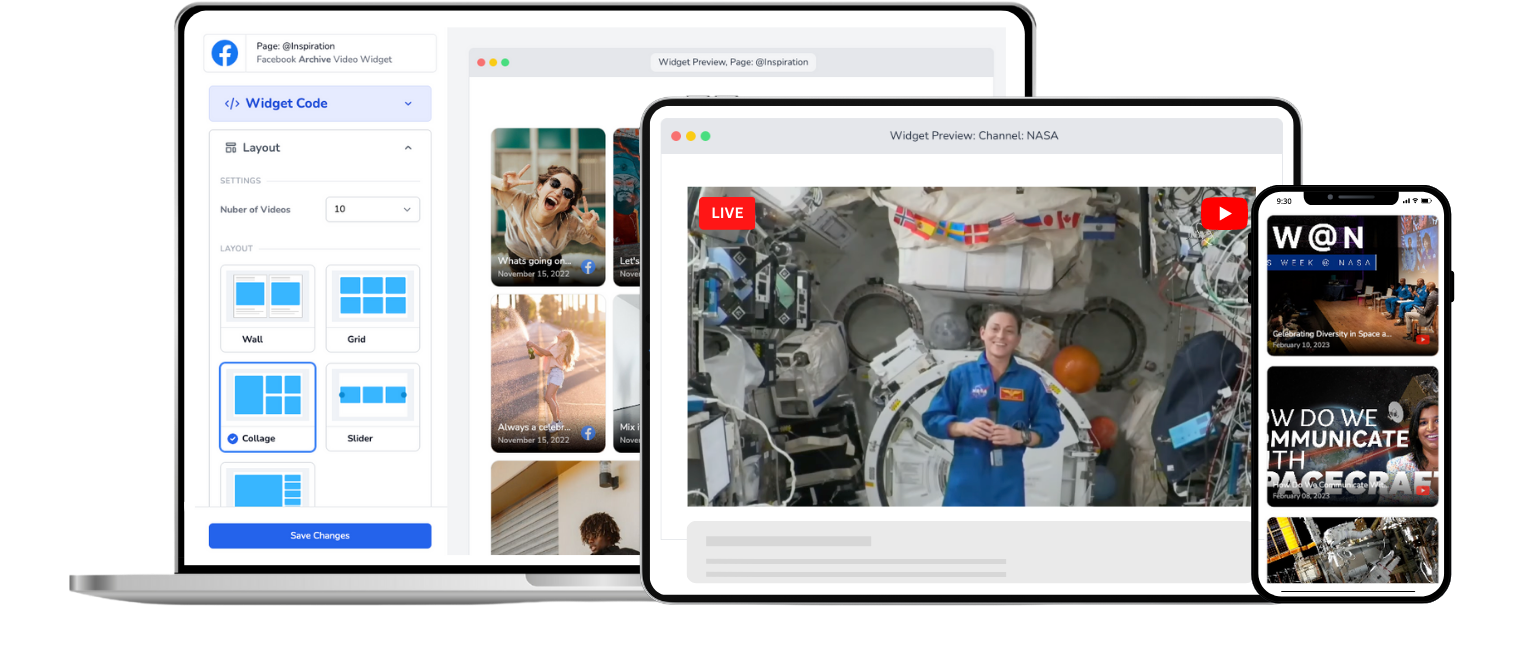
Church Live Stream Embed for Website
Automatically embed your church's Facebook Live or YouTube Live stream on your website. One-time setup, automatic live detection, no page refresh.
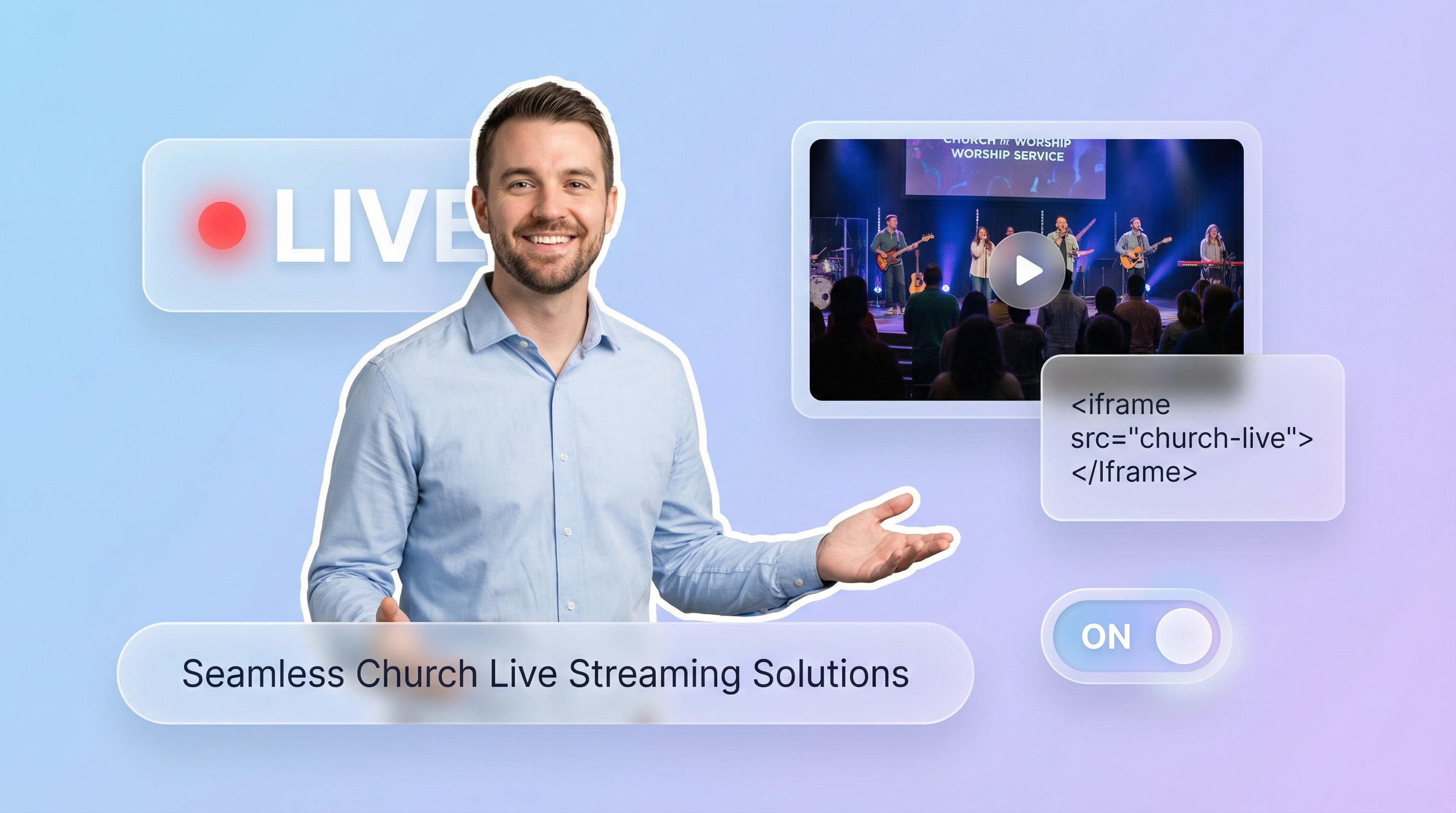
Trusted by 800+ churches
Put Your Church Live Stream on Your Website in Under 5 Minutes
How to Embed Your Church Live Stream on Your Website
Get your church live stream embedded in under 5 minutes. No coding required.
Step 1
Connect
Securely connect your Church's Facebook Page or YouTube channel with EmbedVidio.
Step 2
Embed
Simply add a one time embed code to the webpage you want to stream live to. Works with virtually any website or CMS.
Step 3
Go Live
Go Live from your Facebook Page or YouTube Channel ... watch your live church service stream automatically on your webpage.
Everything You Need to Embed Your Church Live Stream
From automatic live detection to distraction-free viewing, EmbedVidio handles the technical side so your team can focus on ministry.
Automatic Live Detection
Your widget knows when you go live on Facebook or YouTube and starts streaming on your church website within seconds. No one needs to press a button or refresh the page.
One-Time Embed Code
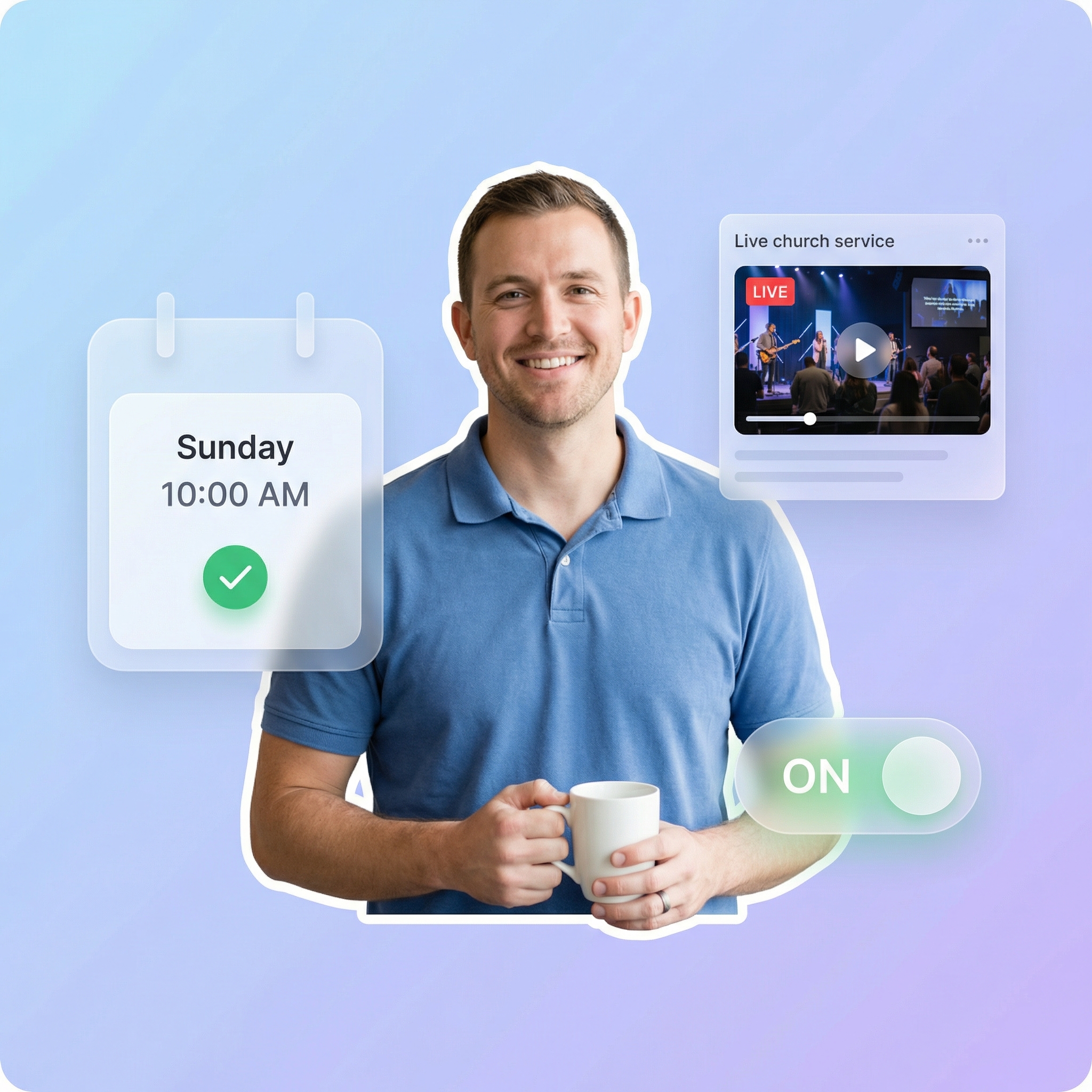
Paste the embed code into your church website once. It works for every Sunday service, every midweek Bible study, every special event, automatically.
Reach Members Not on Facebook
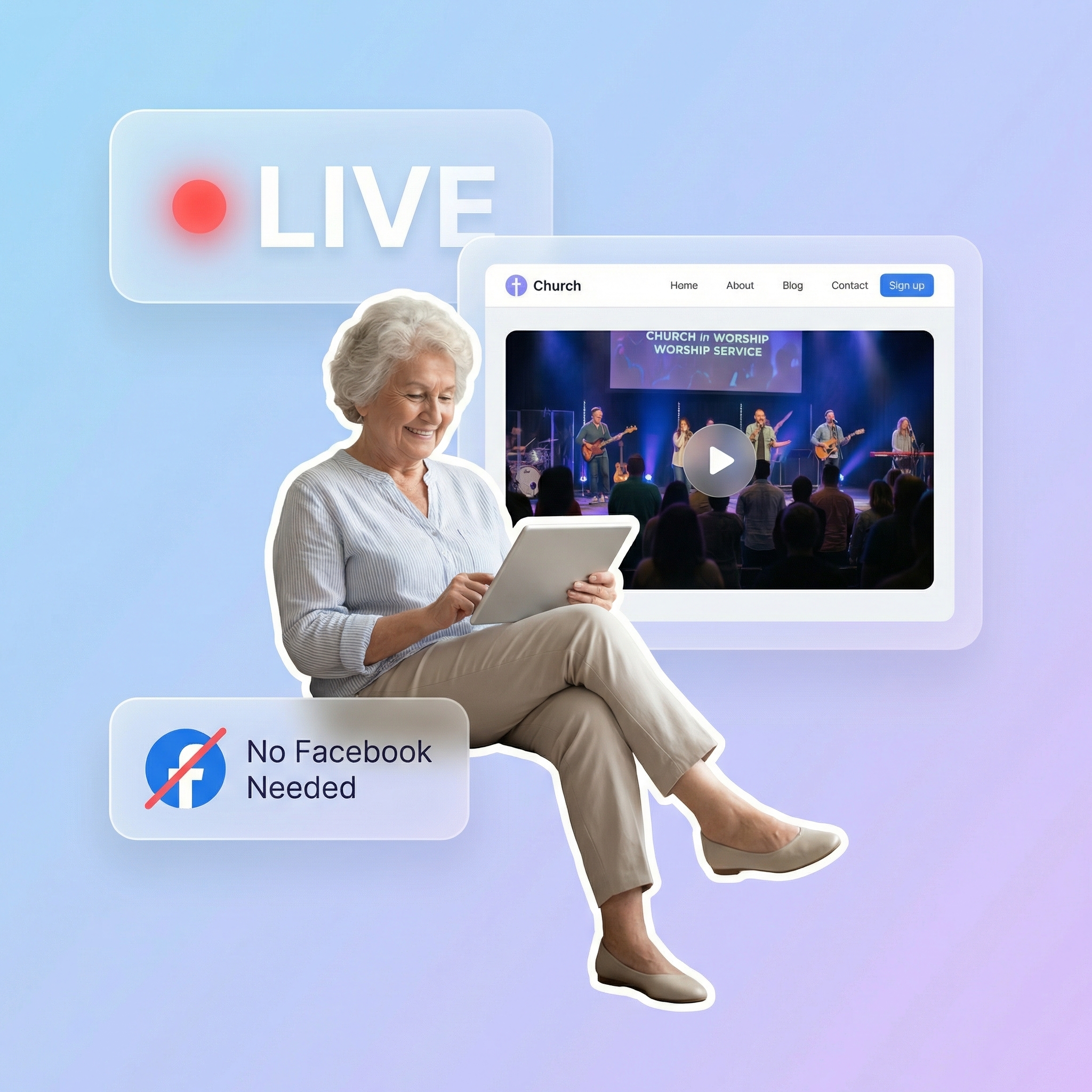
Up to 30% of your congregation may not have Facebook accounts. Your church website gives every member a way to watch live services regardless of social media.
Past Service Library
When you're not live, the widget displays your recent recorded services. Members can always find last week's sermon or a midweek devotional.
6 Responsive Layouts
Choose from wall, grid, collage, slider, carousel, or single video layouts. All are mobile-friendly and adapt to any screen size.
Works With Any Church Website
WordPress, Squarespace, Wix, Shopify, Weebly, or a custom-built site. If it supports HTML, our embed code works on it.
Your congregation shouldn't need a Facebook account to watch services
Up to 30% of churchgoers don't use Facebook. For older members, homebound parishioners, and people who simply prefer not to be on social media, your church website is the only way to watch. A church live stream embed on your website means everyone in your congregation has access to every service, no social media account required.
One setup, every service, zero Sunday morning stress
Church tech volunteers know the drill: arrive early, grab the new embed code from Facebook, paste it into the website, test it, and hope it works before the service starts. EmbedVidio removes that entire routine. Set up the embed once and every future live stream starts on your website automatically. Your volunteers get their Sunday mornings back.
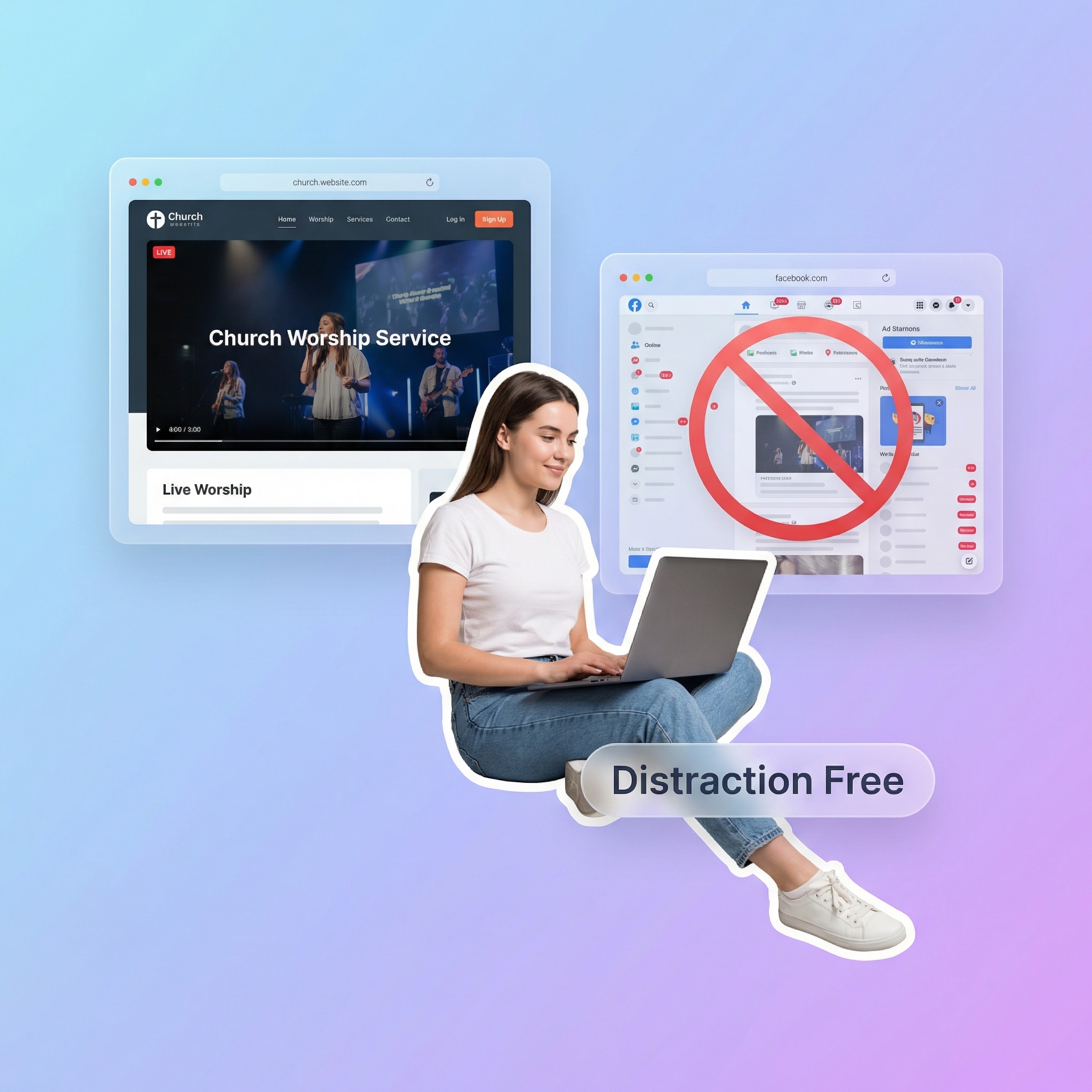
Keep your congregation focused on worship, not the Facebook news feed
When members watch on Facebook, they're one notification away from scrolling through their feed instead of paying attention to the sermon. Your church website provides a clean, focused viewing experience where the only thing on screen is your service. No ads, no notifications, no distractions.
What they say about EmbedVidio
Before EmbedVidio... after starting a live stream, I had to manually add the embed code to our website every time.
This was too much work in a short time before the event began. Now I don't have to worry about it. Fantastic!
Silvio Miranda
Catholic Church of The Holy Trinity
Your app has been a definite blessing. A number of members do not use Facebook and for that reason, have been unable to watch our livestream services. Now, they can! Thank you!
Joseph Campbell
South Charlotte Baptist Church & Academy
EmbedVidio is fantastic. I found it after doing a search for LiveStreaming tools and software and LiveStreaming for cheap, in order to start a LiveStream for our Church.
Kris Kemp
Royal Palm Presbyterian Church
Frequently Asked Questions
Everything you need to know about embedding live streams on your website.
Three steps: connect your Facebook Page or YouTube channel to EmbedVidio, choose a widget layout, and paste the embed code into your church website. The entire setup takes under 5 minutes.
Once the code is on your site, you're done. Every time you go live on Facebook or YouTube, your church website automatically detects the stream and starts playing it. There's nothing to update before each service.
No. If you can copy and paste text, you can set up EmbedVidio. The process is designed for church volunteers who may not have a technical background.
For WordPress, you paste the code into a Custom HTML block. For Squarespace, use an Embed block. For Wix, use an HTML iframe element. Each platform has a simple way to add custom code, and that's the only step involved.
Your widget automatically displays your most recent recorded videos from the connected platform. A visitor on Tuesday afternoon can watch last Sunday's sermon. A member who missed Wednesday Bible study can catch the recording.
You can also set a custom placeholder image to display when you're not live, like your service schedule or an upcoming event graphic.
EmbedVidio supports the platforms churches use most:
- Facebook Live from your church's Facebook Page
- YouTube Live from your church's YouTube channel
- Twitch for churches streaming there
You can connect multiple platforms at once. If your church streams to both Facebook and YouTube simultaneously, the widget will detect whichever goes live first.
Most church streaming platforms like BoxCast charge $99/month or more and replace your entire streaming setup. EmbedVidio works with the Facebook or YouTube streaming you already do. You don't need new equipment, new software, or a new workflow.
EmbedVidio starts at $9/month and does one thing well: gets your existing live streams onto your church website automatically.
EmbedVidio plans start at $9/month (or $7/month billed yearly) for up to 3 widgets. Every plan includes automatic live detection, all 6 layouts, and all supported platforms. There are no hidden fees or per-view charges.
We offer a free 7-day trial with no credit card required. You can set everything up and test it during an actual church service before committing.
Related Resources
Explore more guides and comparisons
Facebook Live Wordpress Plugin
Live Stream Church Services
How to Embed Live Video on Squarespace
EmbedVidio vs Church Online Platform
How to Embed Live Video on Shopify
YouTube Live Stream WordPress Plugin
Start Embedding Your Church Live Stream Today
Join hundreds of churches that use EmbedVidio to automatically embed their Facebook Live and YouTube Live streams on their websites. Setup takes under 5 minutes, works with any website platform, and your tech volunteers never have to update embed codes again. Start your free 7-day trial, no credit card required.