How to Reach Church Members Who Aren't on Facebook
A big share of your congregation will never watch a Facebook-only stream. Here is how to make sure the members who aren't on Facebook can still watch your service, from your own website, no account required.
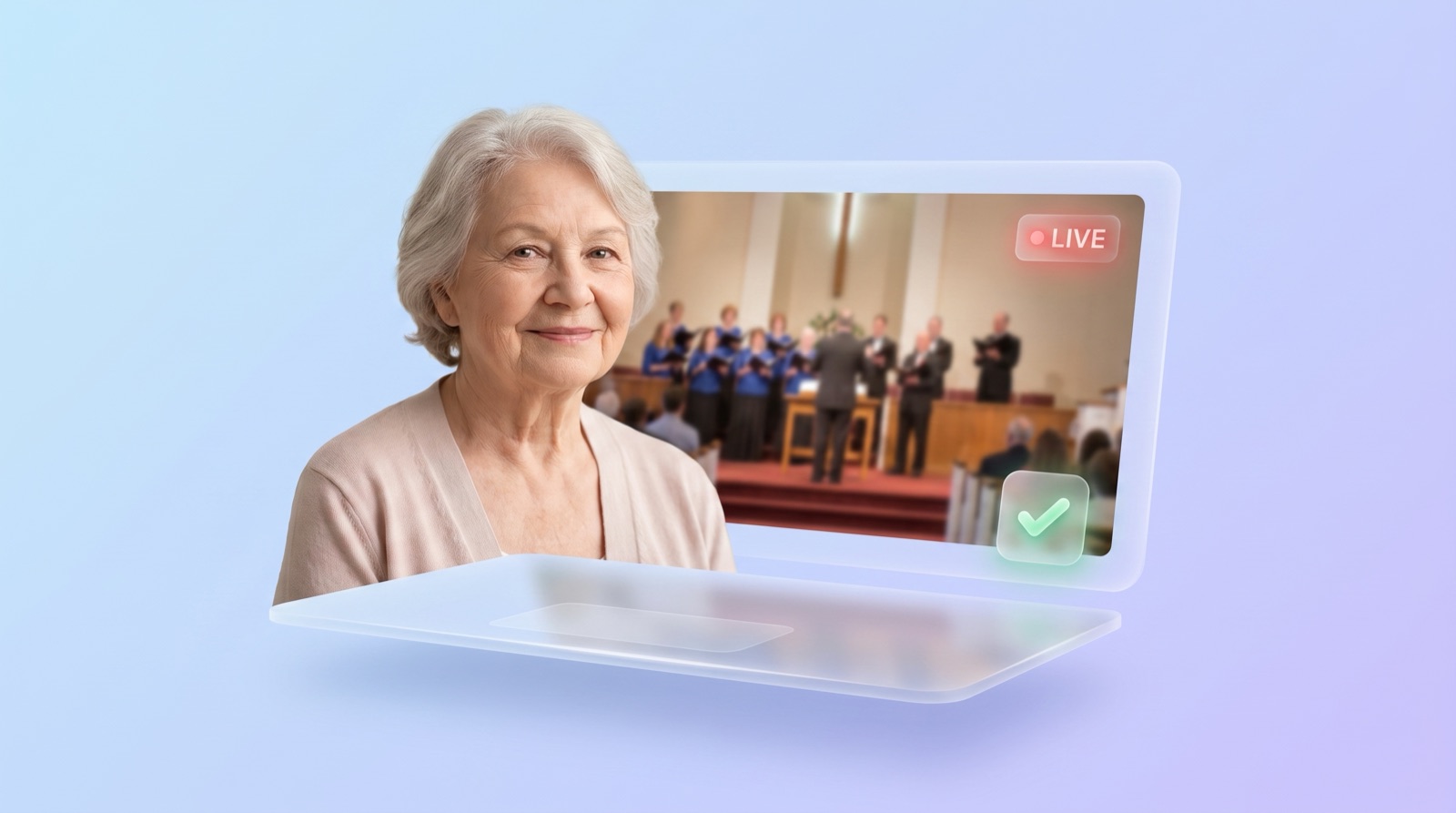
A real chunk of your congregation will never see a Facebook-only stream. Not because they don't care, but because they aren't on Facebook and aren't going to join to watch church. If your service only lives on a Facebook page, those members are quietly left out every single week.
The fix is simpler than it sounds: put the service on your own website, where anyone can watch with no account, and use a platform like YouTube as the public source behind it. Send people to your website, not to a social feed. This post walks through who's actually getting missed, why Facebook quietly loses them, and the practical way to reach them from your own site.
How many of your members actually aren't on Facebook
Nearly 30% of U.S. adults do not use Facebook, according to the Pew Research Center, and the share is higher among older adults, who are often the members most likely to watch a service from home. For a church of 200 people, that's roughly 60 who a Facebook-only stream can't reliably reach.
Sit with that number for a second. It's not a rounding error, it's a group the size of a small congregation inside your congregation. And it's not random. The people least likely to be on Facebook skew older, which overlaps heavily with the members who are homebound, recovering, or simply more comfortable watching from the couch than sitting in a pew.
These are exactly the people online church was supposed to serve. The shut-in who can't drive anymore. The member recovering from surgery. The grandparent three states away who wants to see the same service their family is in. If your stream requires a Facebook account to watch, you've built the online front door and then locked out the people who needed it most.
Why a Facebook-only stream quietly loses them
A public Facebook Live video is technically viewable without an account, but Facebook makes it hard. Non-members regularly hit a login wall, a "content isn't available" message, or a pop-up pushing them to sign up before the video plays. The experience is built to convert visitors into Facebook users, not to let them quietly watch and leave.
Even when a public link does work, the path is fragile. The member has to receive the exact link, tap it, dismiss whatever Facebook throws up, and hope the app doesn't hijack the tap. For a tech-comfortable 30-year-old, that's mildly annoying. For an 80-year-old on a tablet, it's the moment they give up and call to say "I couldn't find it again."
And even if they get in, the surrounding feed is designed to pull attention elsewhere. Notifications, suggested videos, a comment thread that may or may not be kind. None of that belongs in the middle of a worship service. The platform's goals and your church's goals are not the same, and your most vulnerable viewers feel that friction first.
Put the service on your own website (the fix)
The reliable answer is to embed the live stream on your own website so it plays right on the page, for anyone, with no login. Embedding means the video keeps broadcasting on YouTube or Facebook, but a small piece of code shows it inside a page on your site. Your members just go to your website and press play, the way they already know how.
If the word "embed" is new, our plain-English explainer on what it means to embed a live stream covers it in two minutes. The short version: your website builder has a spot to paste a code, and the video shows up there. Most churches can do it once and be done.
The one catch worth knowing is the weekly code swap. On some platforms, every broadcast creates a new video with a new embed code, so a plain manual embed can show last week's service by this Sunday. That's the trap that turns a nice idea into a chore for one stressed volunteer. This is the exact problem we built EmbedVidio to solve: you paste one embed code once, and it detects when you go live and shows the current service automatically, then switches to a friendly offline message when you're done. No weekly swap, and nothing for a viewer to log into. For the full setup, see how to embed your church live stream on your website.
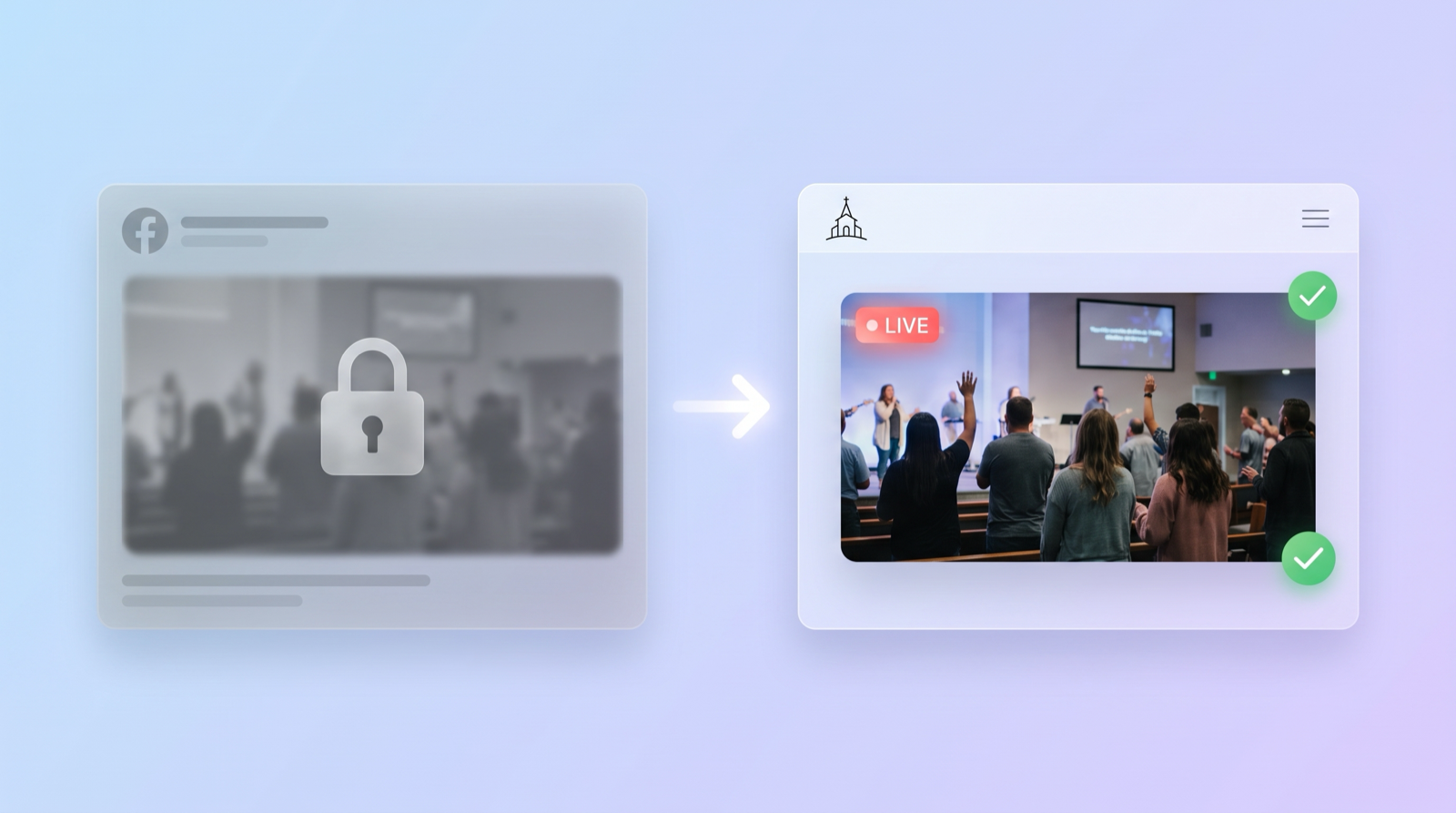
Keep a public, no-login backup that anyone can open
Use YouTube as the public source behind your embed, because anyone can watch a YouTube video without an account. A YouTube live stream plays for the member you text a link to, embeds cleanly on your website, and doubles as an instant sermon archive. It's the widest-reach option for a church, and it's free.
This is the belt-and-suspenders move. Your website embed covers the members who go straight to your site. A plain, public YouTube link covers the members who just want you to text them something they can tap and watch. Between the two, you've reached both the website-first crowd and the link-only crowd without asking anyone to create an account.
If you're weighing platforms, our honest breakdown of the best platform for church streaming compares Facebook, YouTube, Vimeo, and Resi for exactly this kind of reach. For most churches trying to include non-Facebook members, YouTube behind a website embed is the combination that leaves nobody out.
Make your website the front door, not an afterthought
Put the live section at the top of your homepage and point people there, not to a social page. Members who aren't on Facebook already know one place to find you: your website. When the service is right there on the homepage at service time, and a direct link goes out before you start, watching becomes as simple as it should be.
A few concrete moves that reliably help. Keep the live area on the homepage, not buried on a "Media" page nobody visits. Text or email the direct website link an hour before the service, so nobody has to hunt for it. Keep the last few services visible on the same page, so a member who missed Sunday can watch Monday. And when you mention "watch online" in the bulletin or from up front, say "on our website," not "on our Facebook."
That last habit matters more than it seems. Every time the announcement says "Facebook," you've told the 30% they're not invited. Say "our website" and you've told everyone they are. For the full journey from camera to website, the complete church live streaming guide ties all of this together.
What to do this week
You don't need a project plan. You need three small changes:
- Add the stream to your website. Embed it on the homepage so it plays for anyone, no account. Use an auto-embed setup so nobody swaps the code every Sunday.
- Stream on YouTube (or keep the video public) as the no-login backup. Anyone can watch without an account, and you can text the link to the members who want it that way.
- Change the words. In the bulletin, the email, and the announcements, point people to "our website," not "our Facebook page."
Do those three things and the roughly 60 members of a 200-person church who aren't on Facebook go from locked out to one click away. Start with the website embed, because it's the piece that reaches the most people for the least ongoing effort, and it's the front door your congregation already knows how to open.
Frequently Asked Questions
Can people without a Facebook account watch a Facebook Live video?
Sometimes, if the video is public and you send them the direct link. But Facebook often shows non-members a login wall or a "content isn't available" message, and the experience pushes people to sign up. It is not a reliable way to reach members who do not have an account.
How can church members watch our service without Facebook?
Put the stream on your own church website by embedding it, and use a platform like YouTube that anyone can watch without an account. When the service is embedded on your site, members just go to your website and press play. No login, no app, no Facebook required.
Is YouTube better than Facebook for reaching older church members?
For reach, yes. Anyone can watch a YouTube video without an account, and YouTube embeds cleanly on your website. Facebook usage drops among older adults, so a Facebook-only stream misses more of them. YouTube plus a website embed reaches the widest audience.
Do I need my own website to stream church without Facebook?
It is the most reliable option. Your website is the one place members already trust and know how to find. You do not need to build anything fancy: most website builders let you paste an embed code so the live service plays right on a page, and an auto-embed tool keeps it current on its own.
Written by
EmbedVidio Team
EmbedVidio puts your live streams and videos from Facebook, YouTube, Twitch, and more on any website with a one-time embed code.
Related Articles
 Tips & Tutorials
What Does It Mean to Embed a Live Stream? A Plain-English Guide
Embedding a live stream means placing your live video inside your own website instead of sending people away to watch it. Here is what that actually means, explained without the jargon.
7 min read Church Streaming
How to Embed Your Church Live Stream on Your Website
Three ways to get your church live stream onto your own website: manual embed codes, church platform widgets, and a one-time embed that detects when you go live. What each one costs you every Sunday, where to paste it, and what to do when the stream does not show.
11 min read Church Streaming
Best Church Live Streaming Software in 2026
A no-hype guide to the best church streaming software in 2026. Covers free platforms, full streaming solutions, multistreaming tools, and embed tools with real pricing and honest recommendations.
11 min readReach every member, on your own website
EmbedVidio puts your live service on your church website automatically, so the members who aren't on Facebook can still watch. One embed code, no account required for viewers.
Start Free Trial