How to Embed Facebook Live on Your Website
Facebook hands you a new embed code every time you go live. Here are the three ways to get Facebook Live onto your website, what each one costs you every Sunday, and the setup for WordPress, Squarespace, Wix, and Shopify.
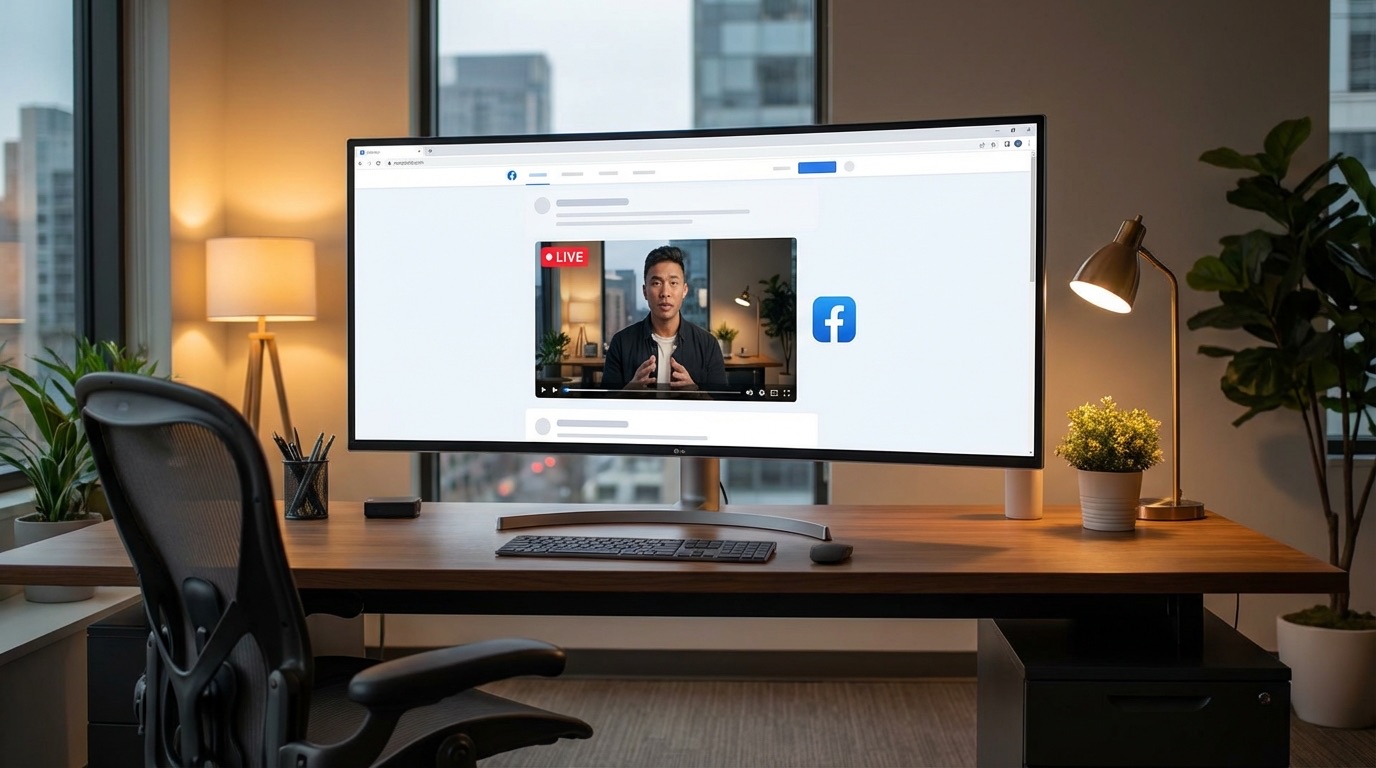
Every time you go live on Facebook, you get a brand-new video URL. The embed code sitting on your website points at last week's video, so it's already stale before this week's stream starts.
If you've been copying and pasting Facebook Live embed codes by hand, you know the routine. Log in, start the stream, grab the code, update the page, publish, and hope you didn't skip a step. Do it every week and it gets old fast.
Here's the short version. There are three ways to embed Facebook Live on your website: Facebook's own embed code (free, but you redo it every stream), a WordPress plugin (automatic, but WordPress only and slow to detect), or a one-time embed that watches your Page and shows the live video on its own. If you stream on a schedule, the third option is the one that gets your Sunday morning back. Below is how each works and how to set it up on WordPress, Squarespace, Wix, and Shopify.
Facebook gives you a new embed code for every live video
Facebook has no permanent embed code for live streams. Each broadcast creates a new video with its own URL, and the embed code points at that single video. So the code can't be prepared in advance, it doesn't exist until you're live, and it stops showing anything new the moment the stream ends.
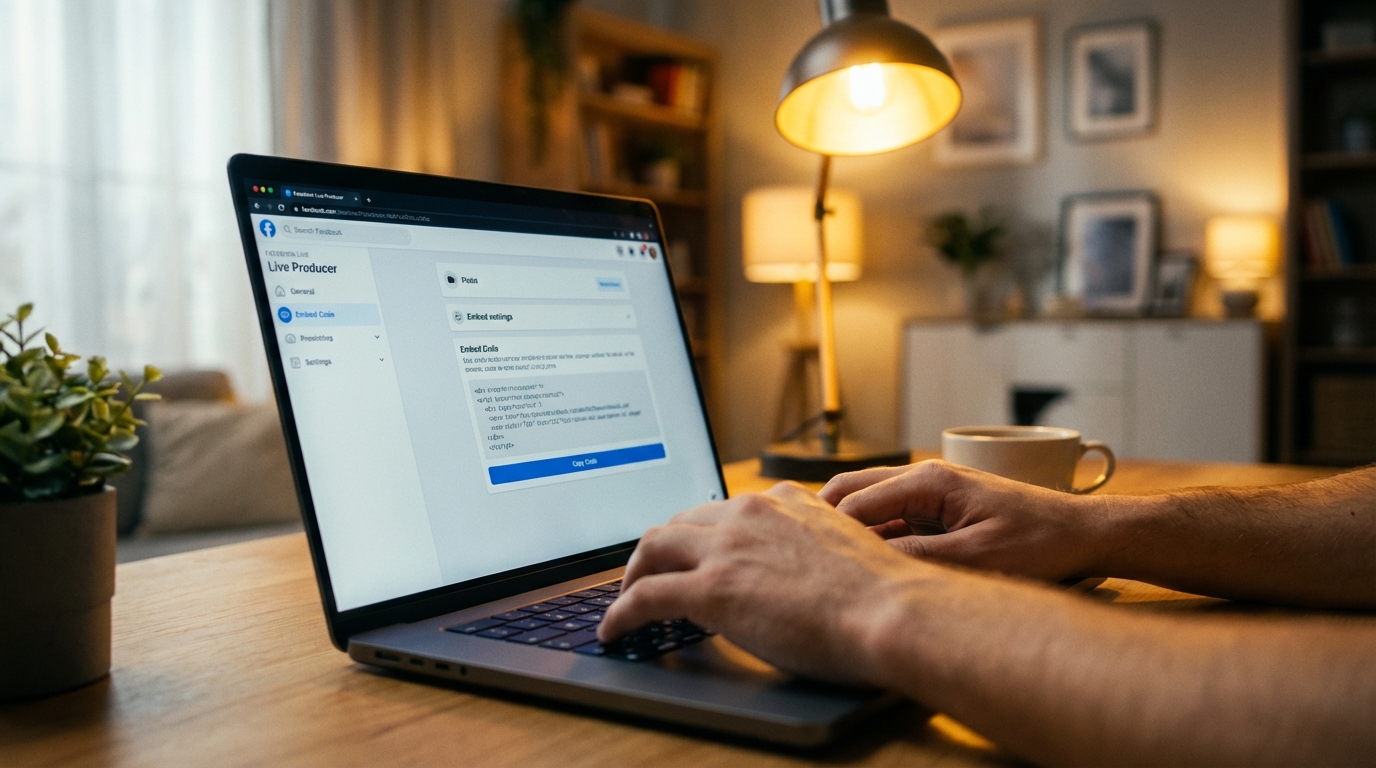
That's the whole problem in one sentence: the code is tied to a video, not to your Page. A regular uploaded video lives at a fixed URL forever, so its embed code works forever. A live video is different. Facebook creates it when you press Go Live, gives it a new ID, and that's what the embed code references.
For a church streaming every Sunday, that means someone has to be logged into Facebook, on the website, and ready to paste right before the service. If that person is sick, late, or on vacation, the website shows last week's recording or an empty box. If you want the plain-English version of what an embed is doing under the hood, what it means to embed a live stream covers it in a few minutes.
Method 1: Facebook's own embed code (free, but every stream)
Facebook's manual embed is free and uses Facebook's official player, but it covers exactly one broadcast. You copy the code from Live Producer before you go live, paste it into your site, and repeat the whole process for the next stream. It's fine for a once-a-year event and painful for a weekly service.
Here's the process through Facebook's Live Producer, which you reach from your Page:
- Open Live Producer on your Facebook Page and set up the broadcast.
- In the settings, find the option to embed the live video and turn it on.
- Copy the embed code Facebook shows you, choosing the size you want.
- Paste it into your website's HTML (a code block on most builders) before you go live.
- Start the stream.
While you're live, the player on your site shows the stream. When you end it, the same embed shows the recording, which is nice for Monday viewers.
The catch is steps 1 through 4 happen again next week. Miss one and visitors see a stale video or a broken box. There's also a small technical wrinkle: the iframe version of Facebook's embed works on most sites as-is, but the JavaScript SDK version needs a Facebook App ID, which sends most volunteers down a rabbit hole they didn't sign up for. Stick with the iframe code if you go this route.
Worth it when: you stream a few times a year and someone is always available to paste the code. Not worth it when: you go live every week.
Method 2: WordPress plugins (automatic, WordPress only)
A few WordPress plugins watch your Facebook Page and embed the live video when it starts, so nobody has to paste code. They only work on WordPress, detection takes one to three minutes because they poll Facebook on a schedule, and viewers who loaded the page early usually have to refresh. A reasonable fix if your site is WordPress and a short delay is fine.
WP Livestream is the dedicated option. It's a one-time purchase, you drop a shortcode on a page, and it checks your Page for a live video. In practice you'll see two limits: the check runs on a timer, so the stream can take a couple of minutes to show, and the plugin doesn't push the video to a viewer who already has the page open. Someone who arrived at 9:58 for a 10:00 service sees nothing until they reload.
Smash Balloon's Facebook feed plugin is the other one people reach for. It's a feed tool first, built to show your posts, photos, and videos on your site. It can surface a live video as part of that feed, but it isn't built around detecting the stream quickly, and it's priced as a full feed product.
The bigger limit is the platform. If your church site is on Squarespace, Wix, Shopify, Weebly, or something a volunteer built by hand years ago, none of this applies. That's a lot of church sites.
Method 3: a one-time embed that detects the live stream
A one-time embed connects to your Facebook Page once, gives you a single embed code that never changes, and watches for you to go live. When you do, the player on your site switches to the live video on its own, with no refresh for the viewer. When you stop, it shows your recent videos or a placeholder. It works on any website that accepts an embed code.
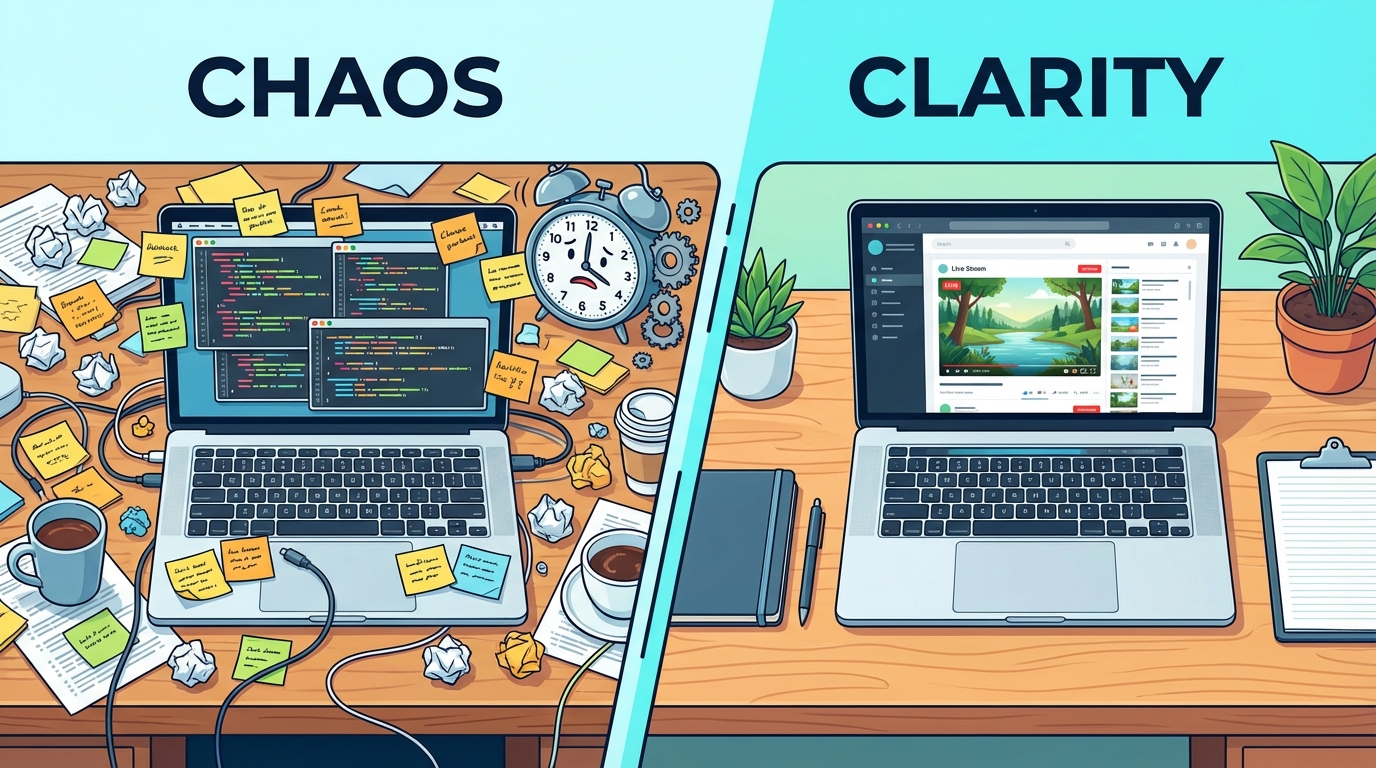
The mechanics are simple from your side:
- Connect your Facebook Page to the embed service (a standard Facebook login, the same kind you'd use for any app).
- Copy the one embed code it gives you and paste it on your site.
- Go live on Facebook the way you always do.
The difference from a plugin is how the tool learns you're live. Facebook can notify a connected app the moment a Page starts streaming, so a tool that listens for that notification shows the stream within seconds instead of polling every few minutes. And because the player on your page is watching for that signal too, a viewer who opened your site early sees the video appear without touching anything.
This is the exact problem we built EmbedVidio to solve: paste one embed code, and it detects when your Page goes live and shows the stream automatically, on any site, with no weekly code swap. Plans start at $9/month, or $7/month billed yearly, with a 7-day free trial. You could wire up something similar by hand with Facebook's API and webhooks. It just takes a lot more of your Saturday.
| Manual embed | WordPress plugin | One-time embed | |
|---|---|---|---|
| Cost | Free | One-time purchase | From $9/month |
| Works on any website | Yes | WordPress only | Yes |
| Setup | Every stream | Once | Once |
| Shows the stream after you go live | When someone pastes the code | 1 to 3 minutes | Seconds |
| Viewer has to refresh | Yes | Usually | No |
| Also handles YouTube and Twitch | No | Some | Yes |
| Shows past videos when you're offline | Recording of the last stream only | Some | Yes |
Where to paste it: WordPress, Squarespace, Wix, and Shopify
Every major website builder has a block that accepts raw HTML, and that's where any embed code goes: a Custom HTML block in WordPress, a Code block in Squarespace, an HTML Embed element in Wix, and a Custom Liquid section in Shopify. Paste once, publish, and the player appears wherever the block sits.
The same spot works whether you're pasting Facebook's manual code or a one-time embed. The difference is whether you'll be back next week.
- WordPress: in the page editor, add a Custom HTML block and paste the code. Full walkthrough in embedding live video on WordPress.
- Squarespace: add a Code block to the page section where you want the player. Steps in embedding live video on Squarespace.
- Wix: from the Add menu, choose Embed, then HTML Embed, and paste. Steps in embedding live video on Wix.
- Shopify: add a Custom Liquid section to the page or template. Steps in embedding live video on Shopify.
- Anything else: paste into the page's HTML where the player should sit. The any-website guide covers hand-built sites and less common builders.
Put the player somewhere people will find it. For a church, that's the homepage or a "Watch Live" page linked in the main menu, not a Media page three clicks deep.

Facebook's rules that trip people up
Three Facebook rules apply to every embedding method. You must stream from a Page, not a personal profile or a Group. Facebook's own player brings Facebook's interface with it, likes and comments included, unless a tool strips it out. And Facebook may not keep live replays forever, so a permanent archive is better kept on YouTube or your own site.
Pages only. Neither profiles nor Groups offer embed codes, and third-party tools can't connect to them either. If you've been going live from the pastor's personal profile, create a free Page for the church and stream from there. You'll get scheduling and audience insights in the bargain.
Facebook's player is Facebook's player. Embed it manually and you get the like button, the comment feed, and the suggested videos. That's fine for some sites. For a church that wants the sermon and nothing else on the page, look for an embed that shows only the video.
Replays aren't guaranteed. Facebook has, at times, removed live replays after a period. If the archive matters to you, stream to YouTube at the same time (most churches use a free multistream tool for this) or make sure whatever you embed keeps past services visible on your site. A one-time embed that shows your recent videos when you're offline covers the second case without any extra work.
Which method fits your church
If you go live a few times a year, use Facebook's free embed and accept the paste-before-you-stream step. If you're on WordPress and a two-minute delay is fine, a plugin removes the weekly chore. If you stream every week, on any builder, and want the people at home to see the service the moment it starts, use a one-time embed and stop thinking about it.
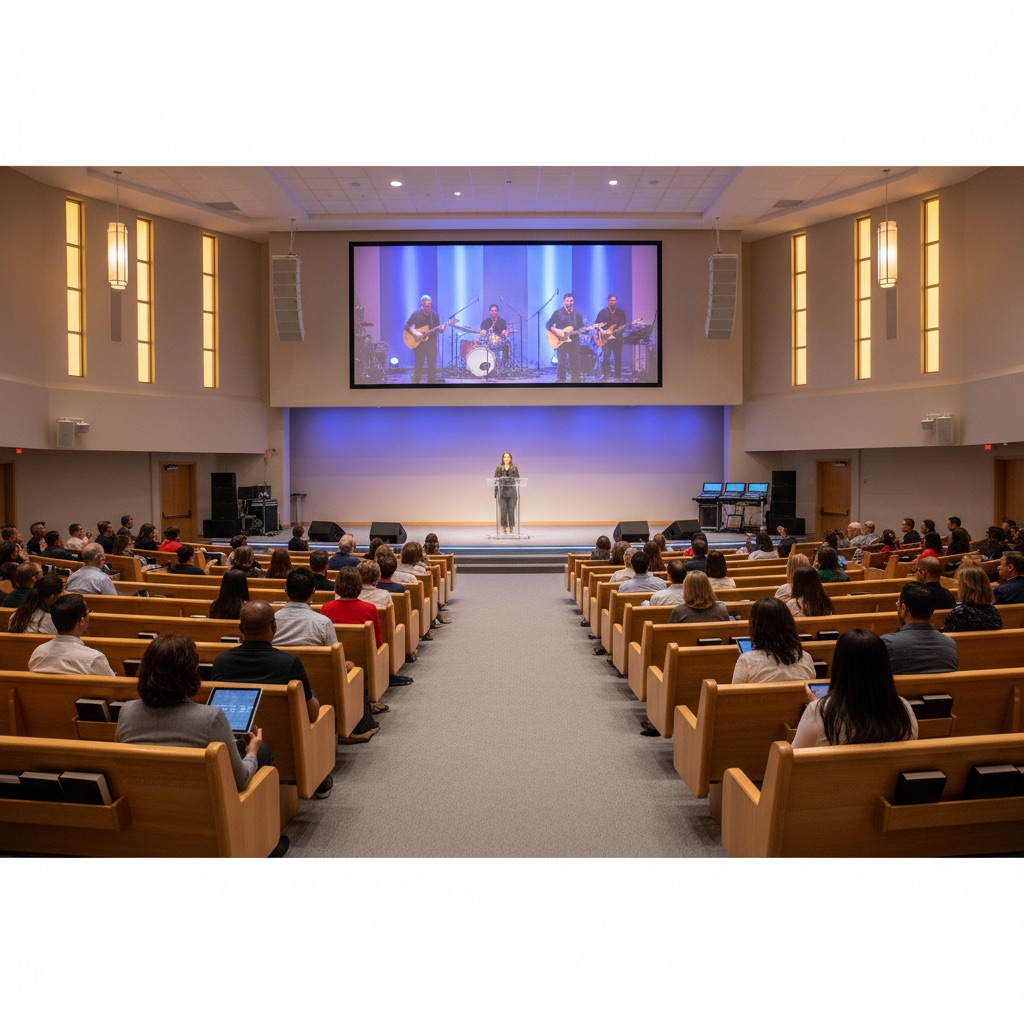
The reason this matters more for a church than for most organizations is who's watching. Nearly 30% of U.S. adults aren't on Facebook, and the share is higher among older adults, who are often the exact members watching from home. A stream that only lives on Facebook never reaches them. The one on your website does.
For the full picture, from choosing a platform to gear to getting the stream on your site, start with the complete guide to live streaming your church service to your website. If you're comparing this against YouTube or a church-specific setup, how to embed your church live stream on your website walks through the same three methods with both platforms side by side, and the Facebook Live embed page has the shortest version of the setup.
Frequently Asked Questions
Why does the Facebook Live embed code change every time?
Facebook creates a new video, with its own URL, for every live broadcast. The embed code points at that one video, so there is no permanent code for "whatever I stream next." A one-time embed tool works around this by watching your Page and swapping the video in for you.
Can I embed Facebook Live on Squarespace or Wix?
Yes. Both accept the embed code in a code block (Squarespace) or an HTML embed element (Wix). The catch is the same as everywhere else: the manual code only covers one broadcast, so you either update it before each stream or use a tool that detects the live video for you.
Does embedding work with a Facebook personal profile?
No. Every embedding method, manual or automatic, needs a Facebook Page. Personal profiles and Groups do not offer embed codes. Pages are free, and streaming from a Page also gives you scheduling and better video settings.
Do viewers need to refresh the page to see the live stream?
With a manual embed, yes, because the page was loaded with whatever code was there at the time. A live-detecting embed swaps the player in without a refresh, so someone who opened your site five minutes early sees the stream start on its own.
How long after I go live does the stream appear on my website?
Facebook sends a webhook the moment a Page goes live, so a tool that listens for it shows the stream within seconds. WordPress plugins that poll Facebook on a schedule take one to three minutes. A manual embed appears whenever someone last pasted the code.
Written by
EmbedVidio Team
EmbedVidio puts your live streams and videos from Facebook, YouTube, Twitch, and more on any website with a one-time embed code.
Related Articles
 Church Streaming
How to Embed Your Church Live Stream on Your Website
Three ways to get your church live stream onto your own website: manual embed codes, church platform widgets, and a one-time embed that detects when you go live. What each one costs you every Sunday, where to paste it, and what to do when the stream does not show.
11 min read Church Streaming
How to Reach Church Members Who Aren't on Facebook
A big share of your congregation will never watch a Facebook-only stream. Here is how to make sure the members who aren't on Facebook can still watch your service, from your own website, no account required.
7 min read Tips & Tutorials
What Does It Mean to Embed a Live Stream? A Plain-English Guide
Embedding a live stream means placing your live video inside your own website instead of sending people away to watch it. Here is what that actually means, explained without the jargon.
7 min readReady to embed Facebook Live on your website?
One-time setup. No more weekly embed code updates. Start your free trial today.
Start Free Trial