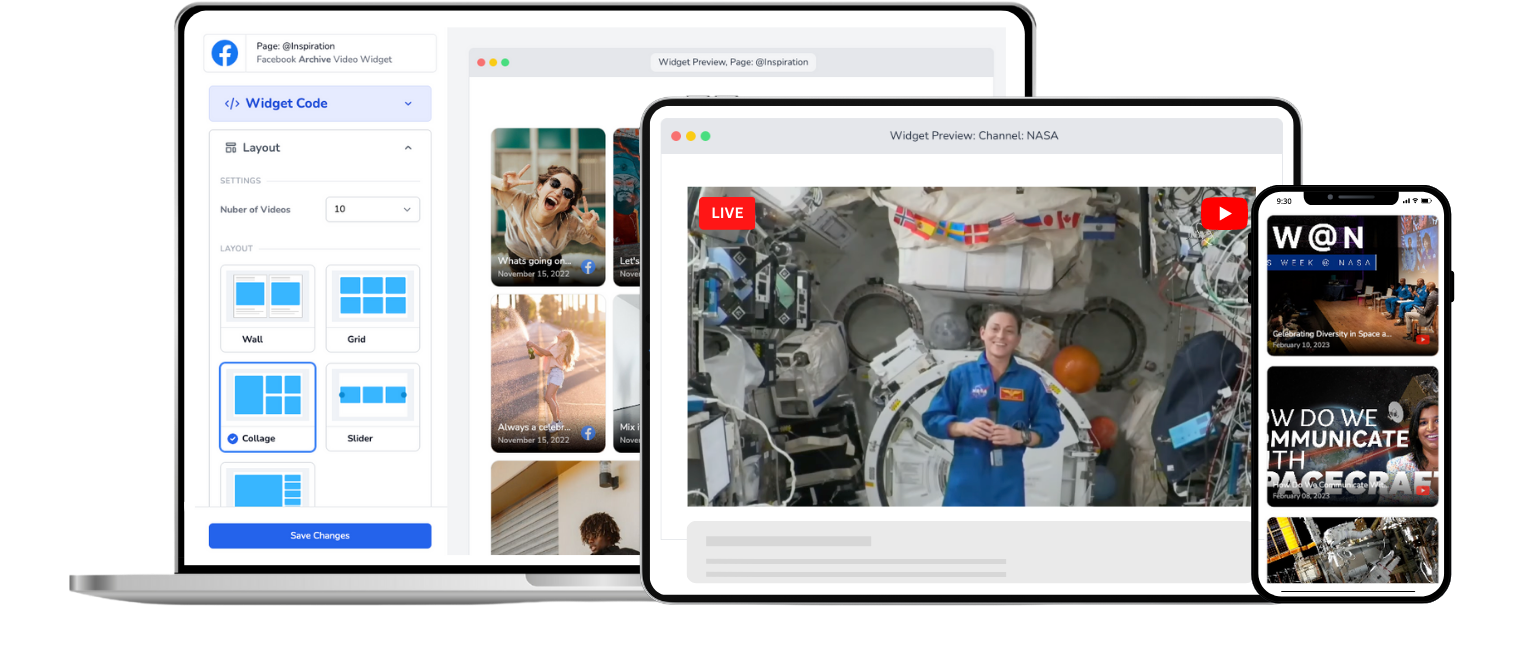
Embed Twitch Live On Website
Your viewers shouldn't need a Twitch account to watch you. Bring your stream to your own website.
Trusted by 1000's of websites
Your Stream Deserves More Than Just Twitch
Get your Twitch stream on your website
Most streamers set this up during a loading screen. It takes about 5 minutes.
Step 1
1. Connect your channel
Link your Twitch account with EmbedVidio. Quick, secure, and done in seconds.
Step 2
2. Add your embed code
Copy your unique embed code and paste it on your website. Works with virtually any website or CMS.
Step 3
3. Go live
Start streaming on Twitch like you always do. Your website picks up the stream automatically. That's it.
Stream on Twitch. Go live on your website. Automatically.
Twitch is where you stream. Your website is where you build your brand. EmbedVidio connects the two.
Live on your website
Go live on Twitch and your website updates automatically. Your stream appears in seconds—no manual work.
Offline? Show your VODs
When you're not streaming, display your past broadcasts or a custom image. Your website is never empty.
Instant auto-start
Your stream starts on your website within seconds of going live on Twitch. No page refresh needed for your viewers.
One embed, every stream
Set up your embed code once. Every future stream works automatically. No updating codes, no copying links.
Zero distractions
On Twitch, viewers are one click from someone else's stream. On your website, they're focused on you.
Works with any website
WordPress, Squarespace, Wix, Shopify, custom HTML—if you have a website, EmbedVidio works with it.
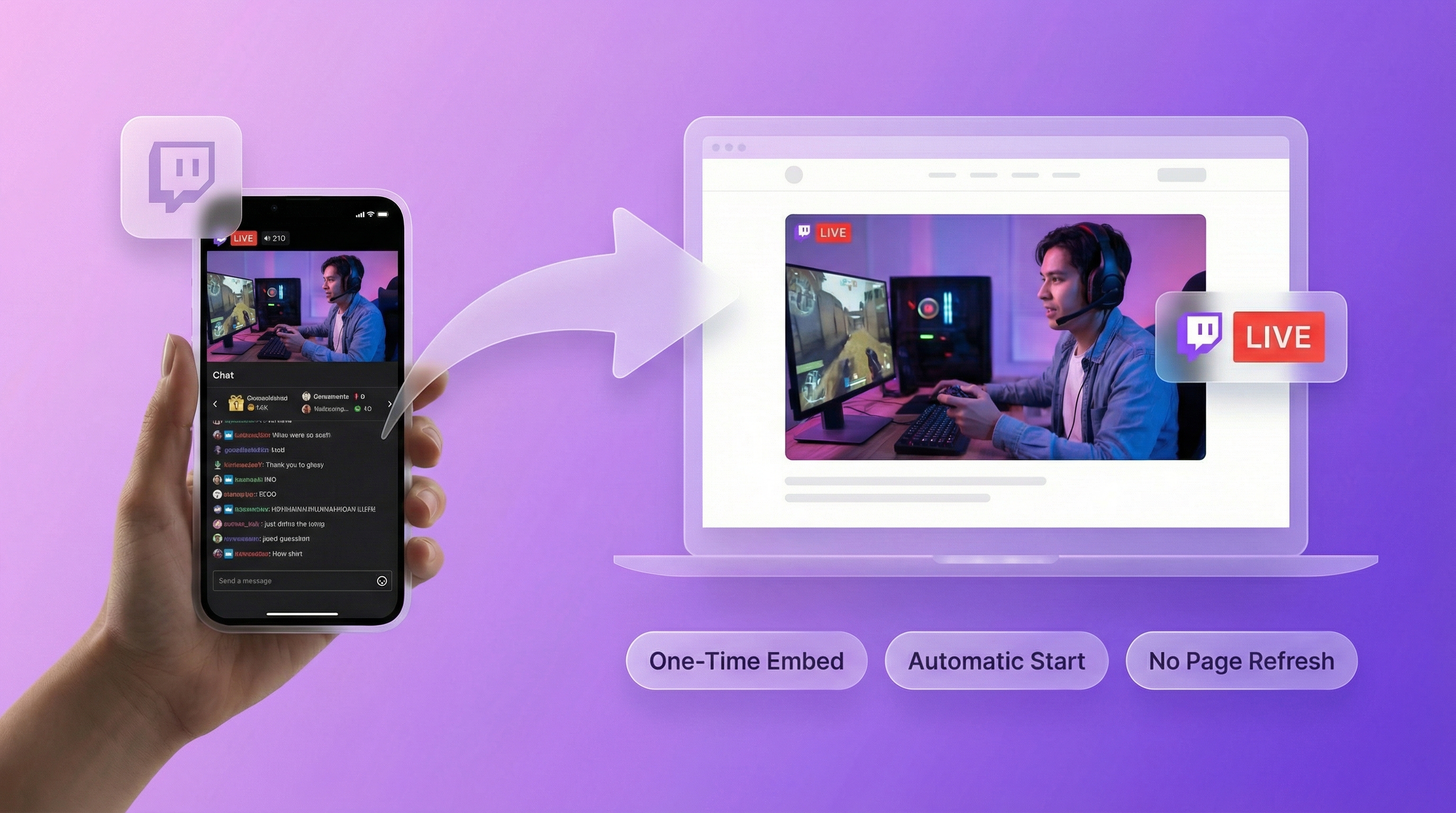
Your fans, sponsors, and family don't all have Twitch accounts
Twitch is great for the gaming community, but your audience extends beyond it. Friends, family, potential sponsors, and casual viewers often don't have Twitch accounts. A Twitch embed on your website lets anyone watch your stream without signing up for anything. More viewers, zero friction.
Build a brand that exists outside of one platform
A Twitch channel is one of millions. Your own website with your live stream, your merch store, your content, and your community? That's a real brand. Sponsors and partners take you more seriously when you have a professional web presence beyond a Twitch profile page.

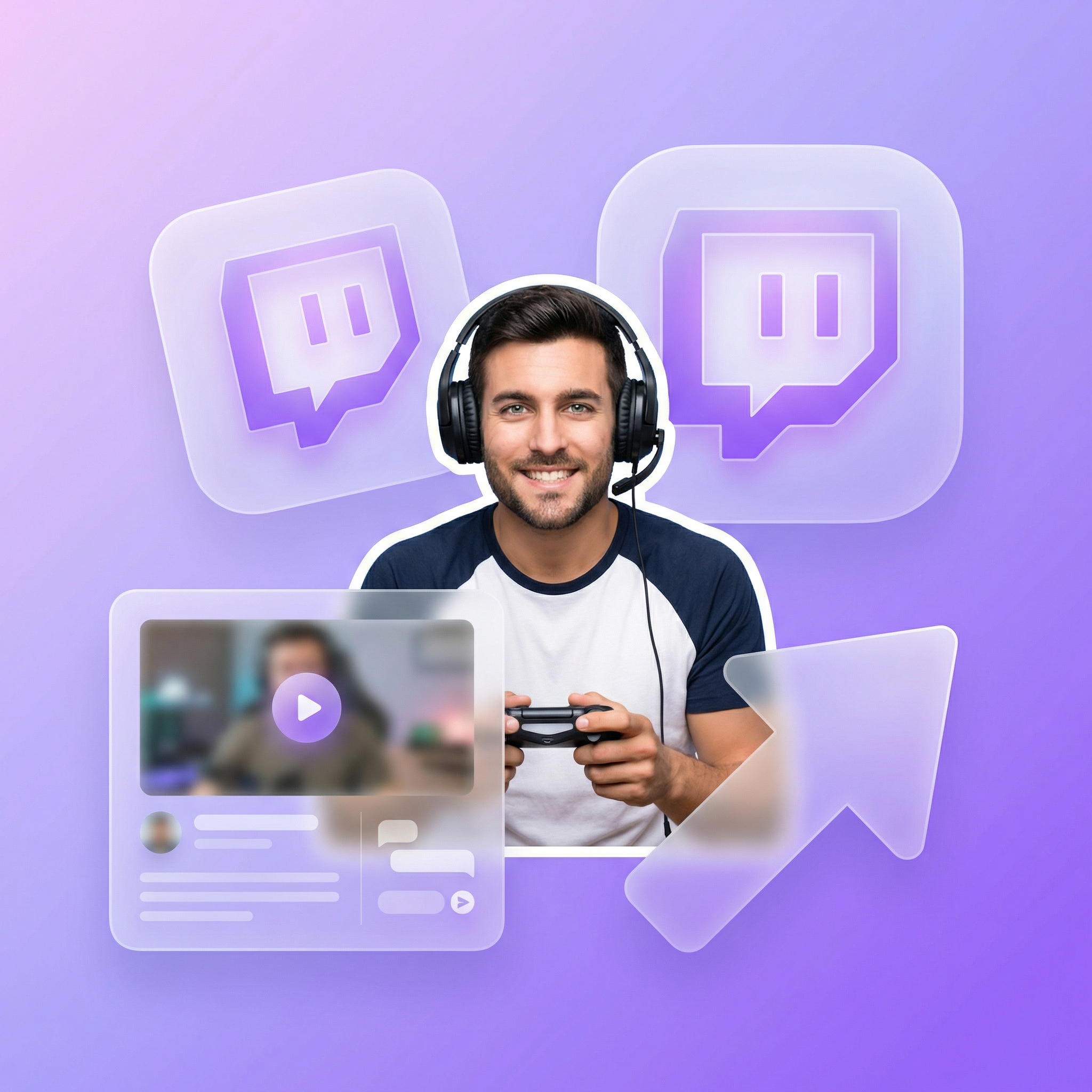
Set it once and every stream appears automatically
No more sharing links before every stream or asking viewers to find you on Twitch. Your website is always ready. The moment you go live on Twitch, your stream appears on your site automatically. When you're offline, viewers see your past broadcasts or a custom placeholder.
What they say about EmbedVidio
Before EmbedVidio... after starting a live stream, I had to manually add the embed code to our website every time.
This was too much work in a short time before the event began. Now I don't have to worry about it. Fantastic!
Silvio Miranda
Catholic Church of The Holy Trinity
EmbedVidio has been an essential component to reach those in our group who choose not to be on social media. Being able to stream and push content to our website has been so valuable.
Tim Lee
Pathway Community Church
EmbedVidio is fantastic. I found it after doing a search for LiveStreaming tools and software and LiveStreaming for cheap, in order to start a LiveStream for our Church.
Kris Kemp
Royal Palm Presbyterian Church
Frequently Asked Questions
Everything you need to know about embedding live streams on your website.
Connect your Twitch account to EmbedVidio, pick a layout, and paste the embed code into your website. Takes under 5 minutes. Your website will automatically detect when you go live on Twitch and start playing the stream.
The embed code works on any website platform: WordPress, Squarespace, Wix, Shopify, or custom HTML.
Yes. EmbedVidio detects your Twitch stream within seconds of going live and starts playing it on your website. Visitors who are already on the page see the stream appear without refreshing. When your stream ends, the widget switches back to showing your past broadcasts or a placeholder image.
Twitch offers an official embed player, but it comes with the full Twitch interface: chat, ads, recommended channels, and links to other streamers. Viewers can easily wander off to another stream.
EmbedVidio gives you a clean, distraction-free player that keeps viewers on your website. It also shows your past VODs when you're offline, so your site is never just an empty player.
It is, with one big difference. Most free Twitch embed code generators hand you an iframe for the standard Twitch player, which means your viewers get Twitch's chat, ads, and a sidebar of recommended channels pulling them toward someone else's stream. You also have to set the right parent domain or the embed breaks.
EmbedVidio generates one clean embed code with none of that clutter. You paste it once, it plays your live Twitch stream, and it shows your past broadcasts when you're offline. You can point the same code at YouTube or Facebook too.
EmbedVidio works with any website that supports HTML embed codes. That includes WordPress, Squarespace, Wix, Shopify, Weebly, Webflow, Ghost, and any custom-built website. For setup instructions on specific platforms, see our embedding guide.
EmbedVidio starts at $9/month (or $7/month billed yearly) for up to 3 widgets. All plans include automatic live detection, six layout options, and support for Twitch, YouTube, and Facebook.
There's a free 7-day trial with no credit card required. Connect your Twitch account, set up the embed, and test it with a real stream before paying.
Related Resources
Explore more guides and comparisons
Ready to stream beyond Twitch?
Gamers, content creators, IRL streamers, and esports teams use EmbedVidio to bring their Twitch streams to their own websites. Works with Twitch, YouTube, and Facebook. Try it free for 7 days—no credit card required. Your audience is bigger than one platform.