The Best Church Live Stream Widget for Your Website
A church live stream widget puts the service you already stream on Facebook or YouTube onto your own website, automatically. Here's what a widget actually does, the five things that separate a good one from a fancy embed code, and how it compares to manual embeds and full streaming platforms.
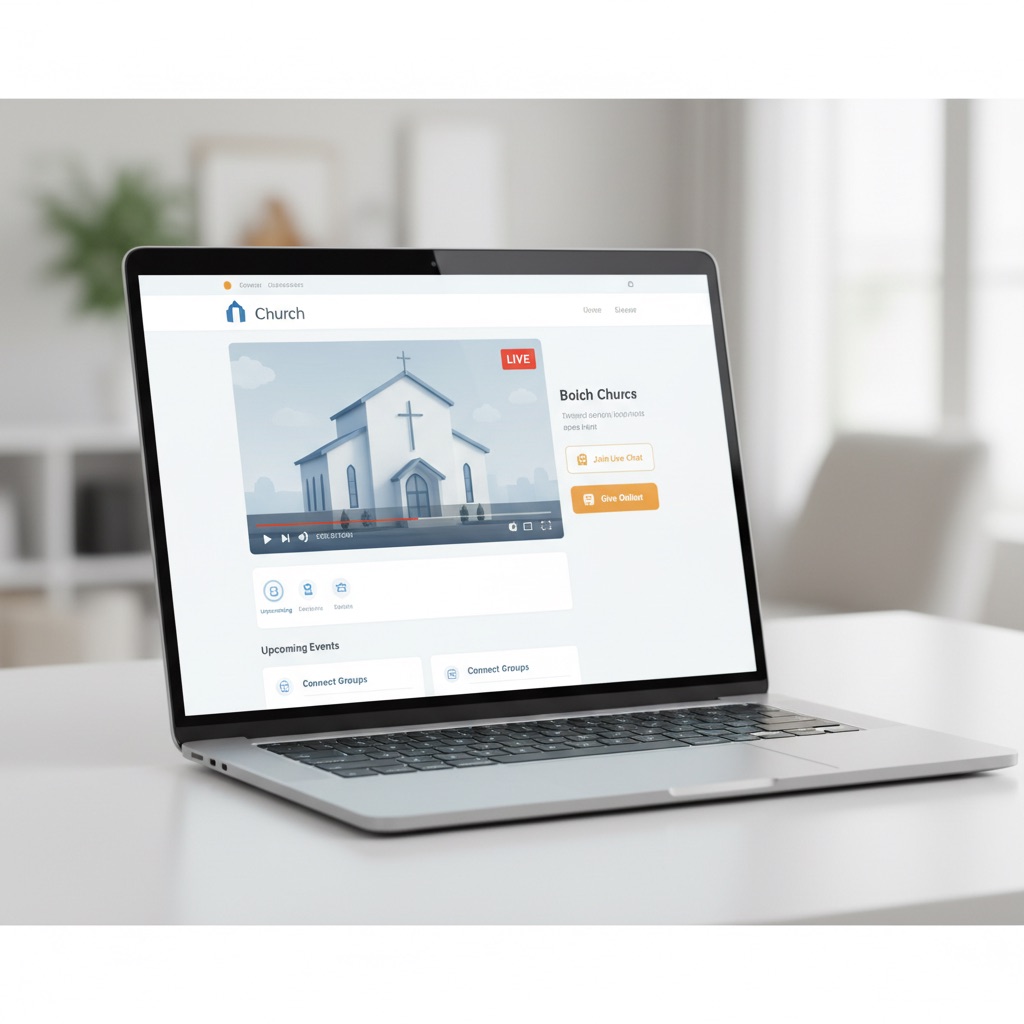
Your church already streams on Facebook or YouTube every Sunday. Members watch from home, from the road, from hospital rooms. But a good chunk of your congregation isn't on Facebook, and the ones who are get pulled away by the feed the moment the sermon slows down.
A church live stream widget fixes both problems by putting the video you're already broadcasting onto your own website, where the only thing on the page is the service. The short take: a widget is worth it if you stream weekly, because it removes the embed-code swap a volunteer would otherwise do every Sunday. What separates a real widget from a dressed-up embed code is five things, covered below. And for most churches it beats both the free manual route and the $100-a-month streaming platforms, for reasons that come down to who's doing the work on Sunday morning.
What a church live stream widget actually does
A church live stream widget is a small piece of code you paste into your website once. It connects to your Facebook Page or YouTube channel, detects when you go live, and plays the stream on your site automatically. When you're offline, it shows your recent services or a placeholder. The embed code never changes, so nobody updates the site on Sunday.
Think of it as a smart screen on your website. Live: it shows the service. Not live: it shows last week's, and the three before that.
The difference from a plain embed code is the "once." A Facebook or YouTube embed code points at one specific video, and every live broadcast is a new video, so the code goes stale every week. Someone grabs the new code, logs into the site, updates the page, publishes, and does it again next Sunday. A widget watches your account instead of pointing at a video, which is why it can be set up once and left alone. If the word "embed" itself is fuzzy, what it means to embed a live stream is a five-minute explainer, and how to embed your church live stream on your website walks through every method including the free manual one.

Why the website matters more than the platform
Nearly 30% of U.S. adults aren't on Facebook, according to Pew Research, and the share rises with age. Those are often your most faithful members and the ones most likely to watch from home. A stream that only exists on Facebook never reaches them. Your website reaches everyone, with no account and no app.
The online congregation isn't small, either. Pew found that about 40% of U.S. adults who attend religious services also watch online, even when they could be there in person. They're not skipping church. They're rewatching the sermon midweek, sharing it with a parent in another state, or catching up after a hospital stay. The full set of numbers, sourced, is in our church live streaming statistics roundup.
Two more reasons the website wins. It's distraction-free: no notifications, no suggested videos, no comments from strangers, just the service next to your giving page and service times. And it removes the Sunday morning scramble for whoever runs your tech, which is usually a volunteer with a day job. We wrote about the first point at length in reaching church members who aren't on Facebook. The second point is the rest of this post.
The five things that separate a widget from a fancy embed code
A real widget detects the live stream on its own, installs once and never needs a weekly touch, works on any website builder, gives you layout choices for a live page versus an archive page, and costs a fraction of a full streaming platform. Miss the first two and you don't have a widget, you have an embed code with a logo.
Automatic live detection. The widget has to know you're live without anyone pressing a button. Facebook can notify a connected app the instant a Page goes live, so a widget built on that shows the stream within seconds. YouTube has no equivalent, so a widget checks the channel on a short cycle and typically catches the stream within a minute or two. Either way, the viewer who opened your site five minutes early should see the video appear without refreshing.
One-time setup. If you have to change anything on the website each week, it isn't a widget. Paste once, forget it.
Any website builder. Church sites run on WordPress, Squarespace, Wix, Weebly, Shopify, and things a volunteer built by hand in 2014. A widget that ships as a plain JavaScript embed works on all of them. One that ships as a WordPress plugin or a church-platform feature works on exactly one.
Layout options. A "Watch Live" page wants a big player. A media page wants a grid of past services. Look for wall, grid, slider, and carousel layouts so one tool covers both.
Sane pricing. You already stream to Facebook or YouTube for free. You don't need $100-a-month streaming infrastructure to show that stream on your site. A widget should start under $10 a month.
Captions come along for free with any of these: Facebook and YouTube generate automatic captions on live video, and they carry through to the embedded player, which matters for deaf and hard-of-hearing members. For recordings, YouTube also accepts a corrected caption file. The W3C accessibility guidelines are the reference if you want to go further.

How a widget compares to manual embeds and full platforms
Manual embed codes are free and work anywhere, but someone updates the site before every service. Full streaming platforms like BoxCast and Dacast automate everything and add DVR, analytics, and chat, at $100 a month or more, most of it for infrastructure a Facebook-or-YouTube church already has for free. A widget sits between: automatic, on your own site, for under $10 a month.
| Manual embed code | Full streaming platform | Live stream widget | |
|---|---|---|---|
| Weekly work | Update the code every service | None | None |
| Detects when you go live | No | Yes | Yes |
| Works on any website | Yes | Varies | Yes |
| Shows past services when offline | Last recording only | Yes | Yes |
| Monthly cost | Free | $100 and up | Under $10 |
| Setup | 5 to 15 minutes, weekly | Hours, once | Minutes, once |
Manual embeds make sense for a church that streams a few times a year. For a weekly service they turn into a 52-times-a-year chore with a single point of failure: the person holding the code. The manual-embed comparison has the honest breakdown.
Full platforms are excellent for large multi-site operations that need guaranteed uplink, dedicated hardware, and white-glove support. A single church reaching its members at home is paying for headroom it won't use. The Resi comparison covers the one churches ask about most.
A widget is the fit for most churches: keep streaming where you stream, and let the widget carry it to your site.
This is the exact problem we built EmbedVidio to solve: a widget you paste once that detects your Facebook, YouTube, or Twitch stream and plays it on any website, with your recent services shown when you're offline. It starts at $9/month, or $7/month billed yearly, every plan has every feature, and the 7-day trial needs no card. You could build something similar against the platforms' APIs yourself. It's a lot more Saturday than pasting one line.
Multi-platform and multi-campus setups
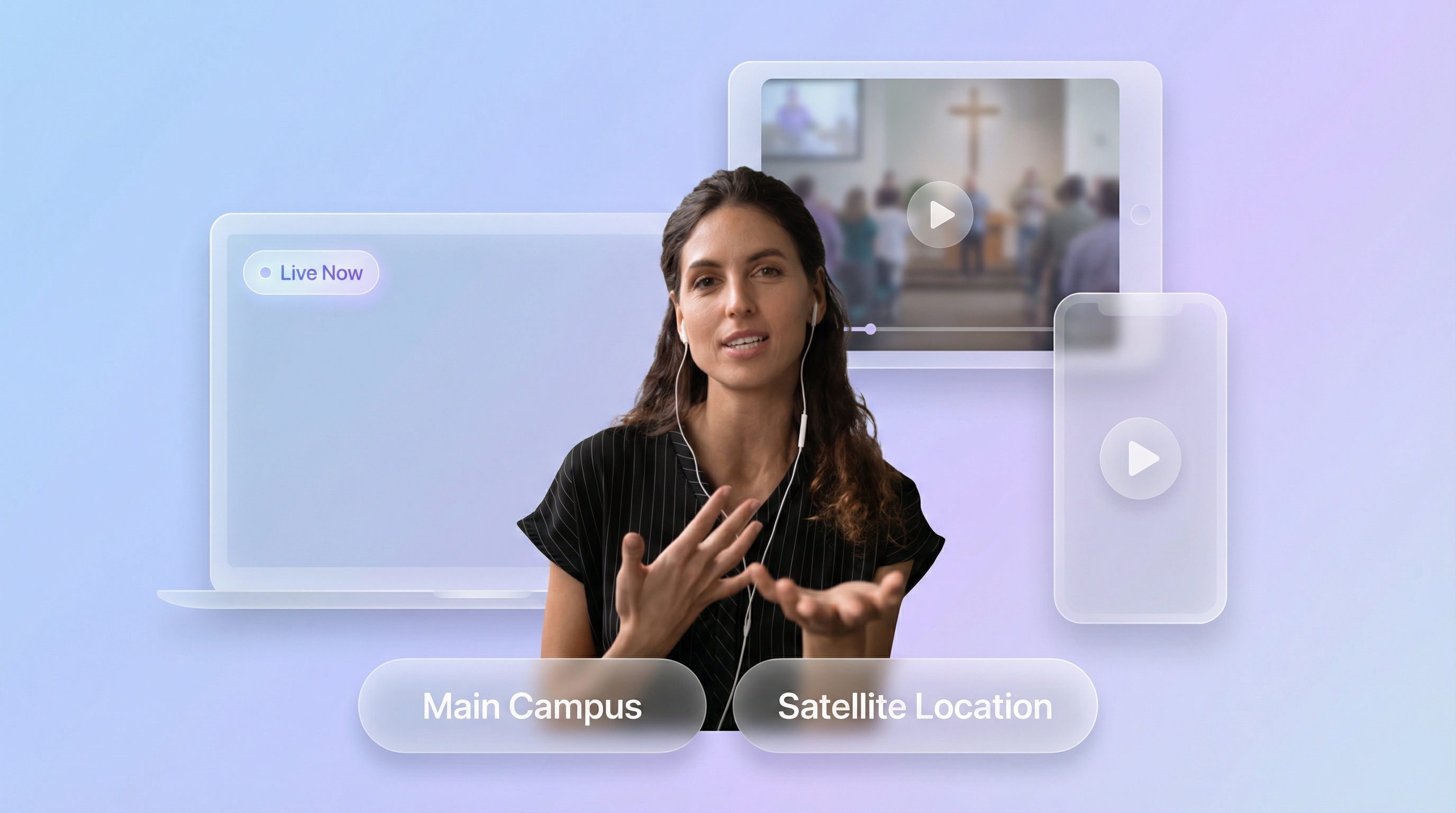
If you stream to Facebook and YouTube at once, a widget that connects both to one player shows whichever goes live, so the website never depends on which platform your volunteer clicked first. If you're multi-campus, each campus page can carry its own widget pointed at its own account, or every page can carry the same one pointed at the main service.
Multistreaming itself happens upstream, in free tools like OBS Studio or Restream, which send one broadcast to both platforms. With manual embeds you'd maintain two codes and update both weekly. With a widget you connect the Page and the channel once and let it pick.
Multi-campus churches hit a different version of the same question: one service, several websites. The simplest setup is the same widget code on every campus page, pointed at the main account, so all of them switch to live together. Churches with campuses that stream separately, say downtown on YouTube and the north campus on Facebook, create one widget per campus, each connected to its own source, and nobody switches anything on Sunday. The multi-site section of the church streaming guide goes deeper.
Three questions to ask before you commit
Ask whether you can switch streaming platforms without touching the website, whether it needs any equipment you don't already own, and what it can actually access. A good widget answers no, no, and only your public stream. The embed code on your site should stay the same when your connections change, and the tool should never need your website login.
What if we switch platforms? Churches switch more than you'd think: a new youth pastor prefers YouTube, a new volunteer knows Twitch. The widget should let you connect and disconnect accounts in its dashboard while the code on your website stays put.
Do we need new equipment? No. Whatever gets your stream to Facebook or YouTube today, a phone on a tripod or a camcorder into OBS, is what the widget plays. If you're deciding what gear is worth buying, the church live streaming equipment guide is the honest version.
Is it safe? A widget should read your public stream through the platform's official login (the same "Continue with Facebook" or Google sign-in you use for any app) and nothing else. It never needs your website's admin password, and the code you paste is a script tag like the one Google Analytics uses.
What to do this week
Pick the widget, paste its code into the homepage or a "Watch Live" page linked from your main menu, and do one test stream from your phone on a weekday. Then go live on Sunday the way you always do and check the site from your own phone.
The builder-specific paste steps are in embedding live video on WordPress, Squarespace, and Wix, and the church setup pages for WordPress, Squarespace, and Wix have the shortest path. If Facebook is your platform, how to embed Facebook Live on your website covers its particular quirks. And for everything upstream of the widget, from platform choice to gear to going live, start with the complete guide to live streaming your church service to your website.
Frequently Asked Questions
Do we need special equipment to use a church live stream widget?
No. If you already stream to Facebook or YouTube, you have everything a widget needs. It connects to that account and displays the video on your website. The camera, microphone, and internet connection you stream with today are unchanged.
Will a widget work on our church website?
A widget that ships as a small JavaScript embed works on any site with a code block: WordPress, Squarespace, Wix, Weebly, Shopify, and hand-built sites. Widgets that ship as a WordPress plugin or a church-platform feature only work on that one platform.
What shows on the website when we're not streaming?
A good widget shows your most recent recorded services in a gallery, or a placeholder image you choose, so the page looks intentional between Sundays. A plain embed code shows the last recording or a broken player.
How quickly does a widget notice that we went live?
Facebook sends a notification to connected apps the moment a Page goes live, so a widget listening for it can show the stream within seconds. YouTube offers no equivalent, so widgets check the channel on a short cycle and pick the stream up within a minute or two.
Can members watch without a Facebook or YouTube account?
Yes. That's the main reason churches add a widget. The video plays on your website, and nobody has to log in to anything. It matters most for older members, who are the least likely to have a Facebook account and the most likely to watch from home.
Can one widget cover a stream that goes to both Facebook and YouTube?
Yes, if the widget lets you connect both the Page and the channel to one player. It then shows whichever goes live. Sending one broadcast to both platforms is done upstream with a free multistream tool like OBS Studio or Restream.
Written by
EmbedVidio Team
EmbedVidio puts your live streams and videos from Facebook, YouTube, Twitch, and more on any website with a one-time embed code.
Related Articles
 Church Streaming
How to Embed Your Church Live Stream on Your Website
Three ways to get your church live stream onto your own website: manual embed codes, church platform widgets, and a one-time embed that detects when you go live. What each one costs you every Sunday, where to paste it, and what to do when the stream does not show.
11 min read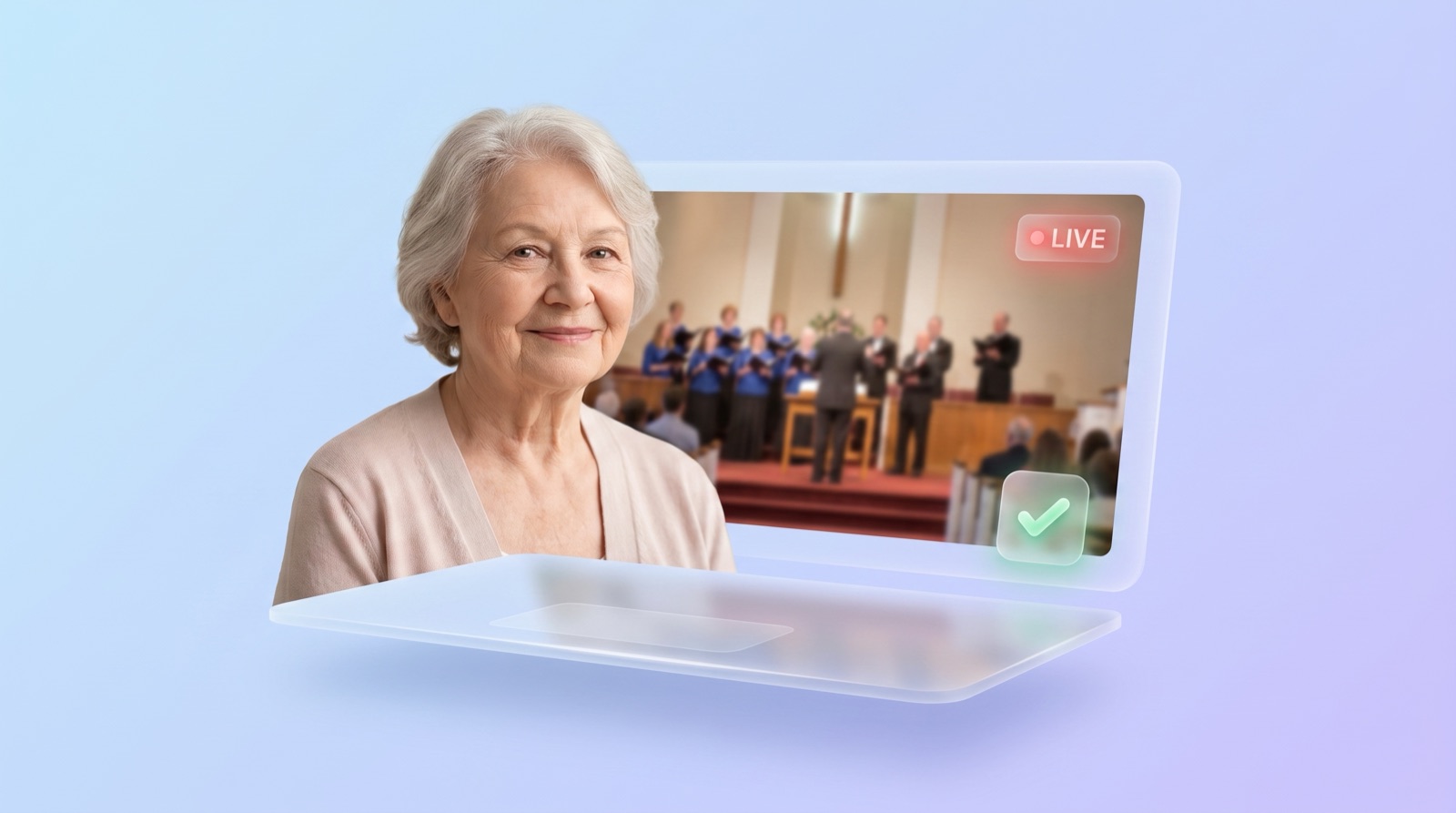 Church Streaming
How to Reach Church Members Who Aren't on Facebook
A big share of your congregation will never watch a Facebook-only stream. Here is how to make sure the members who aren't on Facebook can still watch your service, from your own website, no account required.
7 min read Platform Guides
How to Embed Facebook Live on Your Website
Facebook hands you a new embed code every time you go live. Here are the three ways to get Facebook Live onto your website, what each one costs you every Sunday, and the setup for WordPress, Squarespace, Wix, and Shopify.
10 min readPut Your Church Live Stream on Your Website
Set it up once, and your congregation can watch every service right from your church website. No Facebook account needed.
Start Free Trial