Church Live Streaming Equipment Guide: What to Buy at Every Budget
Church live streaming equipment at three real budgets, $0 to $100, $200 to $600, and $1,000 to $2,500, with specific products and prices. Plus the upgrade order that matters more than the total: audio first, internet second, camera third.
Every church streaming equipment guide opens with a $5,000 shopping list. That's no help when the board approved $300 and the pastor wants it working by Sunday.
This one is organized by what you can actually spend: a $60 to $85 kit that makes a phone stream noticeably better, a $370 dedicated setup with a real camera and clean audio, and a $1,600 to $2,300 multi-camera rig for churches that want to switch angles. Specific products, real prices, and one rule that matters more than any of the totals: upgrade audio first, internet second, camera third. If you're at zero and haven't streamed yet, how to live stream church services for free covers the phone-only start. This guide picks up where that leaves off.
The chain every setup follows, and where the weak link usually is
Every church stream is the same chain: an audio source, a video source, an encoder that combines them and sends the stream out, the platform (Facebook or YouTube) that receives it, and the website where your congregation actually watches. Spend on the weakest link. A $2,000 camera paired with a phone's built-in microphone looks great and sounds like a gymnasium.
Audio comes from microphones and the soundboard. Video comes from a camera. The encoder is the phone app at the cheap end and OBS Studio or a hardware switcher further up. The platform is free either way. The website is the piece most equipment guides forget, and it's covered at the end, because the gear alone doesn't get the service in front of the members who aren't on Facebook.
Upgrade in this order: audio, internet, camera, lighting, switcher
Viewers notice audio first, buffering second, and picture quality a distant third. So the order is: fix audio, then make the internet connection reliable, then improve the camera, then the lighting, and add a switcher last. A $20 audio fix beats a $500 camera, and a $15 ethernet adapter beats both if your stream drops.
The test is simple: watch your own recordings back. Whatever bothers you most is the next purchase. For most churches that's the sound, because a phone mic hears the room, not the speaker. After that it's the moments the stream froze. Only after those two are solved does a sharper picture become the thing anyone notices.
Tier 1, $60 to $85: make the phone stream good
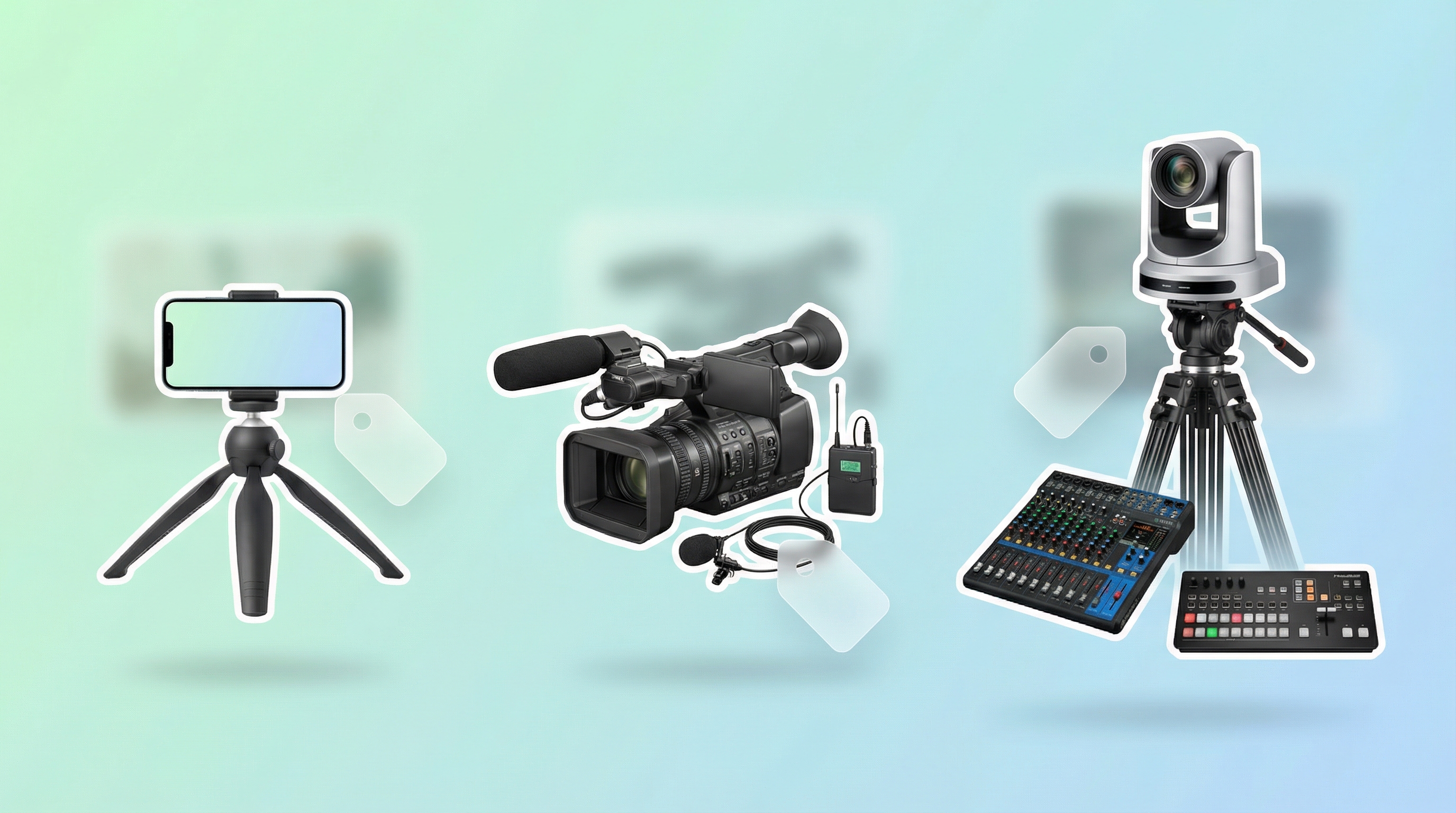
Keep the phone as the camera and spend on everything around it: a $20 clip-on microphone or a $15 cable from the soundboard, a $15 to $25 tripod, and a $15 ethernet adapter with a cable to the router. That's $60 to $85, and it fixes the two things viewers complain about, muffled audio and buffering.
Audio, $15 to $30. If the church has a soundboard, run a 3.5mm cable from its aux or tape output into the phone (with the right adapter for a phone with no headphone jack). That captures the full mix, pastor's mic, worship team, tracks, everything, and it's the best audio upgrade available at any price. No soundboard? A Boya BY-M1 lavalier mic, about $20, clipped to the speaker's collar is a dramatic improvement over the phone's own mic. A Behringer UCA222, about $30, connects a soundboard to a laptop if you go that route.
Video, $0. A 2020-or-newer phone shoots 1080p that's perfectly fine for a sanctuary. A tripod with a phone clamp, $15 to $25, gives a stable, level shot without anyone holding it.
Internet, $15 to $30. A USB-C or Lightning ethernet adapter, about $15, plus a 50-foot Cat6 cable, about $15, if the router is in the office and the sanctuary isn't. Wi-Fi drops packets; wire doesn't. This single change ends most buffering complaints permanently.
| Item | Cost |
|---|---|
| Lavalier mic or soundboard cable | $15 to $30 |
| Phone tripod | $15 to $25 |
| Ethernet adapter and cable | About $30 |
| Total | $60 to $85 |
Tier 2, about $370: a real camera and clean audio into OBS
This tier replaces the phone with a camcorder, routes audio through a small mixer, and runs both into OBS Studio, which is free. Expect about $370: a camcorder around $250, an HDMI capture card around $25, a small USB mixer around $70, and a tripod if you don't have one. It's where most small and mid-size churches land and stay.
Camera, $150 to $400. For most churches at this budget a camcorder beats the alternatives. Webcams like the Logitech C920, about $70, are simplest but fixed in place with a small sensor. DSLRs overheat during a 90-minute service. A consumer camcorder such as a Canon VIXIA R-series model, about $250, is built to record for hours, has optical zoom to frame the pulpit from the back of the room, and outputs HDMI. The Sony ZV-1F, about $400, is the step up for low light and a wide angle. Any camera with HDMI out needs an HDMI capture card, $20 to $30, to feed a laptop over USB.
Audio, $30 to $100. Run the soundboard into the streaming laptop. Without a board, a Behringer Xenyx Q802USB, about $70, takes one or two mics and sends clean audio over USB. A Focusrite Scarlett Solo, about $80, does the same for one XLR mic, and an Audio-Technica ATR2100x, about $80, is a solid speech mic that plugs into either.
Software, free. OBS Studio combines the camera and audio into one stream, adds lower-third graphics like the speaker's name or a scripture reference, switches between scenes (wide shot, close-up, slides), and sends to Facebook, YouTube, or both. It takes an afternoon to learn and there are hundreds of church-specific tutorials on YouTube. The best church streaming software post covers OBS and the alternatives.
| Item | Cost |
|---|---|
| Camcorder | About $250 |
| HDMI capture card | About $25 |
| Small USB mixer | About $70 |
| OBS Studio | Free |
| Tripod, if needed | About $25 |
| Total | About $370 |
Tier 3, $1,600 to $2,300: multi-camera with a switcher
This tier adds a second and third angle and a video switcher to cut between them. Two PTZ cameras, $1,000 to $1,600, a Blackmagic ATEM Mini Pro, about $450, an audio interface, about $80, and cabling, about $100, come to $1,600 to $2,300. One volunteer can run all of it from a single seat.
Cameras, $500 to $800 each. PTZ (pan-tilt-zoom) cameras like the PTZOptics 20X are the popular choice because one person controls several of them from a laptop or a joystick controller: a wide sanctuary shot, a pulpit close-up, a worship team angle, with no camera operators. Two camcorders and a switcher, about $500 total, is the manual version. A mirrorless body like the Sony ZV-E10, about $700, gives the best image if someone wants to operate it.
Switcher, $250 to $500. The Blackmagic ATEM Mini, about $250, is the one most churches choose: four HDMI inputs for cameras plus a slides computer, simple and reliable. The ATEM Mini Pro, about $450, adds direct streaming to YouTube or Facebook without a laptop running OBS. The Roland V-1HD+, about $500, is the alternative with more production features.
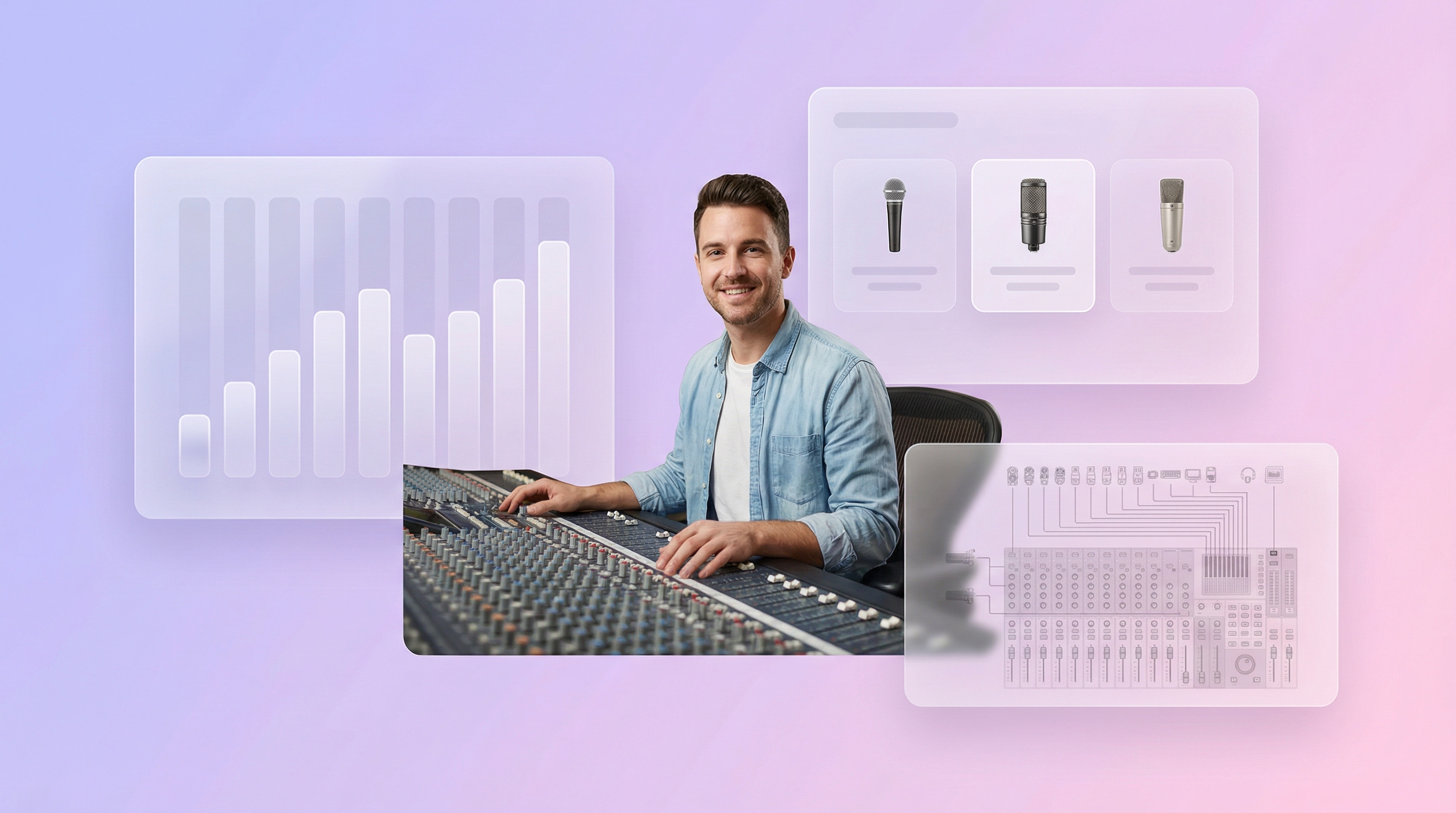
Audio, $100 to $300. By now the church has a soundboard, so the work is clean routing into the switcher or streaming computer: a Behringer UMC202HD interface, about $80, a Shure SM58, about $100, as a backup mic, and a Radial ProDI direct box, about $100, for a clean line from the board.
| Item | Cost |
|---|---|
| Two PTZ cameras | $1,000 to $1,600 |
| Blackmagic ATEM Mini Pro | About $450 |
| Audio interface | About $80 |
| Cabling (HDMI, SDI, XLR) | About $100 |
| Total | $1,600 to $2,300 |
The part every equipment guide skips: the website
All of this gets the stream to Facebook and YouTube. It doesn't get it to the roughly 30% of adults who aren't on Facebook, who go to your website and find last week's recording or an empty box. Getting the stream from the platform to your site is one more step, and it's the same step at every tier: a pasted embed code that goes stale weekly, or a tool that detects the stream for you.
Nearly 30% of U.S. adults don't use Facebook, per Pew Research, and the share rises with age, which describes a lot of the people watching from home. We wrote about them in reaching church members who aren't on Facebook. For them, the website is the front door.
The snag is that Facebook and YouTube create a new video URL for every broadcast, so an embed code pasted into your site points at last week's service by next Sunday. Someone can re-paste it weekly, which is free and fragile. Or a tool can watch the Page or channel and swap the stream in on its own.
This is the exact problem we built EmbedVidio to solve: one embed code, pasted once into WordPress, Squarespace, Wix, or any site, that plays your Facebook or YouTube stream the moment you go live and shows recent services when you're offline. It starts at $9/month, or $7/month billed yearly, with a 7-day free trial. It's a rounding error next to a camera, and it's the piece that gets the stream in front of the whole congregation. You could build something like it against the platforms' APIs; it just costs more Saturdays than pasting a line. The full comparison of every method is in how to embed your church live stream on your website, and the church setup pages for WordPress, Squarespace, and Wix have the shortest paste-it-here steps.
The five mistakes that waste church tech budgets
Buying a camera before fixing audio, streaming over Wi-Fi, buying a multi-camera rig for a 50-person congregation, forgetting the website entirely, and having no backup when the main setup fails on Sunday. Each one is cheap to avoid and expensive to learn the hard way.
Camera before audio. The most common one. An $800 camera doesn't matter if the sermon echoes off the walls. Fix the sound first.
Wi-Fi. One dropped connection during the sermon and the remote congregation loses the service. Run the cable.
Over-buying for your size. A 50-person church doesn't need PTZ cameras. Start at Tier 1 or 2, stream consistently for a few months, and upgrade only when you hit a real limit.
Forgetting the website. All the gear in the world doesn't help the member who goes to your site to watch. Add that piece early; it's the cheapest part of the whole setup.
No backup. Keep the phone charged and on a tripod nearby. If the camera or encoder fails at 9:58, you're streaming from the phone by 9:59.
Equipment by budget, on one screen
| Tier 1, $60 to $85 | Tier 2, about $370 | Tier 3, $1,600 to $2,300 | |
|---|---|---|---|
| Camera | Phone | Camcorder | PTZ cameras |
| Audio | Clip-on mic or soundboard cable | Small USB mixer | Interface plus direct box |
| Encoder | Phone app | OBS Studio on a laptop | ATEM Mini Pro |
| Switcher | None | OBS scenes | ATEM Mini |
| Internet | Ethernet adapter | Ethernet adapter | Dedicated wired line |
| Website | Same at every tier: one embed on your site |
Pick the tier that matches the money you have today; you can always move up. The equipment you own right now is enough to start, and starting beats starting perfectly. For the whole picture, from platform choice to going live to the website, start with the complete guide to live streaming your church service to your website. And if you're deciding whether a dedicated widget is worth it for the website step, the best church live stream widget for your website walks through what to look for.
Frequently Asked Questions
What is the minimum equipment needed to live stream a church service?
A smartphone from about 2018 or newer, a free Facebook Page or YouTube channel, and an internet connection with at least 5 Mbps upload. That is the whole list. Plenty of churches stream every week with a phone on a tripod and nothing else.
What should a church upgrade first for streaming?
Audio, always. A $20 clip-on microphone or a cable from the soundboard to your streaming device improves the stream more than any camera. Viewers tolerate soft video and leave when the audio is muffled or echoey. Internet reliability is second, camera third.
How much does a good church streaming setup cost?
A starter kit that improves a phone stream runs $60 to $85 (clip-on mic, tripod, ethernet adapter). A dedicated setup with a camcorder, small mixer, and free OBS software runs about $370. A multi-camera production rig with PTZ cameras and a switcher runs $1,600 to $2,300. Most small and mid-size churches are well served around $300 to $500.
Does a church need a video switcher?
Only for multiple camera angles. A single camera into OBS Studio, which is free, needs no switcher. When you want a wide shot plus a pulpit close-up, the Blackmagic ATEM Mini at about $250 is the switcher most churches pick.
How do we get the stream onto the church website once the gear is set up?
The gear gets the stream to Facebook or YouTube. Getting it from there to your website is one more step: paste the video embed code into a code block, which goes stale each broadcast, or use a live-detecting embed tool with one permanent code. That step is the same at every equipment tier.
Written by
EmbedVidio Team
EmbedVidio puts your live streams and videos from Facebook, YouTube, Twitch, and more on any website with a one-time embed code.
Related Articles
 Church Streaming
How to Live Stream Church Services for Free
Your church can stream this Sunday for $0 with a phone and a free Facebook or YouTube account. The exact setup, the one thing that actually matters (upload speed), the first upgrades worth buying, and how to get the stream onto your website for the members who are not on Facebook.
11 min read Church Streaming
Best Church Live Streaming Software in 2026
A no-hype guide to the best church streaming software in 2026. Covers free platforms, full streaming solutions, multistreaming tools, and embed tools with real pricing and honest recommendations.
11 min read Church Streaming
How to Embed Your Church Live Stream on Your Website
Three ways to get your church live stream onto your own website: manual embed codes, church platform widgets, and a one-time embed that detects when you go live. What each one costs you every Sunday, where to paste it, and what to do when the stream does not show.
11 min readComplete Your Setup: Get Your Stream on Your Website
You have the equipment. Now put your live stream where your congregation can find it. EmbedVidio displays your Facebook or YouTube stream on your church website automatically. Start your free 7-day trial.
Start Free Trial