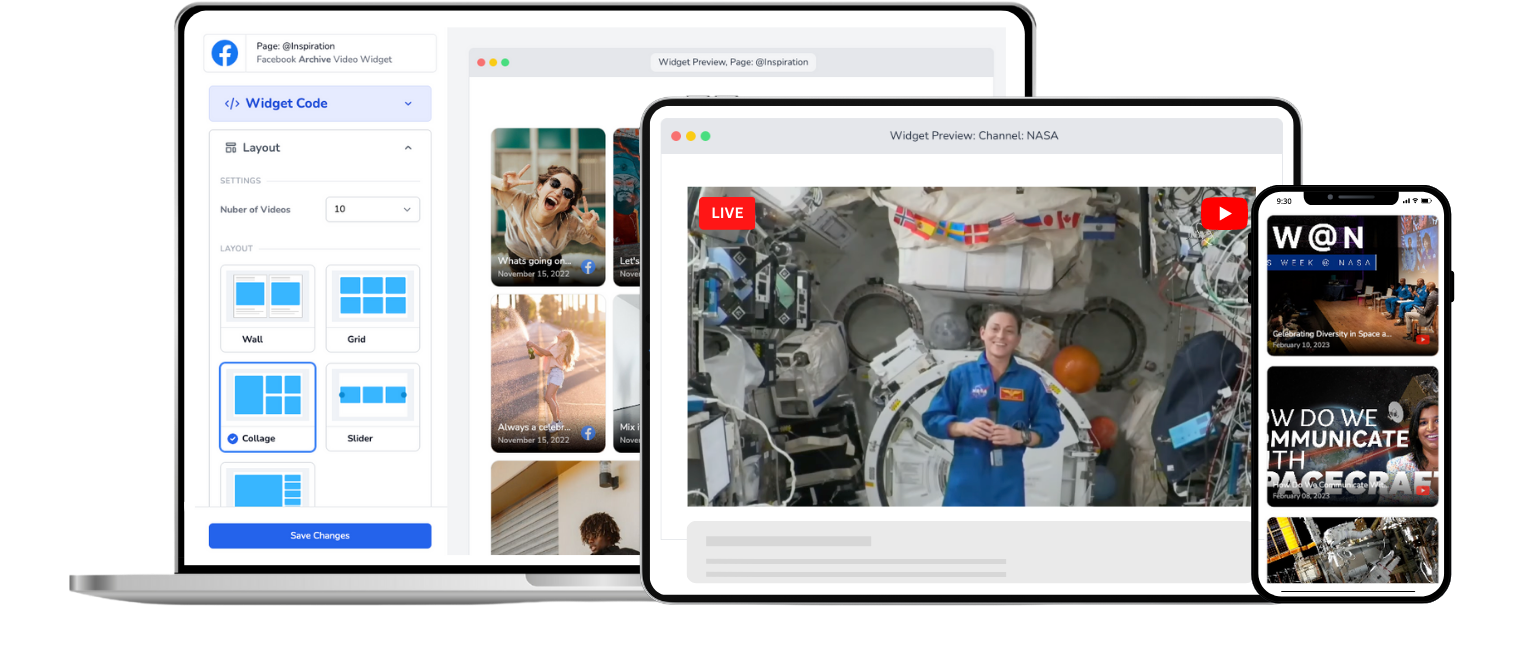
Church Live Stream for Wix
Embed your church's Facebook or YouTube live stream on any Wix page. One-time setup, automatic live detection, no app required.
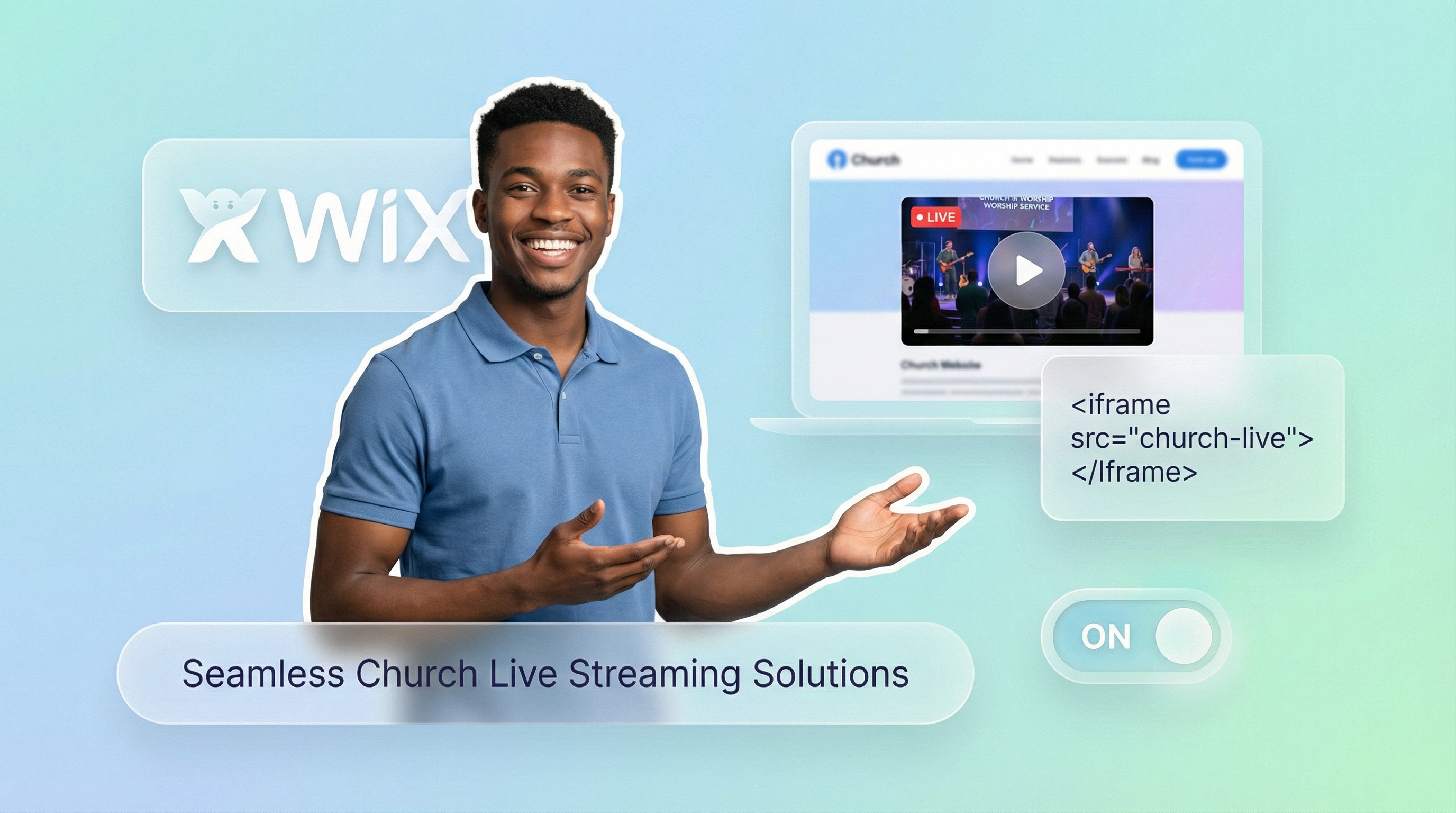
Trusted by 800+ churches
Your Church Already Streams. Now Put It on Your Wix Site.
Your church streams every Sunday on Facebook or YouTube. But your Wix website sits there showing last week's recording, or worse, nothing at all. Getting a live stream onto Wix shouldn't be this hard.
Wix Video has built-in streaming, but it's a separate system. It doesn't pull from your existing Facebook or YouTube streams, and it caps free broadcasts at 10 minutes. Most churches don't need another streaming platform. They need their current streams to show up on their website.
EmbedVidio connects the dots. Paste one embed code into a Wix Embed element, and your Facebook or YouTube live stream plays automatically on your site whenever you go live. No page refresh. No weekly updates. No new streaming software to learn.
For a step-by-step walkthrough, check our guide to embedding live video on Wix.
How to Add a Church Live Stream to Wix
Get your church live stream on Wix in under 5 minutes. No coding required.
Step 1
Connect
Securely connect your church's Facebook Page or YouTube channel with EmbedVidio.
Step 2
Embed
Add a one-time embed code to your Wix page using the Embed element. Works on any page or section.
Step 3
Go Live
Go live from your Facebook Page or YouTube channel ... watch your church service stream automatically on your Wix site.
Everything You Need to Stream Church Services on Wix
Built for church volunteers who want their existing live streams on their Wix site without learning a new platform.
Automatic Live Detection
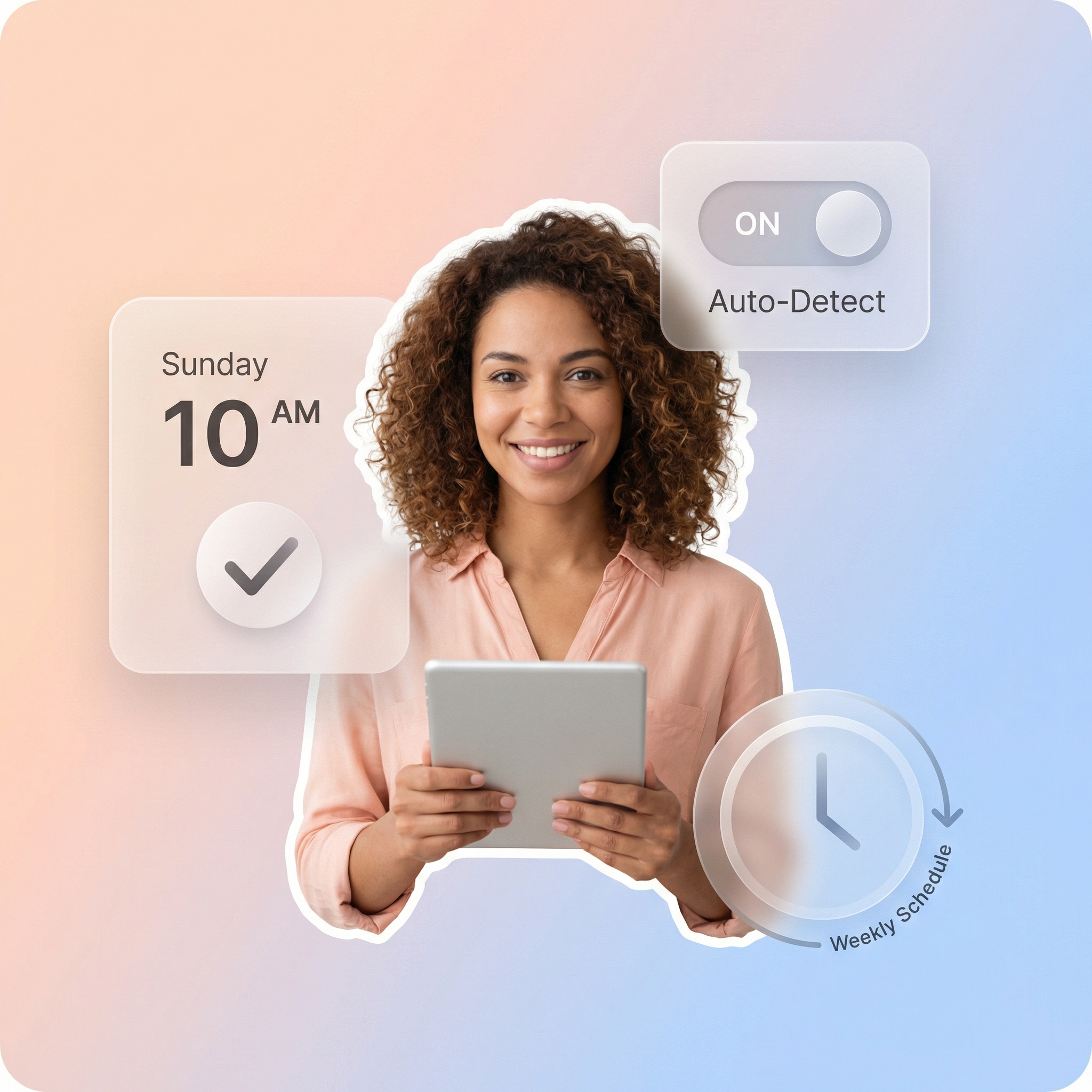
EmbedVidio detects your live stream within seconds on Facebook and minutes on YouTube. Your Wix page updates automatically with no action from your team.
One-Time Embed Code
Paste it once into a Wix Embed element. That's it. The code never changes, no matter how many times you go live.
Facebook and YouTube Together
Connect both your Facebook Page and YouTube channel to a single widget. No need for separate embeds or switching between platforms each week.
Previous Service Library
When you're not live, the widget displays your recent recorded services. Members can catch up on sermons they missed, right from your Wix site.
Multiple Layout Options
Choose from wall, grid, slider, carousel, or collage layouts. Pick the style that matches your Wix template for a clean, professional look.
No Wix App Required
EmbedVidio runs through a lightweight JavaScript embed. No Wix App Market installation, no third-party apps, no extra monthly fees from Wix.
Use Your Existing Streams, Not a New Platform
Wix Video is a separate streaming system. It doesn't connect to your Facebook Page or YouTube channel. EmbedVidio does. Instead of learning new software, just keep streaming where you already do. EmbedVidio's embed code drops into Wix's built-in Embed element and pulls your live streams automatically. For a detailed walkthrough, see our Wix live video guide.

Reach the Members Who Aren't on Facebook
Roughly 30% of adults don't use Facebook. For older congregation members, that number is even higher. When your live stream only exists on social media, you're leaving faithful members behind. A widget on your church website gives everyone a direct, simple link to watch. No login. No account. Just your service, playing on your Wix site.
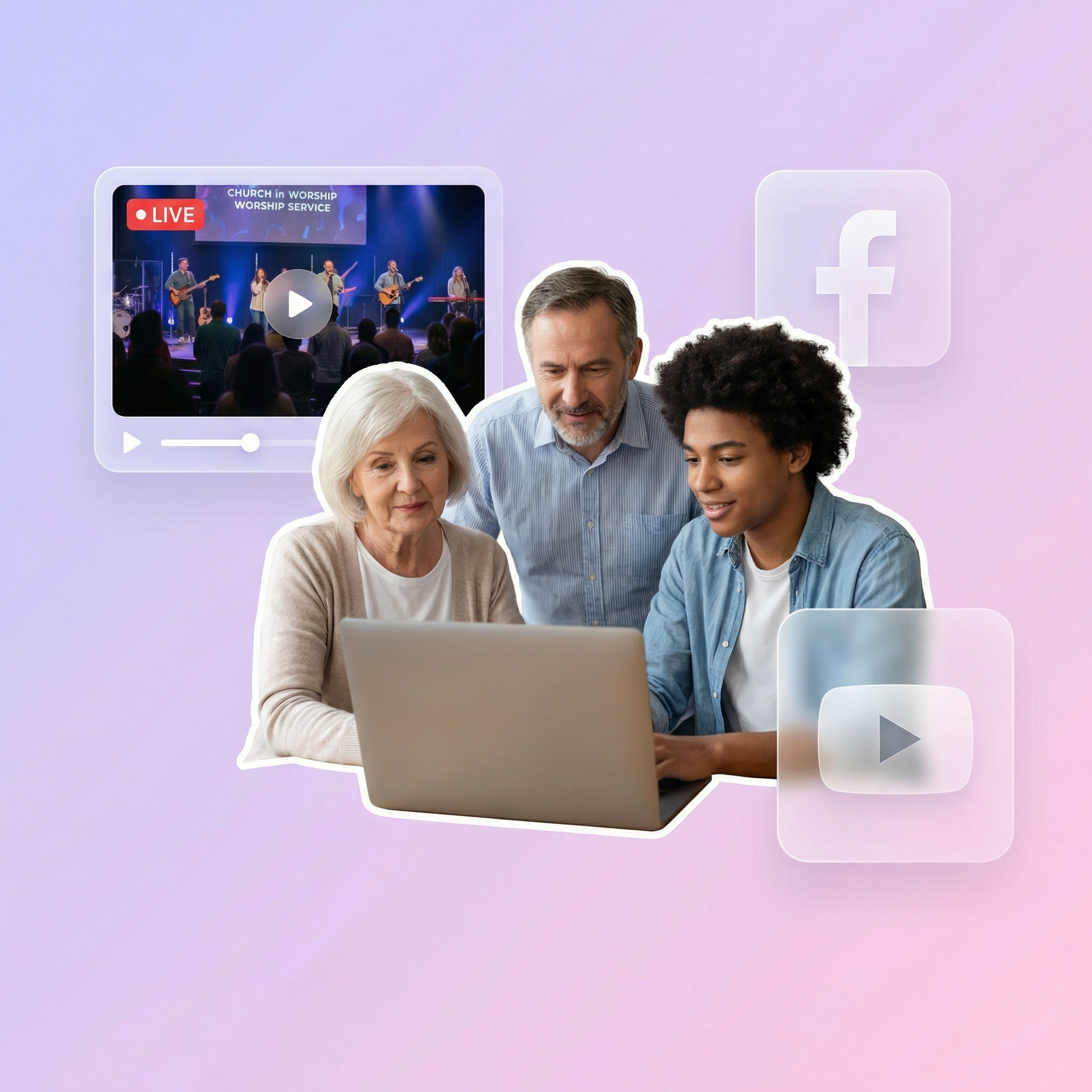
Set It Up Once. Every Sunday Is Covered.
Without EmbedVidio, you'd need to grab a new embed code from Facebook or YouTube every week, paste it into your Wix page, preview it, and publish. That's 5 to 10 minutes of stress before every service. EmbedVidio eliminates that routine completely. One setup, and the widget handles every future live stream on its own.
What they say about EmbedVidio
EmbedVidio allows those who do not like Facebook or who are not confident to use it, view our streamed services. It's great, I do not have to update the website each week.
Simon Crofton
Holy Rood Church
I love being able to point people to our website to view our livestream broadcasts. Super helpful for non Facebook users.
Paul Amlin
The Water of Life Conference, ELCA
Using EmbedVidio has resulted in a shift from viewers of live-streamed Sunday Mass on FB to our website
Alan J Heavens
Holy Trinity Episcopal Church
Frequently Asked Questions
Everything you need to know about embedding live streams on your website.
Three steps. First, create an EmbedVidio account and connect your church's Facebook Page or YouTube channel. Second, copy the embed code from your EmbedVidio dashboard. Third, open the Wix Editor, click Add Elements, select Embed Code, and paste the code. The whole process takes less than five minutes. For a full walkthrough, see our Wix embed guide.
Wix Video is a separate streaming platform built into Wix. It has its own camera, its own recordings, and its own 10-minute limit on free plans. EmbedVidio is different. It connects to the Facebook Page or YouTube channel your church already uses. You keep streaming where you always have, and EmbedVidio automatically displays that stream on your Wix site. No new platform to learn.
Yes. This is a key advantage over competitors like SociableKIT, which requires separate widgets for each platform. EmbedVidio connects both your Facebook Page and YouTube channel to a single widget. When you go live on either platform, the stream starts automatically on your Wix page.
When you're not live, the widget displays your most recent recorded services in a video gallery. Members can browse and watch past sermons anytime. You can also upload a custom placeholder image if you prefer a specific look between services.
EmbedVidio works on any Wix plan that supports the Embed Code element (also called the HTML iframe element). This is available on most Wix plans, including free sites. If you can add an Embed element to your page, you can use EmbedVidio.
Plans start at $9 per month, or $7 per month when billed yearly. Every plan includes all features. The only difference between tiers is the number of widgets you can create. Most churches need just one. EmbedVidio offers a 7-day free trial with no credit card required. That's far less than Wix's own premium video plans or full streaming platforms that charge $100+ per month.
Related Resources
Explore more guides and comparisons
Start Streaming Church Services on Wix Today
Join over 800 churches that use EmbedVidio to stream Facebook Live and YouTube Live on their websites. One-time setup, works with Wix's Embed element, and your live stream updates automatically every week. Start your free 7-day trial with no credit card required.