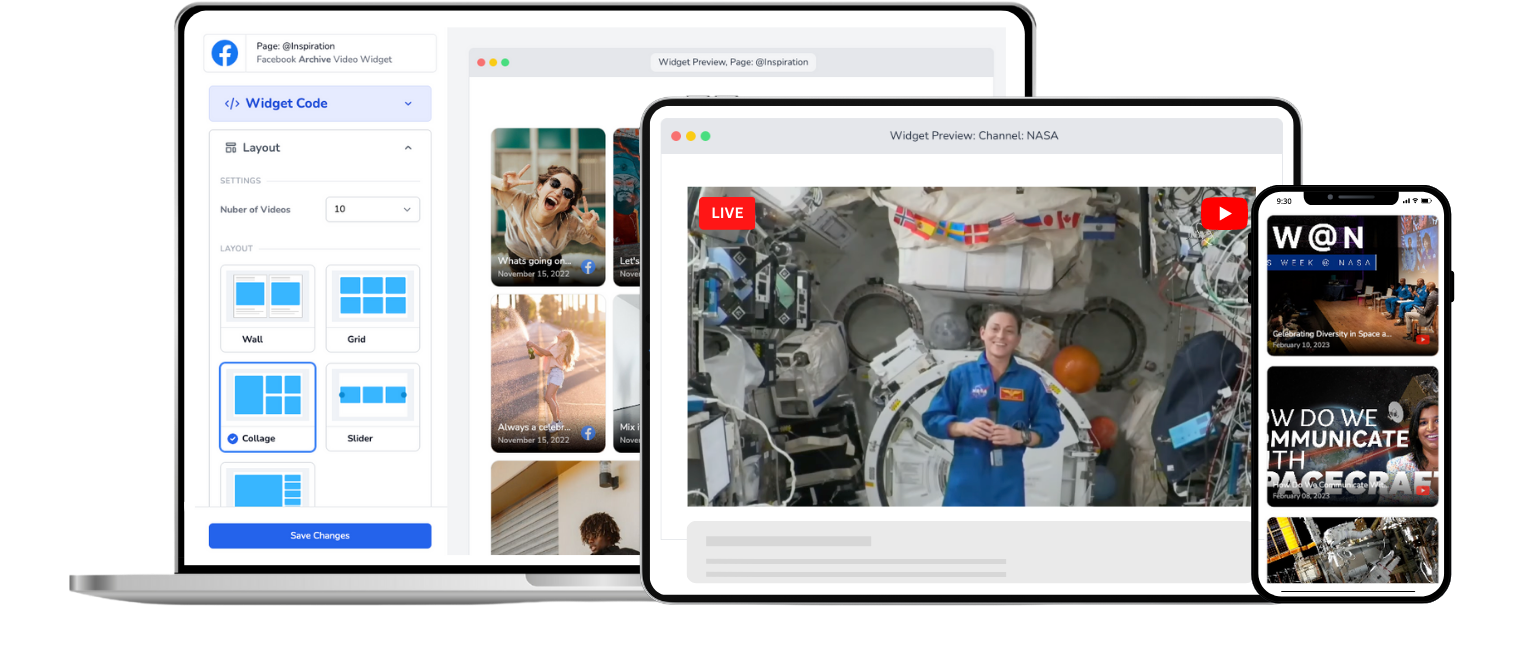
Church Live Stream for WordPress
Add your church's Facebook or YouTube live stream to any WordPress page. One-time setup, automatic live detection, no plugin required.
Trusted by 800+ churches
Your Church Already Streams. Now Put It on WordPress.
Your church streams every Sunday on Facebook or YouTube. But if your website runs on WordPress, getting that live stream onto your site shouldn't require a new plugin, a developer, or 15 minutes of panic before every service.
Most WordPress live stream plugins only work with YouTube. That's a problem when 83% of churches stream on Facebook. And the ones that do support Facebook still need you to update an embed code every single time you go live.
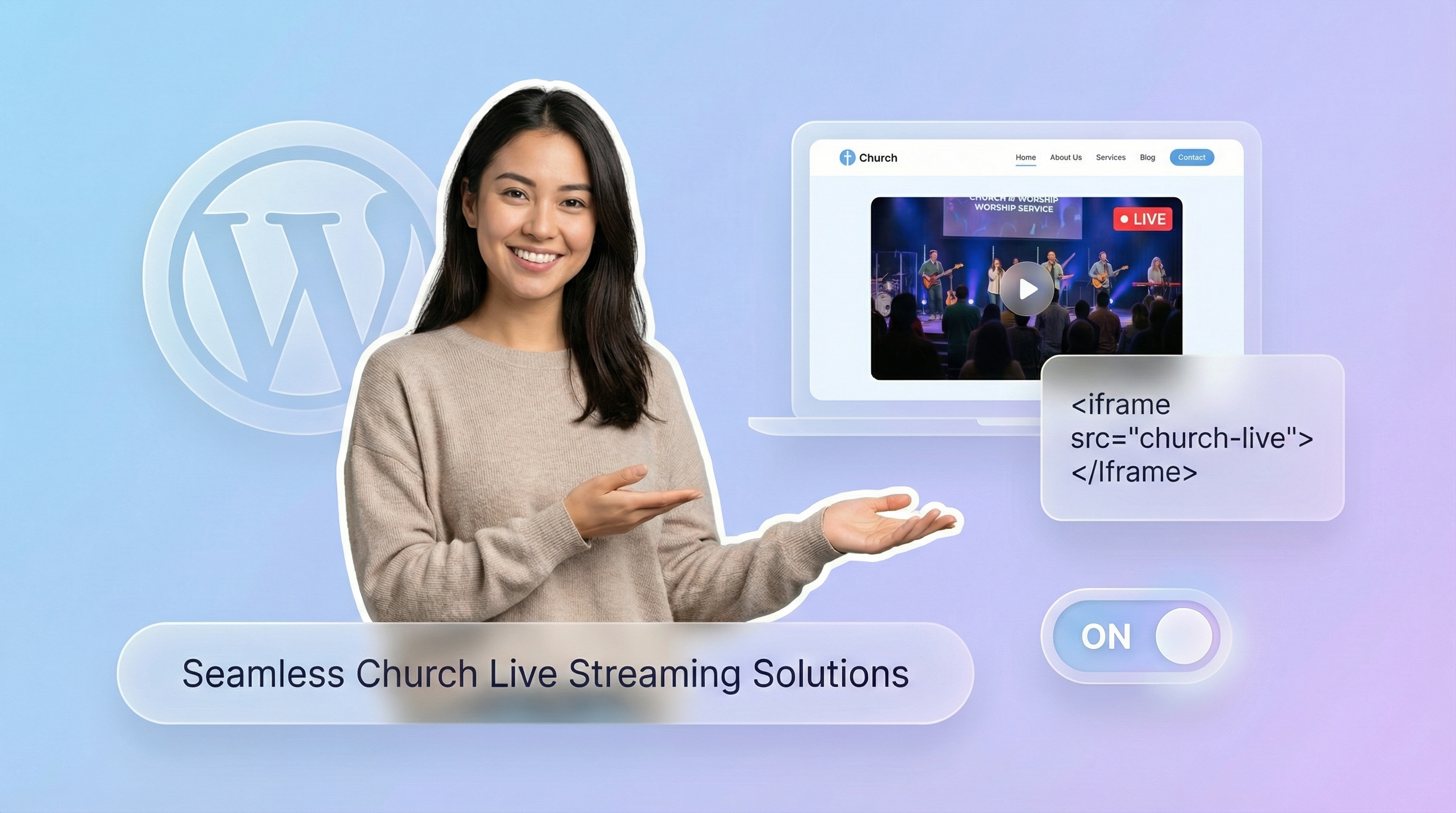
EmbedVidio takes a different approach. Instead of installing a plugin, you paste one embed code into any WordPress page. It works with Gutenberg, Elementor, Divi, or any page builder that supports custom HTML. Once it's there, it detects when you go live on Facebook or YouTube and starts streaming automatically. No page refresh. No manual updates. No Sunday morning scramble.
For a step-by-step guide, see how to embed live video on WordPress.
How to Add a Church Live Stream to WordPress
Get your church live stream on WordPress in under 5 minutes. No coding required.
Step 1
Connect
Securely connect your church's Facebook Page or YouTube channel with EmbedVidio.
Step 2
Embed
Add a one-time embed code to your WordPress page using any page builder, Gutenberg block, or the Classic Editor.
Step 3
Go Live
Go live from your Facebook Page or YouTube channel ... watch your church service stream automatically on your WordPress site.
Everything You Need to Stream Church Services on WordPress
Built for church volunteers who want a reliable live stream on their WordPress site without the technical headaches.
Automatic Live Detection
EmbedVidio detects your live stream within seconds on Facebook and minutes on YouTube. Your WordPress page updates automatically with no action from your team.
One-Time Embed Code
Paste it once into any WordPress page or post. That's it. The code never changes, no matter how many times you go live.
Facebook and YouTube Support
Unlike most WordPress plugins that only support YouTube, EmbedVidio works with both Facebook Pages and YouTube channels. Stream wherever your church already broadcasts.
Previous Service Library
When you're not live, the widget displays your recent recorded services. Members can catch up on sermons they missed anytime.
Multiple Layout Options
Choose from wall, grid, slider, carousel, or collage layouts. Match the look of your WordPress theme for a clean, professional appearance.
No Plugin Required
EmbedVidio runs via a lightweight JavaScript embed. No WordPress plugin to install, update, or worry about conflicting with your other plugins.
No Plugin Means No Headaches
WordPress plugins break. They conflict with themes, slow down your site, and need constant updates. EmbedVidio skips all of that. It's a simple embed code that works independently of your WordPress installation. No plugin updates, no compatibility issues, no security patches to worry about. Your live stream just works, every time. For detailed setup instructions, see our WordPress live video guide.

Reach the Members Who Aren't on Facebook
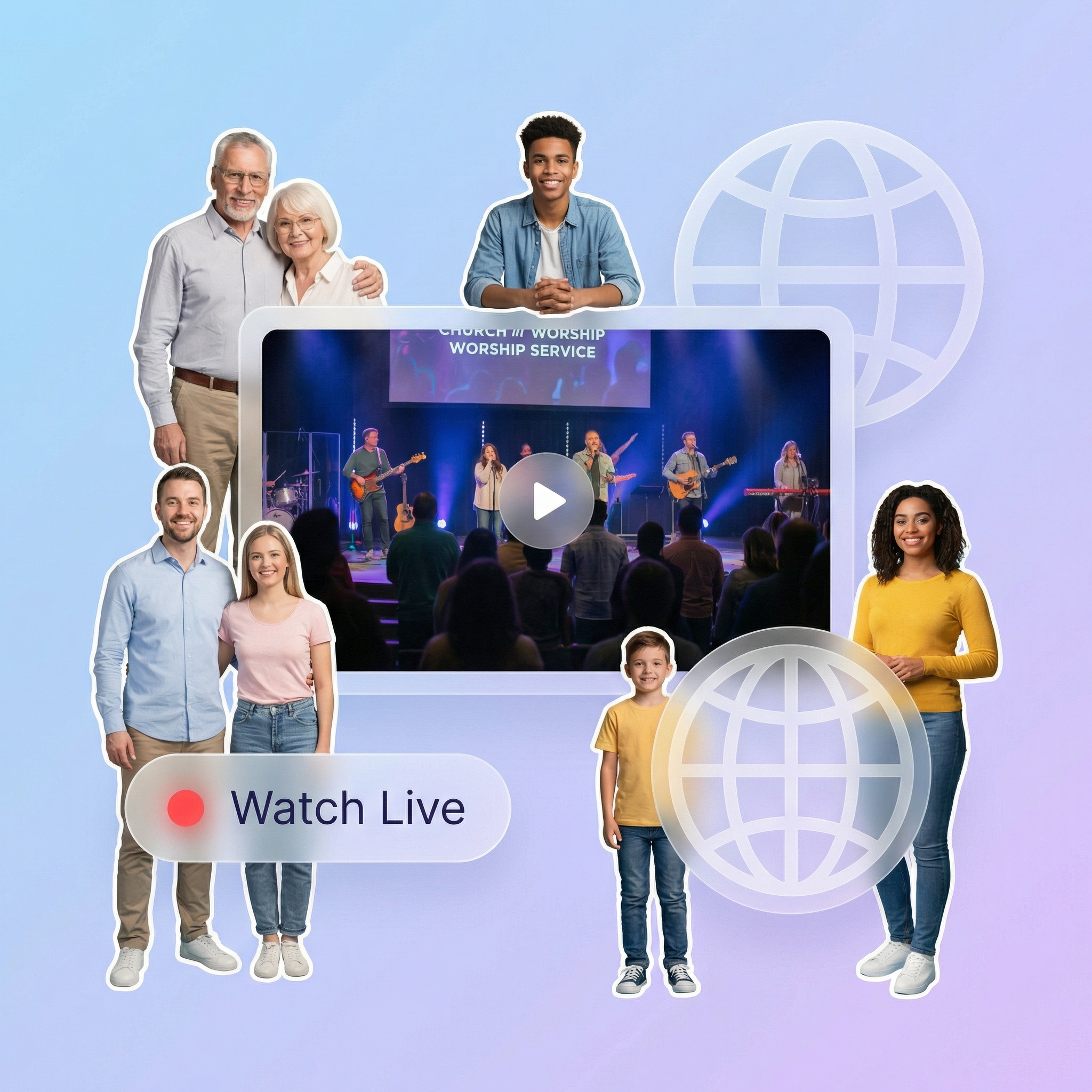
Roughly 30% of adults don't use Facebook. For older congregation members, that number is even higher. When your live stream only exists on social media, you're leaving faithful members behind. A widget on your church website gives everyone a direct, simple link to watch. No login. No account. Just your service, playing on your site.
Eliminate the Sunday Morning Scramble
If you're the tech volunteer at your church, you know the routine. Sunday morning, scrambling to grab the new embed code, update the WordPress page, and pray it works before the pastor starts. EmbedVidio ends that cycle. Set it up once and your job is done. The widget detects your live stream automatically, every week, for every service.
What they say about EmbedVidio
People can go to our website to watch our live or latest video without the confusion of facebook
Jeff Goin
Redeemer Lutheran Green Bay
People can go to our website to watch our live or latest video without the confusion of facebook.
Steven Antonio
Mary Queen of the Apostles Parish - Salem MA
EmbedVidio allows our members without Facebook to view our livestream worship services on our website.
Patti Grayson
Hilton Presbyterian Church
Frequently Asked Questions
Everything you need to know about embedding live streams on your website.
It takes three steps. First, create an EmbedVidio account and connect your church's Facebook Page or YouTube channel. Second, copy the embed code from your EmbedVidio dashboard. Third, paste it into any WordPress page using a Custom HTML block in Gutenberg, an HTML widget in Elementor, or a Code block in any other page builder. The whole process takes less than five minutes. For a detailed walkthrough, check our WordPress embed guide.
No. EmbedVidio works through a lightweight JavaScript embed code, not a WordPress plugin. You paste it once into any page or post, and it handles everything from there. This means no plugin conflicts, no update notifications, and no risk of compatibility issues with your theme or other plugins.
EmbedVidio works with every WordPress page builder that supports custom HTML. That includes Gutenberg (the default WordPress editor), Elementor, Divi, Beaver Builder, WPBakery, and Oxygen. You can also paste the embed code directly into the Classic Editor's text view.
Yes, and this is a key difference from most WordPress church streaming plugins, which only support YouTube. EmbedVidio connects to both Facebook Pages and YouTube channels. Since the majority of churches stream on Facebook, this dual-platform support matters. You can even connect both accounts to a single widget.
When you're not live, the widget displays your most recent recorded services in a video gallery. Members can browse and watch past sermons anytime. You can also upload a custom placeholder image if you prefer a specific look when no videos are available.
Plans start at $9 per month, or $7 per month when billed yearly. Every plan includes all features. The only difference between plans is the number of widgets you can create. Most churches need just one or two. EmbedVidio offers a 7-day free trial with no credit card required, so you can test everything before committing. Compare that to full streaming platforms like BoxCast that charge $100+ per month.
Related Resources
Explore more guides and comparisons
Start Streaming Church Services on WordPress Today
Join over 800 churches that use EmbedVidio to automatically stream Facebook Live and YouTube Live on their WordPress websites. One-time setup, works with any page builder, and your live stream updates automatically every week. Start your free 7-day trial with no credit card required.