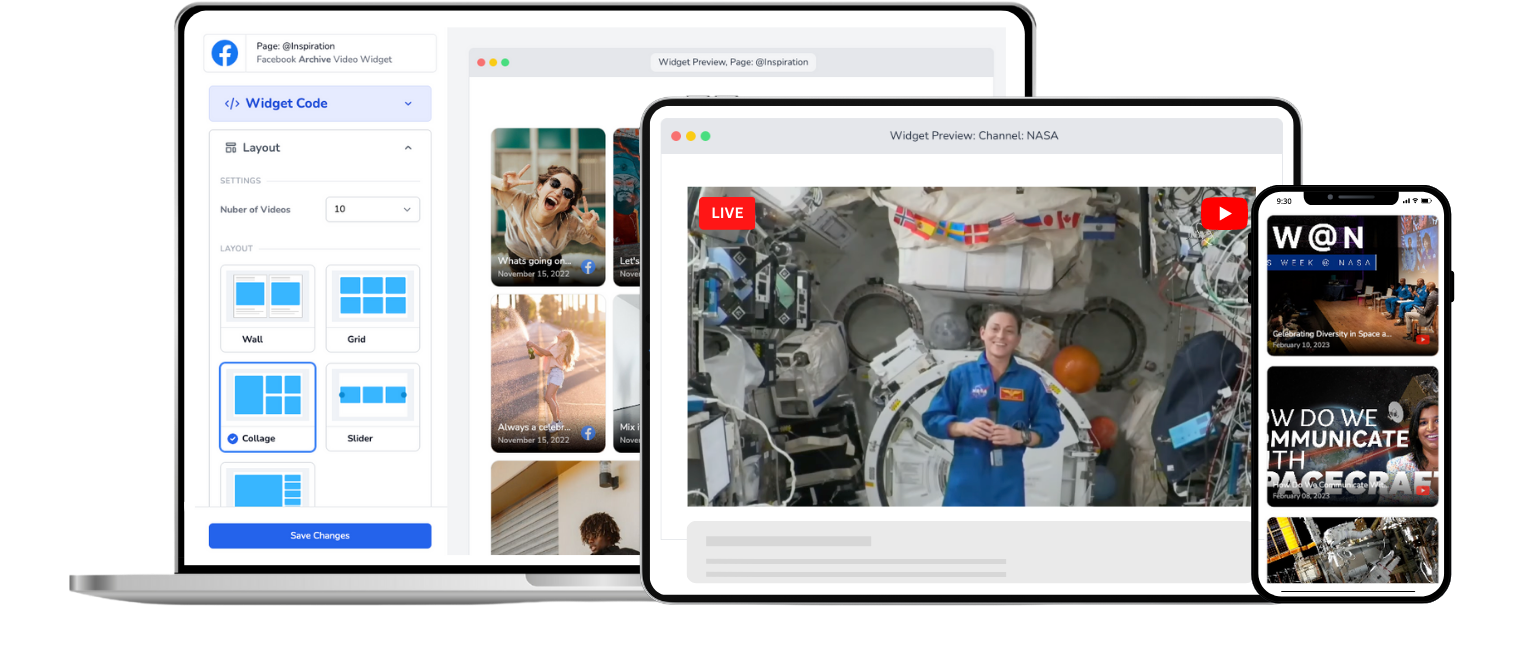
Church Live Stream for Squarespace
Embed your church's Facebook or YouTube live stream on any Squarespace page. One-time setup, automatic live detection, no app required.
Trusted by 800+ churches
Your Squarespace Church Site Deserves Live Streaming
Your church already streams on Facebook or YouTube every Sunday. But getting that live stream onto your Squarespace website? That's where things get frustrating.
Squarespace doesn't have a built-in live stream feature. YouTube embed URLs with /live don't even work. And most solutions like SociableKIT make you create separate widgets for Facebook and YouTube, meaning double the setup and double the maintenance.
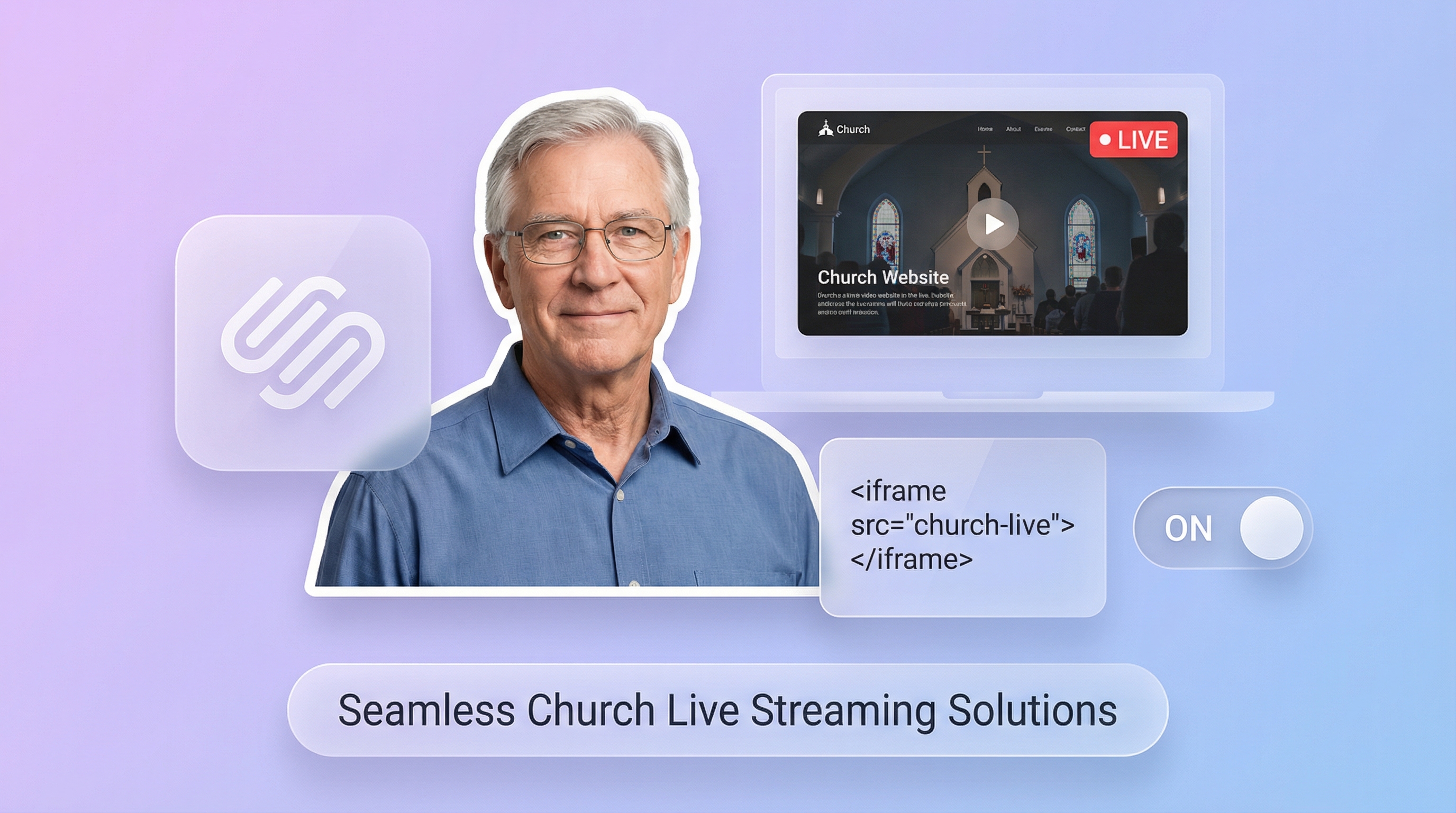
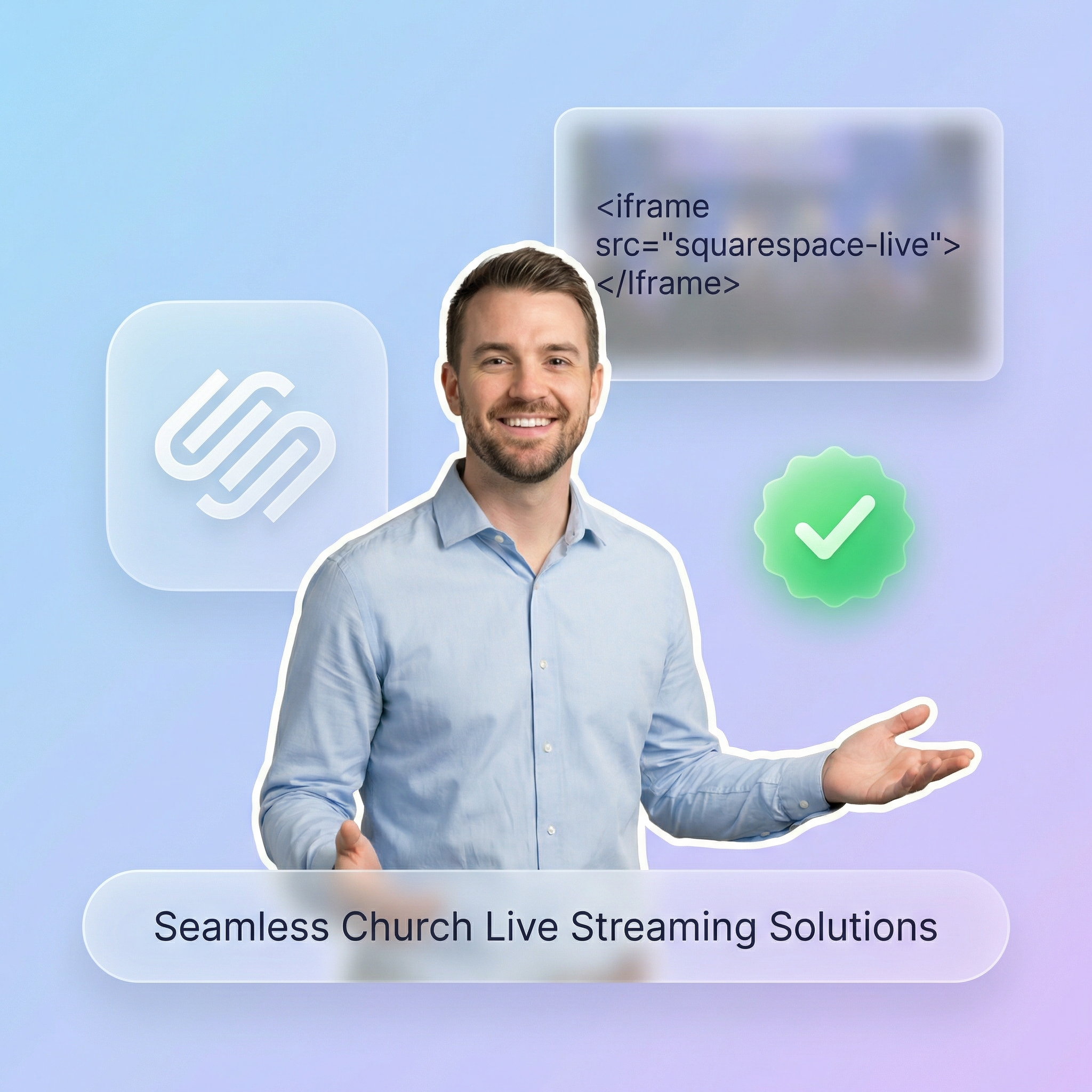
EmbedVidio handles it differently. You paste one embed code into a Squarespace Code Block, and it works with both Facebook and YouTube in a single widget. When you go live on either platform, the stream starts playing on your site automatically. No page refresh. No manual updates. No swapping embed codes before the sermon starts.
For a step-by-step walkthrough, check our guide to embedding live video on Squarespace.
How to Add a Church Live Stream to Squarespace
Get your church live stream on Squarespace in under 5 minutes. No coding required.
Step 1
Connect
Securely connect your church's Facebook Page or YouTube channel with EmbedVidio.
Step 2
Embed
Add a one-time embed code to your Squarespace page using a Code Block. Works on any page or section.
Step 3
Go Live
Go live from your Facebook Page or YouTube channel ... watch your church service stream automatically on your Squarespace site.
Everything You Need to Stream Church Services on Squarespace
Built for church volunteers who want a reliable live stream on their Squarespace site without the technical headaches.
Automatic Live Detection
EmbedVidio detects your live stream within seconds on Facebook and minutes on YouTube. Your Squarespace page updates automatically with no action from your team.
One-Time Embed Code
Paste it once into a Squarespace Code Block. That's it. The code never changes, no matter how many times you go live or switch streaming platforms.
Facebook and YouTube Together
Connect both your Facebook Page and YouTube channel to a single widget. Most competitors make you choose one or create separate widgets. EmbedVidio handles both.
Previous Service Library
When you're not live, the widget displays your recent recorded services. Members can catch up on sermons they missed, right from your Squarespace site.
Multiple Layout Options
Choose from wall, grid, slider, carousel, or collage layouts. Pick the style that matches your Squarespace template for a polished, professional look.
No App or Plugin Needed
EmbedVidio runs through a lightweight JavaScript embed. No Squarespace extensions, no third-party apps, no extra monthly fees from the Squarespace marketplace.
It Works Natively with Squarespace's Code Block
You don't need to install an app, subscribe to an extension, or switch website platforms. EmbedVidio works with Squarespace's built-in Code Block, available on Business plans and higher. Drop the embed code onto any page and your live stream is ready. For a detailed walkthrough, see our Squarespace live video guide.
Reach the Members Who Aren't on Facebook
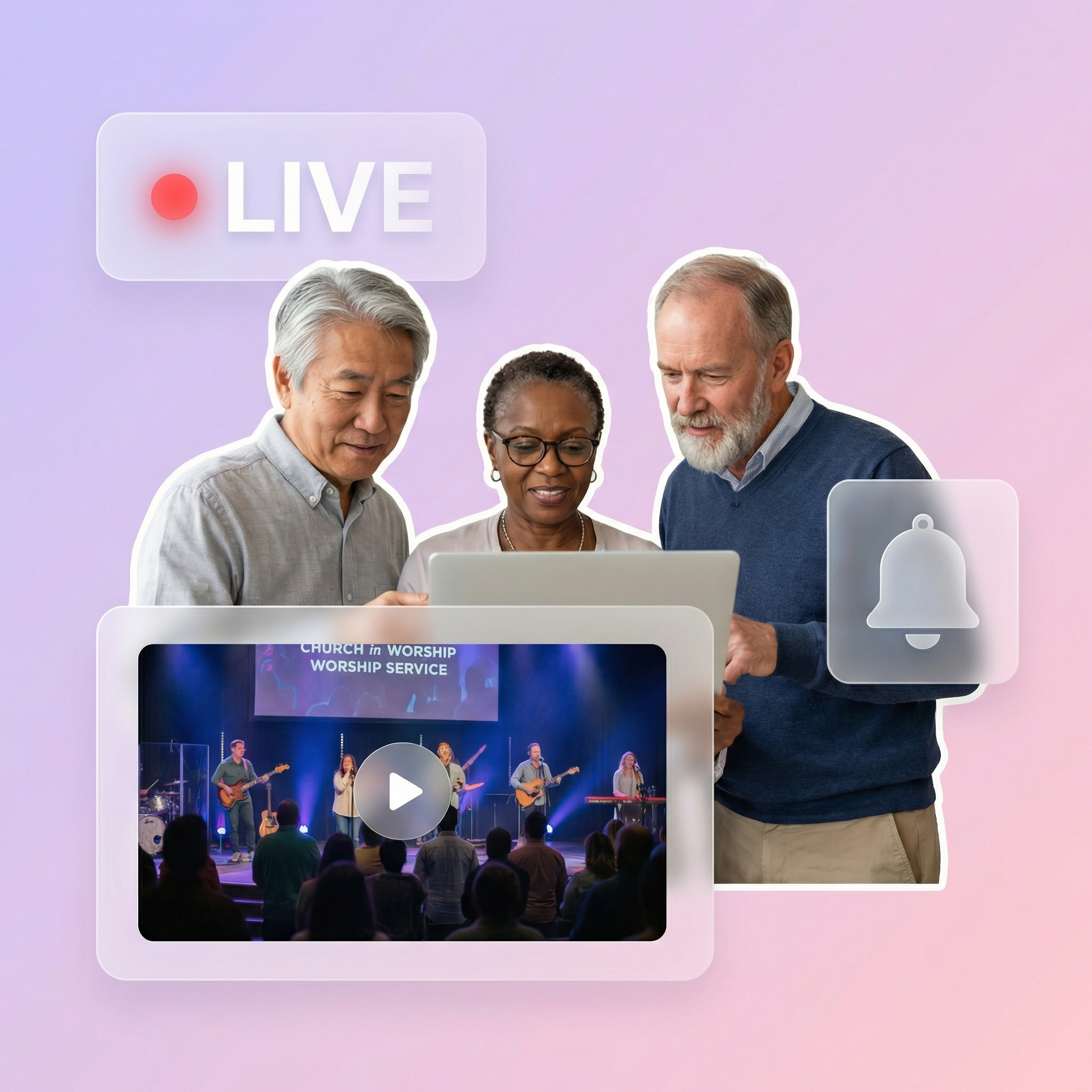
Roughly 30% of adults don't use Facebook. For older congregation members, that number is even higher. When your live stream only exists on social media, you're leaving faithful members behind. A widget on your church website gives everyone a direct, simple link to watch. No login. No account. Just your service, playing on your Squarespace site.
No More Weekly Embed Code Swaps
Squarespace doesn't auto-detect live streams. Without EmbedVidio, you'd need to grab a new YouTube URL or Facebook embed code every single week, paste it into your Code Block, and hope it works before the service starts. EmbedVidio eliminates that entire routine. Set it up once, and the widget handles every future live stream automatically.
What they say about EmbedVidio
Every day we stream the daily mass via Facebook Live.
With EmbedVidio we now have a permanent embed streaming Facebook Live to our .org website!
Gabriel Gaud Burgos
Soy Claretiano
EmbedVidio is great! It allowed us to add an automatic Facebook live stream to our Squarespace website
Malynda Tamang
River Church of Juniata County
We needed a reasonably priced way to embed our FB live streaming during COVID. This was the perfect solution for our needs.
Isaac M Chartoff
Temple Etz Chaim
Frequently Asked Questions
Everything you need to know about embedding live streams on your website.
Three steps. First, create an EmbedVidio account and connect your church's Facebook Page or YouTube channel. Second, copy the embed code from your EmbedVidio dashboard. Third, add a Code Block to any Squarespace page and paste the embed code. The whole process takes less than five minutes. For a full walkthrough, see our Squarespace embed guide.
Yes. You'll need a Squarespace Business plan or higher to use Code Blocks. The Personal plan doesn't support custom code injection. If you're on a Personal plan, upgrading to Business gives you Code Blocks plus other features like promotional pop-ups and advanced analytics. Most churches running a full website are already on Business or Commerce.
Yes. This is a key advantage over competitors like SociableKIT, which requires separate widgets for each platform. EmbedVidio connects both your Facebook Page and YouTube channel to a single widget. When you go live on either platform, the stream starts automatically on your Squarespace page.
When you're not live, the widget displays your most recent recorded services in a video gallery. Members can browse and watch past sermons anytime. You can also upload a custom placeholder image if you prefer a specific look between services.
Yes. EmbedVidio offers five layout options: wall, grid, slider, carousel, and collage. You can pick the one that best matches your Squarespace template. The widget is fully responsive and adapts to any screen size, so it looks good on desktop, tablet, and mobile.
Plans start at $9 per month, or $7 per month when billed yearly. Every plan includes all features. The only difference between tiers is the number of widgets you can create. Most churches need just one. EmbedVidio offers a 7-day free trial with no credit card required. Compare that to full church streaming platforms like BoxCast that charge $100+ per month, or switching your entire website to their platform.
Related Resources
Explore more guides and comparisons
EmbedVidio vs Church Online Platform
How to Embed Live Video on Squarespace
Live Selling Embed for Website
EmbedVidio vs SociableKIT
Embed Online Class Livestream
How to Set Up a Church Live Stream on Your Website
Start Streaming Church Services on Squarespace Today
Join over 800 churches that use EmbedVidio to stream Facebook Live and YouTube Live on their websites. One-time setup, works with Squarespace's Code Block, and your live stream updates automatically every week. Start your free 7-day trial with no credit card required.