YouTube Live Stream WordPress Plugin
Easy to use one-time embed. Set it once and forget it.
Trusted by 1000's of websites
Create a YouTube Live Widget for Your Website in Minutes
WordPress makes embedding a regular YouTube video easy: paste the URL and it shows up. Live streams are the catch. YouTube gives every live broadcast its own URL and embed code, so the usual WordPress trick does not work, and you would have to update your page with a fresh code every single time you go live.
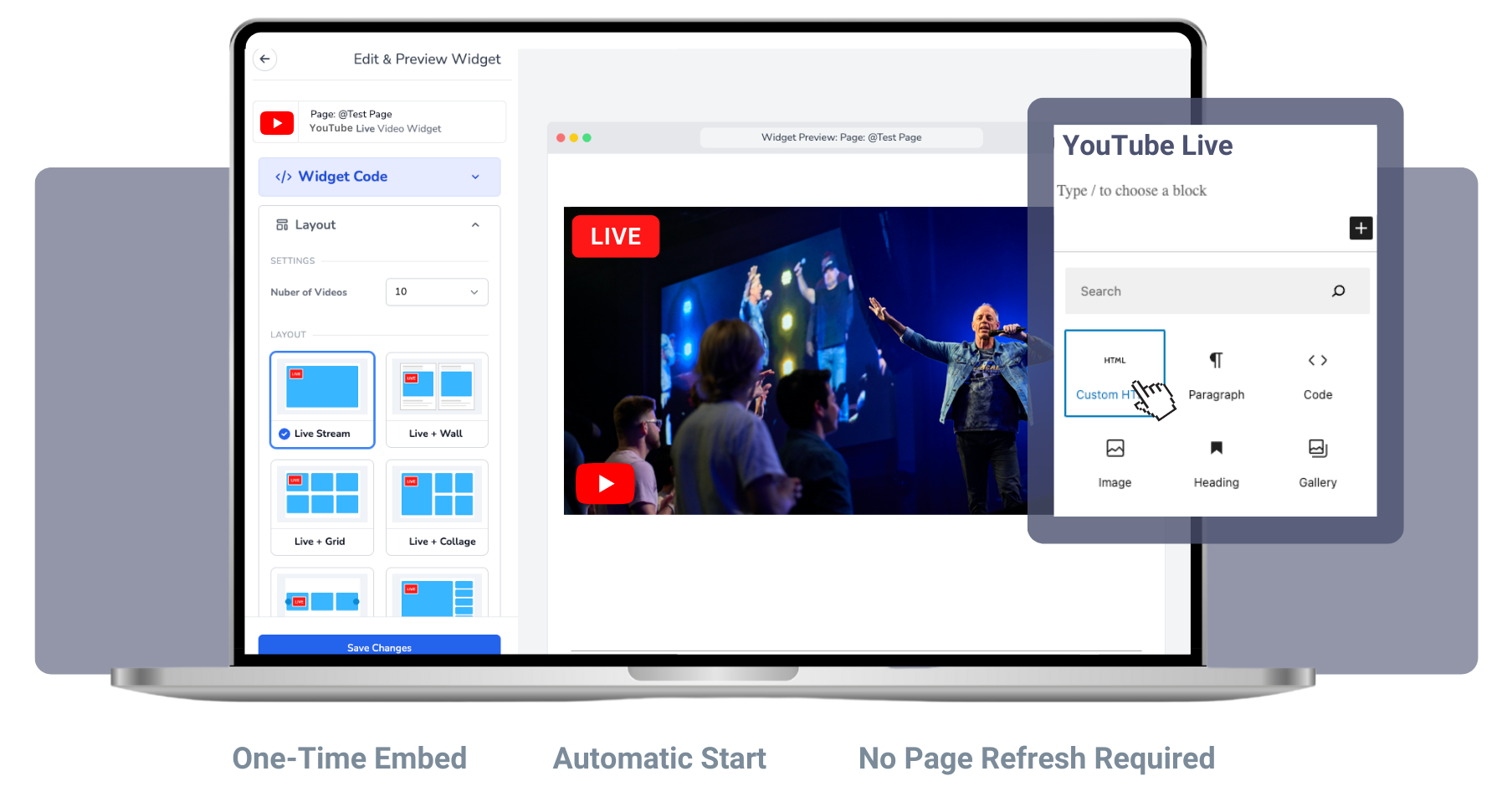
EmbedVidio handles it for you. It is not a heavy WordPress plugin, just one embed code you drop into a Custom HTML block once. From then on, it detects your YouTube live stream and plays it on your WordPress site automatically, within about ten seconds, with no page refresh and no code swapping. When you are not live, it shows your recent YouTube videos so the page is never empty.
It works with Elementor, Divi, Gutenberg, and any theme. See the full WordPress setup guide to embed your YouTube live stream in a few minutes.
How to embed YouTube Live on your WordPress website?
Start live streaming YouTube Live on your WordPress website in 3 easy steps.
Step 1
1. Connect
Use your YouTube Channel ID to create a EmbedVidio embeddable widget.
Step 2
2. Embed
Simply add your one time embed code to the Wordpress webpage you want to stream live to.
Step 3
3. Go Live
Go Live from your YouTube channel... watch your YouTube live video stream automatically on your WordPress webpage.
Live stream on your WordPress website with YouTube Live.
Do you live stream from YouTube? Would you like be able to embed YouTube Live on your WordPress website? Well, you’ve come to the right place! Does NOT require the 1000 follower minimum.
Live on your website
With EmbedVidio, you can embed YouTube Live directly on your WordPress website. Get started right away!
Placeholder Image or Video
Want to show a custom image or your last video when you are not live on YouTube? No problem, you can do that.
Automatic Start
There is no page refresh required, your live stream starts automatically in less than 10 seconds after you go live.
One Time Embed
No more wasting time updating embed codes every time you want to go live. Embed once and stream live every time.
Previous Video Templates
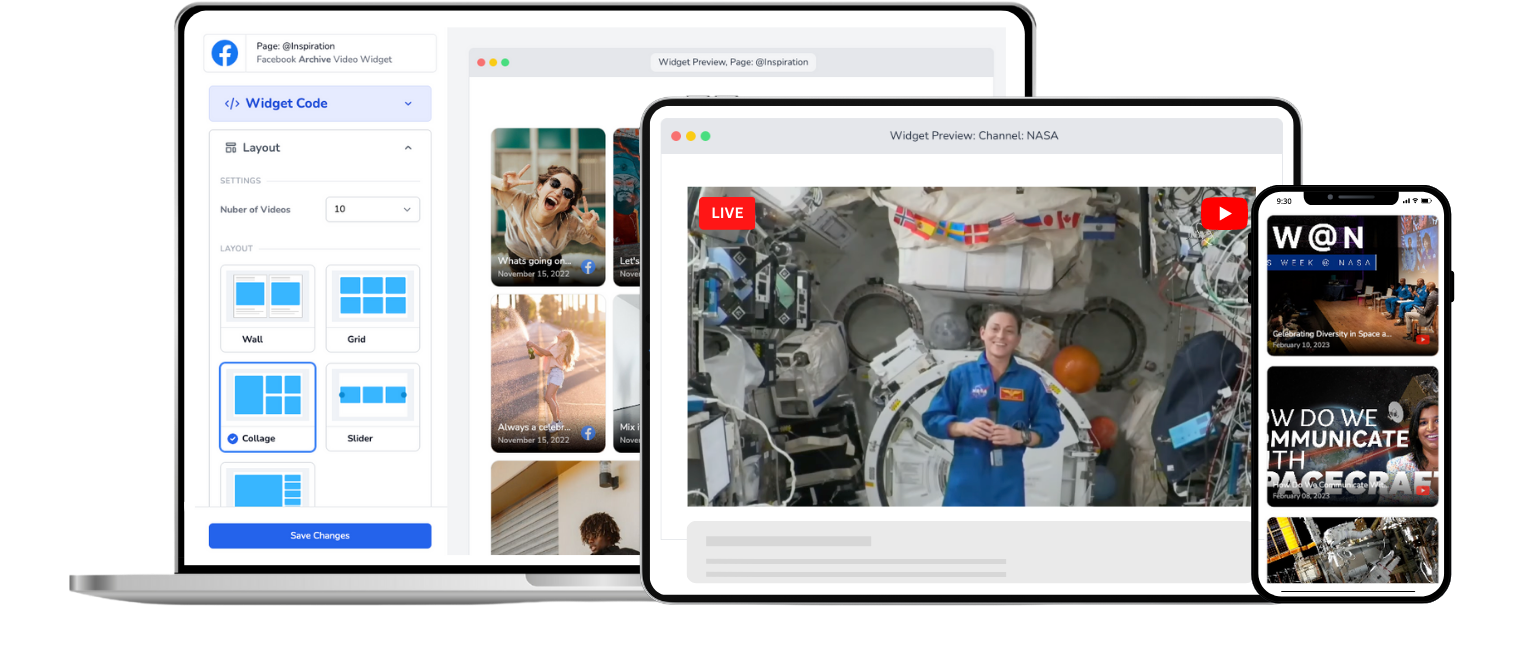
Use one of our beautifully designed video templates to show all of your YouTube videos when you are not live.
Distraction Free
There are a lot of distractions on YouTube. Keep your audience focused on your website and YouTube Live video.
A YouTube embed that actually works for live streams
WordPress lets you paste a YouTube URL and it auto-embeds. But that only works for saved videos. Live streams need a different approach because the URL changes every time you go live. EmbedVidio solves this by detecting your live stream automatically and displaying it on your WordPress site the moment you start broadcasting.

No plugin conflicts, no site slowdowns
Heavy WordPress plugins can break your theme, conflict with page builders, or slow your site to a crawl. EmbedVidio is a simple embed code, not a plugin. It works with Elementor, Divi, Gutenberg, and any theme. Your site stays fast and your live stream just works.

Your viewers stay on your site instead of disappearing to YouTube
YouTube's embedded player shows recommended videos when your stream ends. Viewers click one and they're gone, watching someone else's content. EmbedVidio's distraction-free player keeps people on your WordPress site where they can explore your pages, sign up for your list, or make a purchase.

What they say about EmbedVidio
EmbedVidio has been an essential component to reach those in our group who choose not to be on social media. Being able to stream and push content to our website has been so valuable.
Tim Lee
Pathway Community Church
I love being able to point people to our website to view our livestream broadcasts. Super helpful for non Facebook users.
Paul Amlin
The Water of Life Conference, ELCA
Every day we stream the daily mass via Facebook Live.
With EmbedVidio we now have a permanent embed streaming Facebook Live to our .org website!
Gabriel Gaud Burgos
Soy Claretiano
Frequently Asked Questions
Everything you need to know about embedding live streams on your website.
EmbedVidio works like a YouTube Live plugin for WordPress but without the typical plugin headaches. You paste a single embed code into a Custom HTML block in WordPress, and your YouTube live streams appear on your site automatically.
No plugin installations, no updates, no compatibility issues with your theme. It just works.
Connect your YouTube channel to EmbedVidio, copy the embed code, and paste it into a Custom HTML block on any WordPress page or post. For step-by-step instructions, see our WordPress embedding guide.
After that one-time setup, every YouTube Live stream you start plays on your WordPress site automatically. No manual updating required.
Yes. When you go live on YouTube, EmbedVidio detects the stream and starts playing it on your WordPress page within seconds. Visitors already on the page see it appear in real time without needing to refresh.
This is a significant improvement over traditional WordPress plugins that can take minutes to detect streams and require page reloads.
The widget automatically switches to displaying your recent YouTube videos. You can choose from six layouts including wall, grid, collage, slider, carousel, and single video. Your WordPress page always has content, even between live streams.
You can also configure a custom placeholder image if you prefer a static display when offline.
Yes. EmbedVidio supports YouTube, Facebook, and Twitch on the same widget. Connect all your platforms, and the widget detects whichever one goes live.
This means one embed code on your WordPress site handles all your streaming platforms. No need for separate plugins.
EmbedVidio starts at $9/month (or $7/month billed yearly) for up to 3 widgets. All plans include automatic live detection, every layout template, and multi-platform support for YouTube, Facebook, and Twitch.
We offer a free 7-day trial with no credit card required. Set it up on your WordPress site and test it with a real YouTube Live broadcast before committing.
Related Resources
Explore more guides and comparisons
More than just YouTube Live WordPress Plugin
EmbedVidio's social video widgets allow you to do much more than embedding YouTube Live. Our templates allow you to create video widgets for business and marketing purposes, while embedding live streams from Facebook, Twitch, and other providers. Join many churches, gamers, instructors, musicians, and more who use EmbedVidio for embedding social media videos on their websites. Start your Free Trial today!